Adobe Experience Manager Fundamentals
Introduction to AEM
What Is AEM?
Adobe Experience Manager, or AEM, is a powerful tool for building and managing websites, mobile apps, and online forms. Think of it as the central nervous system for a company's digital presence. It handles the content that customers see and interact with across all of a company's channels.
At its heart, AEM is a Content Management System (CMS). A CMS allows people to create, edit, and publish digital content without needing to write code for every change. Instead of asking a developer to update a headline, a marketing team member can log in and change it themselves. But AEM goes a step further. It's often called a Digital Experience Platform (DXP) because it doesn't just manage content—it helps orchestrate the entire customer journey, from the first ad they see to the support page they visit after a purchase.
The Building Blocks of AEM
AEM's architecture is designed to separate the work-in-progress from the final, live website. This is managed through two primary types of environments: Author and Publish.
Author Environment: This is the private, internal workspace. Content creators, marketers, and developers log in here to build pages, upload images, and manage all the raw materials of the website. It's like a chef's kitchen—messy, creative, and not for public viewing.
Publish Environment: This is the live, public-facing website. When content is ready, it's moved from the Author environment to the Publish environment in a process called "activation" or "publishing." This server is optimized to deliver pages quickly and reliably to visitors around the world.
This separation is crucial. It ensures that visitors to the live site never see half-finished work or encounter errors while a developer is making changes. It provides a safe, stable experience for the end-user while giving internal teams the flexibility to experiment and build.
AEM's Core Capabilities
AEM is not a single, monolithic tool. It's a suite of powerful modules that work together. The three most fundamental modules are Sites, Assets, and Forms.
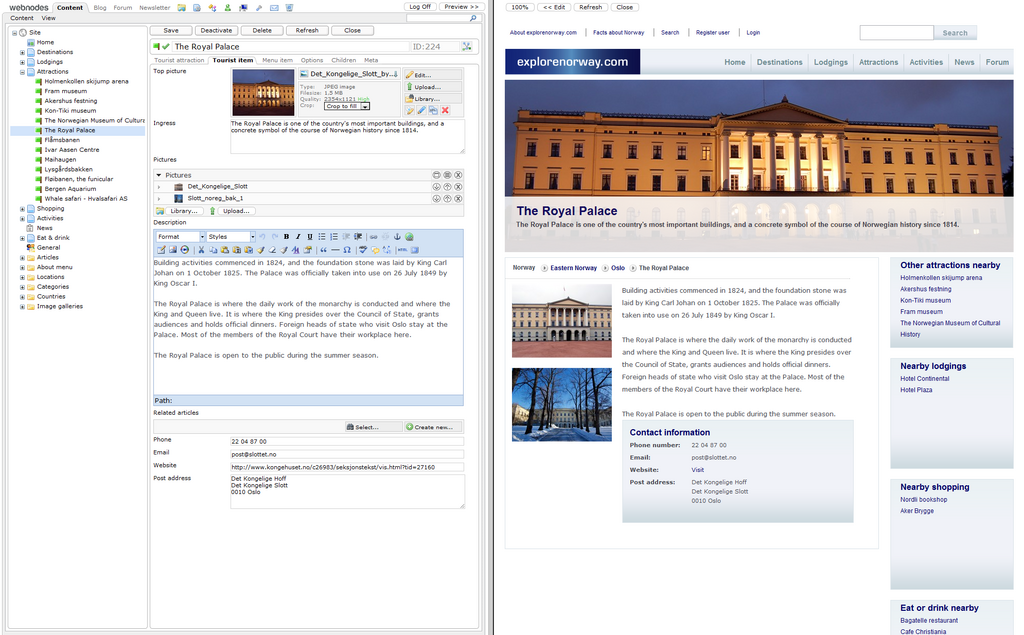
AEM Sites is the foundation for building websites. It provides the tools to create and manage web pages using a system of templates and reusable components. A component could be anything from a simple text block or an image to a complex product carousel. This modular approach allows companies to maintain a consistent brand look and feel while giving authors the flexibility to assemble pages to meet their needs.
AEM Assets is the digital library for all of a company's media. It's a centralized location to store, organize, and deliver images, videos, documents, and audio clips. AEM Assets is much more than a simple file folder. It can automatically tag images using artificial intelligence, manage copyrights, and crop a single master image into dozens of different sizes for different devices and channels. When a marketer needs a photo for a new webpage, they pull it directly from AEM Assets, ensuring they're always using the latest, approved version.
AEM Forms lets businesses create and manage interactive forms that connect to their back-end systems. These can range from a simple contact form to a complex loan application. With AEM Forms, you can create forms that adapt to the user's device, pre-fill information for known customers, and allow for digital signatures. This streamlines the data collection process and makes it easier for customers to interact with the business.
Together, these three modules provide a unified platform for managing the core elements of a digital experience: the web pages people visit, the media they see, and the forms they use to submit information.