Acquiring WordPress Hosting
Understanding WordPress.org
The Two Flavors of WordPress
When people talk about building a website with WordPress, they're usually referring to one of two different things: WordPress.org or WordPress.com. They share a name, but they function very differently. Think of it as the difference between owning a house and renting an apartment.
WordPress.org is the self-hosted version. This means you download the free WordPress software and install it on your own web hosting account. It's like buying a plot of land and building your own house. You have total freedom over the design, the features, and what you do with it. You're in complete control.
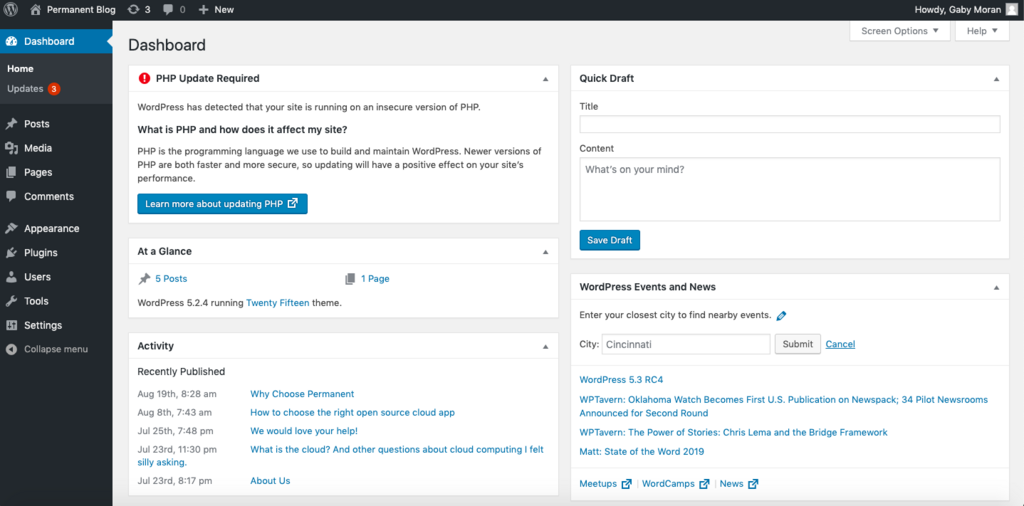
WordPress.com, on the other hand, is a for-profit service that handles the hosting for you. This is like renting an apartment. It's easier to get started, and the landlord (WordPress.com) takes care of maintenance. But you have rules to follow. You can't knock down walls or install whatever you want without permission, and your customization options are limited, especially on the free plan.
A Quick Comparison
| Feature | WordPress.org (Self-Hosted) | WordPress.com (Hosted) |
|---|---|---|
| Cost | Software is free, but you pay for domain & hosting. | Free plan with limited features; paid plans available. |
| Domain Name | Custom domain (e.g., yoursite.com). | Free subdomain (e.g., yoursite.wordpress.com) or paid custom domain. |
| Customization | Install any theme or plugin you want. | Limited to themes and plugins available on your plan. |
| Monetization | Run any ads, sell products, no restrictions. | Restrictions on advertising, may require a paid plan. |
| Maintenance | You are responsible for updates and security. | Handled for you by WordPress.com. |
Why Choose Self-Hosting?
The main advantage of WordPress.org is freedom. You have complete control over every aspect of your website. You can install any of the thousands of free and premium themes to change your site's design in an instant. You can also add functionality using plugins for things like e-commerce, contact forms, photo galleries, and more.
With WordPress.org, you have the flexibility to build any kind of website you can imagine, from a simple blog to a full-featured online store.
This freedom extends to making money from your site. With a self-hosted site, you can run your own ads, participate in any affiliate network, and create an online store to sell products directly. You keep all the revenue. On WordPress.com, your options are often limited or require upgrading to a more expensive plan.
✅ Verdict: If you’re serious about building and monetizing a blog, invest in WordPress.org with reliable web hosting from the start.
What You Need to Get Started
While the WordPress software itself is free, setting up a self-hosted site requires two things:
-
A domain name: This is your website's address on the internet, like
google.comoryourwebsite.com. You'll register this name, usually for an annual fee. -
A web hosting account: This is where your website's files are stored. Think of it as the plot of land where you build your house. You rent this space from a hosting company.
Most web hosting companies offer simple, one-click WordPress installations, so you don't need any technical skills to get up and running. Once you have your domain and hosting, you're ready to start building.