Accessible Document Design for GOV.UK
Understanding Accessible Document Design
What Makes a Document Accessible?
An accessible document is one that can be easily read and understood by everyone, including people with disabilities. It’s about creating content that doesn’t leave anyone behind.
Think about the different ways people interact with information. Some people use screen readers that read text aloud. Others might have motor impairments that make using a mouse difficult. Some may have cognitive disabilities, like dyslexia, which affect how they process text. Accessible design considers these different needs from the very beginning.
Designing for accessibility benefits everyone, not just those with disabilities.
When a document is accessible, it means the information is available to the widest possible audience. It’s a fundamental part of inclusive communication.
The Legal Landscape
In the UK, accessibility isn't just a good idea; it's a legal requirement for certain organisations. The Public Sector Bodies (Websites and Mobile Applications) (No. 2) Accessibility Regulations 2018 is a key piece of legislation.
This law mandates that public sector bodies, like government departments, councils, and some universities, must make their websites and mobile apps accessible. This includes the documents they host, such as PDFs and Word files. The goal is to ensure that public services and information are open to all citizens, without barriers.
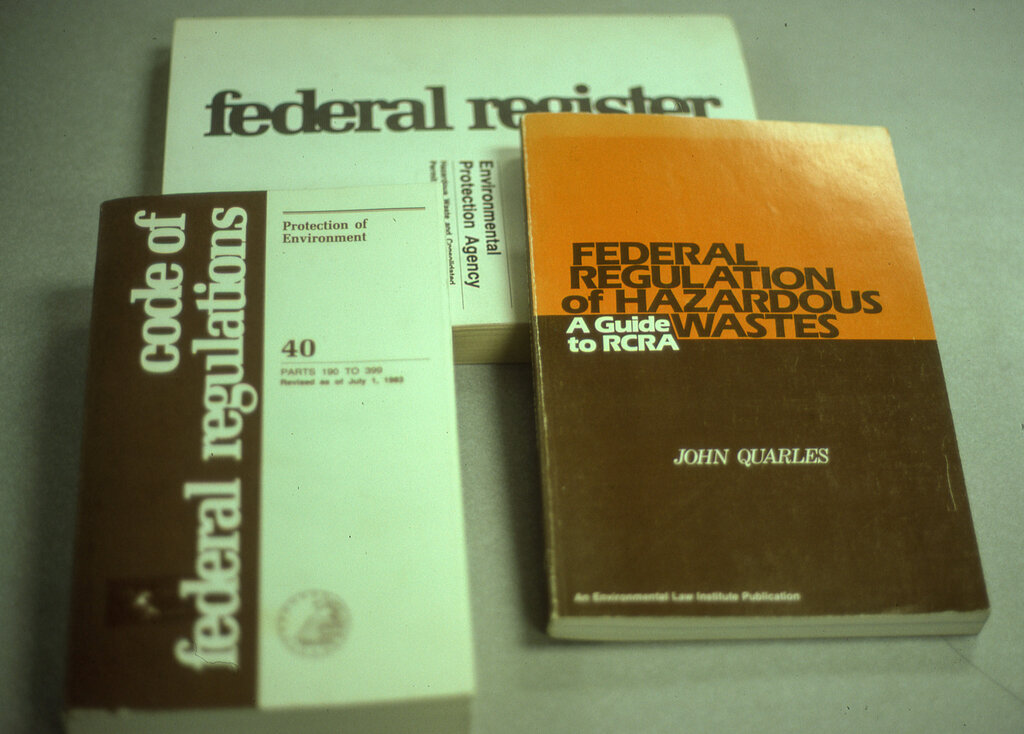
Failing to meet these standards can result in legal challenges and, more importantly, excludes people from accessing essential information.
Beyond Compliance
The benefits of accessible documents extend far beyond meeting legal duties. Good design practices improve the experience for every user.
For example, a well-structured document with clear headings is easier for everyone to scan. It's also much easier to navigate on a mobile phone, where you have limited screen space. Content that is written in plain language helps not only people with cognitive disabilities but also those who are reading in a second language or are simply short on time.
Consider someone with a temporary injury, like a broken arm, who has to rely on keyboard navigation. Or someone trying to read a document in bright sunlight, who benefits from good colour contrast. These are situational limitations that can affect anyone.
Making documents accessible improves usability for all users in a wide range of situations.
Common Challenges
When documents aren't designed with accessibility in mind, they can create significant barriers for users with disabilities. Here are a few common problems:
| Challenge | Who it affects | Example |
|---|---|---|
| No alternative text for images | People who are blind or have low vision | A screen reader can't describe a chart, so the user misses key data. |
| Poor colour contrast | People with low vision or colour blindness | Light grey text on a white background becomes unreadable. |
| Lack of document structure | Screen reader users, people with cognitive disabilities | Without headings, a user can't skip to relevant sections and must listen to the entire document. |
| Non-descriptive links | Screen reader users | A list of links that all say "Click here" provides no context about where they lead. |
These issues can often make a document completely unusable for someone relying on assistive technology. By understanding these challenges, you can start to think about how to create documents that work for everyone.
What is the primary goal of creating an accessible document?
In the UK, which type of organisation is legally required to make their websites, apps, and documents accessible under the 2018 regulations?
Thinking about accessibility from the start is the most effective way to ensure your documents are inclusive.