Accessible Digital Content Creation
Introduction to Web Accessibility
Making the Web Work for Everyone
Web accessibility means designing websites, tools, and technologies so that people with disabilities can use them. It’s about making sure everyone can perceive, understand, navigate, and interact with the digital world. Think of it like adding a ramp to a building. The ramp is essential for someone in a wheelchair, but it also helps a parent pushing a stroller or a delivery person with a dolly. A more accessible design often creates a better experience for everybody.
The goal is to remove barriers that prevent people from accessing and interacting with websites and web applications.
When we talk about disabilities in this context, we’re referring to a wide range of conditions. This includes visual impairments like blindness or low vision, hearing impairments, motor difficulties that affect a person's ability to use a mouse, and cognitive disabilities like dyslexia or attention deficit disorders. It also includes temporary disabilities, like a broken arm, and situational limitations, like trying to use a phone in bright sunlight.
Why Accessibility Matters
Creating accessible content is not just a nice thing to do; it has practical benefits for users, creators, and businesses. When a website is accessible, it reaches a wider audience. More people can use your product or engage with your message. This can lead to better search engine optimization (SEO), as many accessibility best practices overlap with what search engines look for.
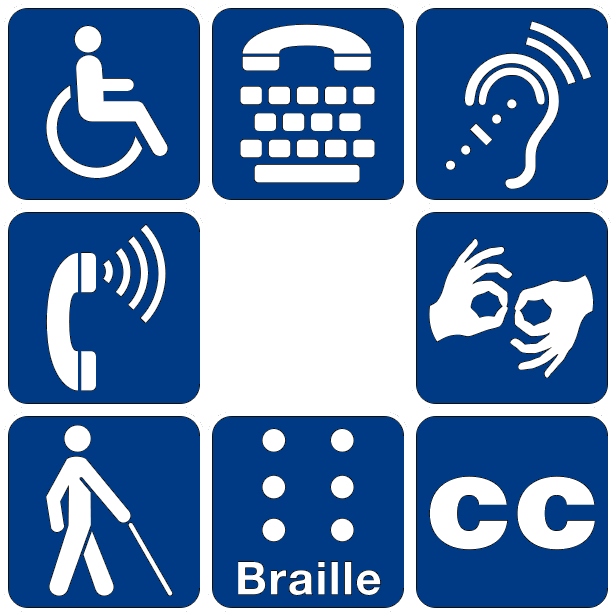
Moreover, accessible design improves the overall user experience. Features designed for accessibility often help all users. For example:
- Captions on videos are essential for people who are deaf or hard of hearing, but they also help people watch content in noisy environments or with the sound off.
- High-contrast color schemes help users with low vision, but they also make screens easier to read for everyone in bright sunlight.
- A clear, logical layout helps users with cognitive disabilities, but it also makes the site easier for anyone to navigate and find what they need.
Ultimately, an accessibility-first approach leads to a more robust, flexible, and user-friendly product.
Common Digital Barriers
When digital content isn't built with accessibility in mind, it creates frustrating barriers for many people. Imagine trying to understand a picture you can't see, or a video you can't hear. These are common challenges online.
| Barrier Type | Example Barrier |
|---|---|
| Visual | Images without descriptive text (alt text). A screen reader can't explain the image to a blind user. |
| Auditory | Videos or podcasts without captions or transcripts. Content is unavailable to deaf or hard-of-hearing users. |
| Motor | Websites that can only be navigated with a mouse. Users who rely on a keyboard or other assistive tech are stuck. |
| Cognitive | Overly complex navigation, flashing animations, or walls of dense text. This can be overwhelming for users with learning disabilities or attention disorders. |
These are just a few examples. Other issues include forms that time out too quickly, text that can't be resized, and buttons that are too small to tap accurately on a mobile device.
Legal and Ethical Responsibilities
Beyond being good practice, web accessibility is also a matter of legal and ethical responsibility. Many countries have laws requiring digital content to be accessible to people with disabilities. In the United States, for instance, the Americans with Disabilities Act (ADA) has been interpreted by courts to apply to websites as places of "public accommodation."
Accessibility and Inclusive Design (ADA Compliance): Adherence to ADA (Americans with Disabilities Act) guidelines is not merely a legal obligation but a commitment to creating an inclusive environment accessible to all.
Ethically, the case is even clearer. The internet has become an essential part of modern life, from education and employment to commerce and social connection. Denying people access to these digital spaces is equivalent to excluding them from fundamental aspects of society. Ensuring equal access is a core part of creating a more inclusive and equitable world.
What is the primary goal of web accessibility?
The idea that features designed for accessibility often benefit all users is a key concept. Which of the following best illustrates this principle?