Ableton Live Compression for Club Music
Introduction to Compression
What is Compression?
Think of an audio compressor as an automatic volume knob. Its job is to make the loud parts of a sound quieter and, as a result, make the quiet parts seem louder. This process reduces the dynamic range—the difference between the loudest and quietest moments in a piece of audio.
Compression is employed to reduce the dynamic range of an audio signal, which refers to the difference between the softest and loudest parts of a sound.
Imagine a vocalist who sometimes whispers and sometimes shouts. Without compression, a listener would constantly be adjusting their volume. A compressor automatically turns down the shouts, so you can turn up the overall track without the loud parts becoming overwhelming. The result is a more consistent, polished, and professional sound.
A Compressor's Controls
To use a compressor effectively, you need to understand its main controls. Each one adjusts a different aspect of how the automatic volume knob behaves.
| Control | What It Does |
|---|---|
| Threshold | Sets the volume level where the compressor starts working. |
| Ratio | Determines how much the volume is turned down. |
| Attack | Controls how quickly the compressor reacts once the threshold is crossed. |
| Release | Sets how long the compressor waits to stop working after the signal drops back below the threshold. |
| Knee | Decides how gentle or aggressive the transition into compression is. |
Let's break these down.
Threshold is measured in decibels (dB). If you set the threshold to -10dB, the compressor will ignore any sound quieter than that. As soon as the audio gets louder than -10dB, the compressor kicks in.
Ratio defines the amount of compression. A ratio of 4:1 means that for every 4dB the signal goes over the threshold, the output will only increase by 1dB. A low ratio like 2:1 is gentle, while a high ratio like 10:1 is much more aggressive.
Attack and Release are about timing. A fast attack (measured in milliseconds) clamps down on loud sounds almost instantly, which is great for taming the sharp crack of a snare drum. A slower attack lets the initial punch of the sound through before reducing its volume. The release determines how quickly the compressor lets go. A short release can make a track sound punchy, while a long one creates a smoother, more sustained sound.
Finally, the Knee determines how the compression is applied at the threshold. A "hard knee" means the compressor turns on abruptly the instant the threshold is hit. A "soft knee" eases into the compression more gradually, creating a more transparent and natural effect.
Why Bother Compressing?
In modern music, especially club tracks, consistency is everything. You want every kick drum to hit with the same impact and every bass note to have the same weight. Compression is the key to achieving this control. It glues different elements of a track together, making them sound like they belong in the same space.
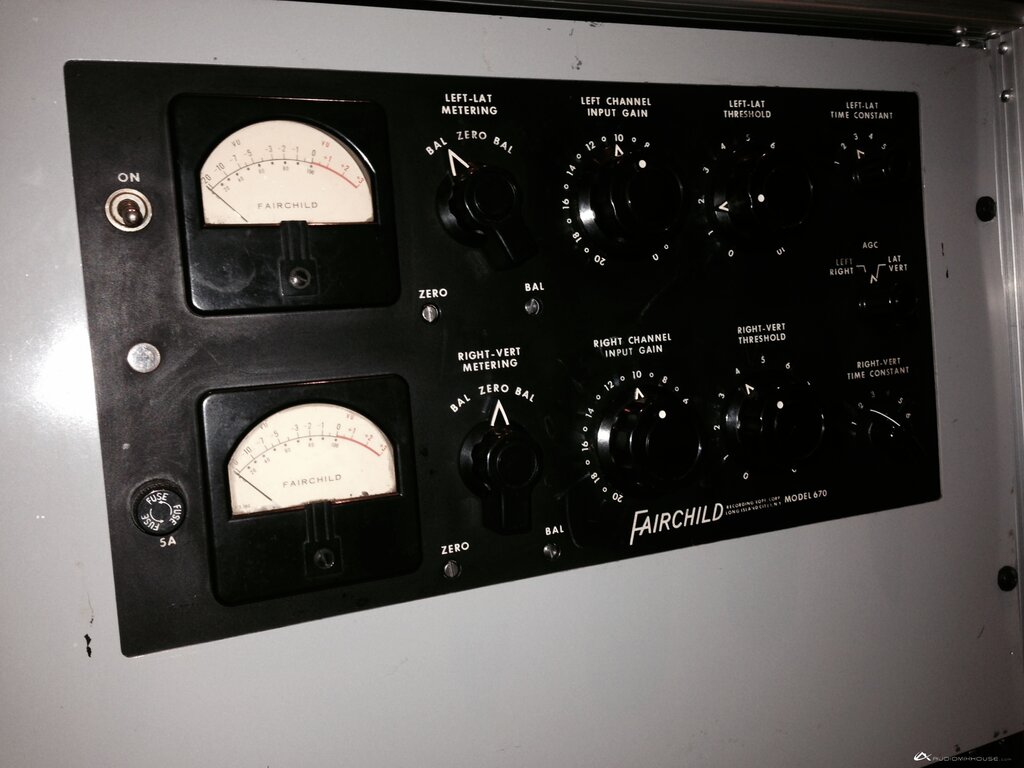
By reducing the dynamic range, compression also increases the perceived loudness of a track without actually increasing its peak volume. This is crucial for making a song stand out on the radio, in a playlist, or on a dancefloor. It ensures that even the quieter details of your music can be heard clearly, giving your mix power and clarity.
Ready to check your understanding?
What is the primary function of an audio compressor?
You set a compressor's threshold to -20dB and its ratio to 3:1. If the input signal hits -14dB, what will the output level be?
Now that you have a grasp of the fundamentals, you're ready to see how these controls work in a real-world setting.