Visual Knowledge Management Systems Explained
Introduction to Visual Knowledge Management
What Is Visual Knowledge Management?
Most of us are used to managing information with text. We write documents, organize files into folders, and read through long reports. Visual knowledge management systems (VKMS) take a different approach. Instead of relying only on words, they use visuals like maps, charts, and diagrams to organize, share, and understand information.
Think of it as the difference between reading a dense paragraph describing a family tree and seeing the tree drawn out. The visual version is often more intuitive and shows relationships instantly. A VKMS aims to bring that clarity to all sorts of information, from project plans to complex scientific research.
Why Go Visual?
Our brains are wired to process visual information incredibly fast. A VKMS leverages this by transforming data and ideas into formats that are easier to digest. This approach has several key advantages over traditional, text-heavy methods.
Visual systems can reveal patterns, connections, and gaps that might stay hidden in a long document or a spreadsheet. Seeing the whole picture helps you make better decisions, faster.
By presenting information spatially, these systems also reduce cognitive load. You spend less mental energy trying to piece together disparate facts and more time understanding the relationships between them. This leads to better memory retention and quicker insights.
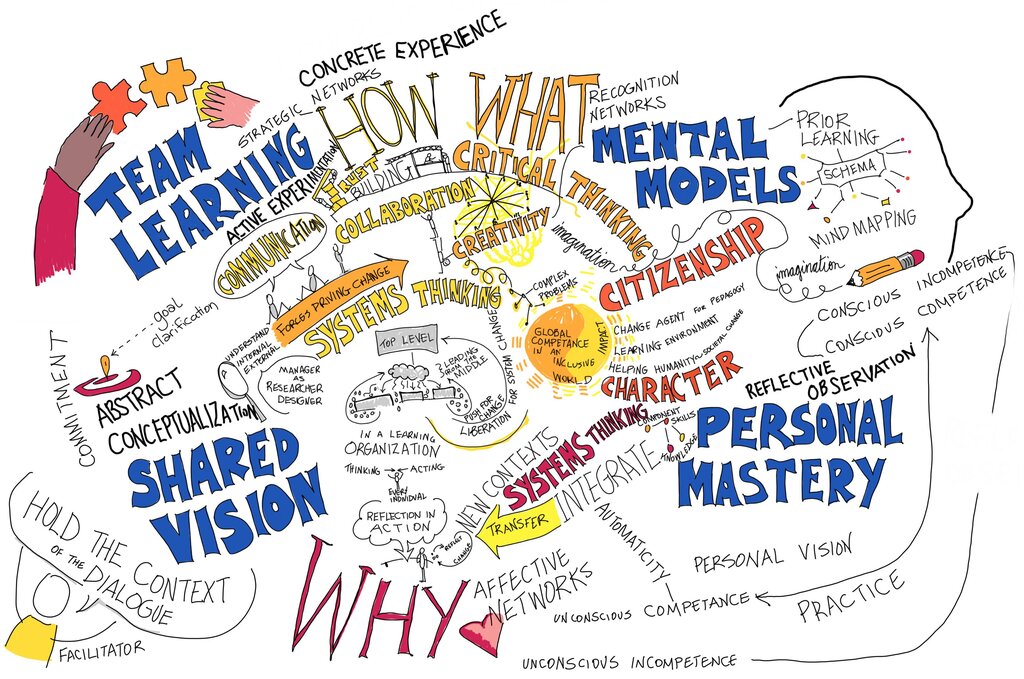
But a VKMS is more than just a collection of pretty pictures. It's a structured system with distinct parts working together.
The Core Components
While they can vary, most visual knowledge management systems are built on three fundamental pillars.
-
Knowledge Base: This is the foundation where all the information is stored. It could be a database, a collection of documents, or a wiki. This is the raw material the system works with.
-
Visualization Engine: This is the heart of the system. It's the software that takes the raw data from the knowledge base and transforms it into visual formats like charts, mind maps, or network diagrams.
-
User Interface: This is what you see and interact with. A good interface allows you to navigate the visual information intuitively, zoom in on details, and see connections without getting lost.
Organizing and Finding Information
The ultimate goal of any knowledge management system is to help you find what you need when you need it. Traditional systems rely on search bars and folder hierarchies. While useful, this can sometimes feel like searching for a needle in a haystack, especially if you don't know the exact keyword to search for.
Visual tools offer a more exploratory way to find information. By representing a topic as a map, you can see how different pieces of information relate to each other. Clicking on one concept can reveal related ideas, helping you discover connections you might have missed. It turns information retrieval from a simple search-and-find task into a process of exploration and discovery.
For example, instead of searching a company database for an employee's name, you could navigate a visual org chart to see not only who they are but also what team they're on and who they report to, all in one glance.
This ability to see the context around a piece of information is what makes visual knowledge management so powerful.
What is the primary advantage of a Visual Knowledge Management System (VKMS) over a text-based system?
A project manager wants to show their team how different project tasks are interconnected and dependent on each other. Which component of a VKMS would be used to generate this diagram?
By turning abstract data into concrete shapes and connections, VKMS helps us tap into our natural ability to think visually.