Video Editing Essentials
Introduction to Video Editing
The Art of Assembly
Video editing is the process of arranging and refining video clips to create a finished piece. Think of it like being a chef. You start with raw ingredients (your footage) and then cut, combine, and season them to create a delicious meal (your final video).
The main goal is to tell a story or communicate an idea clearly. Good editing guides the viewer's attention, sets the mood, and makes the footage easy to follow. It turns a jumble of raw shots into something cohesive and engaging.
Editing: is the basic creative force of filmmaking. It is the process of selecting, arranging, and assembling the essential components of a movie- visual, sound, and special effects- to tell a story in a unique way (340).
Sequencing and Pacing
The first step in assembling your video is sequencing. This is simply putting your clips in the right order. If you're showing how to bake a cake, you'd show gathering the ingredients first, then mixing them, then putting the cake in the oven. Showing the finished cake first would be confusing. A logical sequence creates a clear narrative that viewers can easily follow.
Once your clips are in order, you need to think about pacing, which is the rhythm and speed of your edit. Pacing is controlled by how long each clip stays on screen and how quickly you cut from one shot to the next. A fast-paced video with quick cuts creates excitement and energy, like in a movie trailer. A slower pace with longer shots can feel calm, thoughtful, or dramatic, like in a nature documentary.
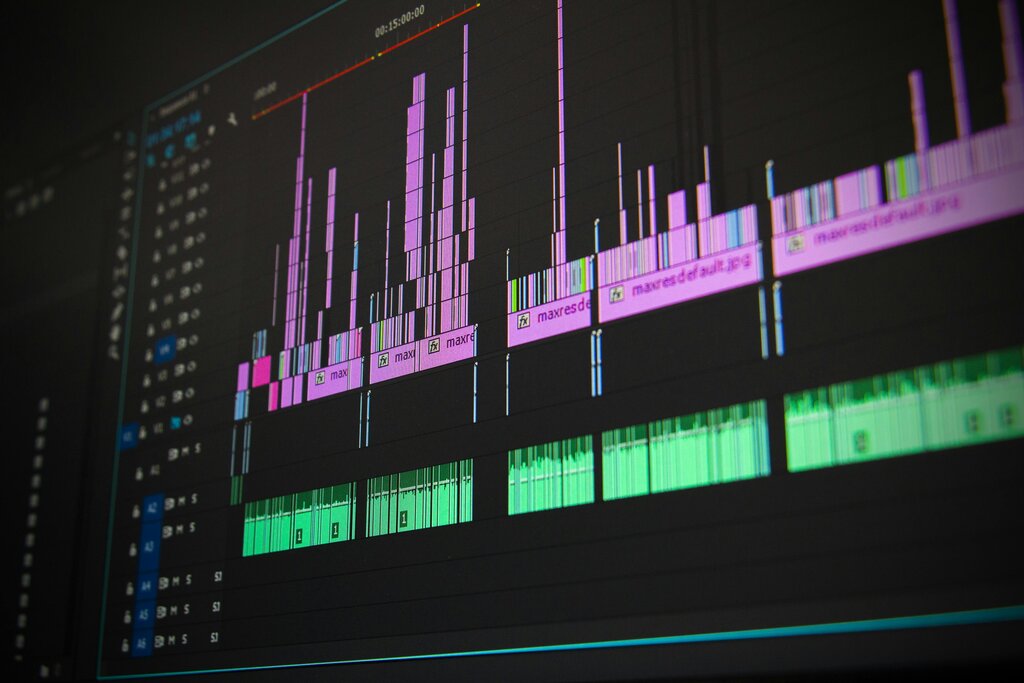
There's no single right pace. The key is to match the rhythm of your editing to the mood you want to create. Varying the pace within a video can also keep your audience engaged.
Connecting Your Shots
Transitions are the effects used to move from one clip to another. While there are many flashy options, you only need to know a few key ones to start.
-
The Cut: This is the most common transition. It’s an instant switch from one shot to the next. It's clean, simple, and invisible to the viewer, which is why it's used so often.
-
The Fade: A fade involves dissolving a shot to or from a solid color, usually black. A fade-in at the beginning signals the start of a video, while a fade-out marks the end. It can also suggest a significant passage of time.
-
The Dissolve: Here, one shot gradually disappears while the next one gradually appears. It's a softer transition than a cut and can be used to show a connection between two images or a shorter passage of time.
A good rule of thumb for beginners is to keep it simple. Overusing fancy transitions can distract the viewer. Most of the time, a simple cut is all you need.
A Splash of Color
Color correction is the process of adjusting the colors in your video to make them look natural and consistent. Sometimes, footage shot at different times or on different cameras will have slightly different color tones. One clip might look warm and yellow, while another looks cool and blue.
The goal of basic color correction is to fix these inconsistencies. You want the whites to look white, the blacks to look black, and skin tones to look natural. Most editing software has simple tools to adjust:
Brightness: How light or dark the image is. Contrast: The difference between the light and dark areas. Saturation: The intensity of the colors. Color Balance/Temperature: Pushing the overall image towards a warmer (orange/yellow) or cooler (blue) tone.
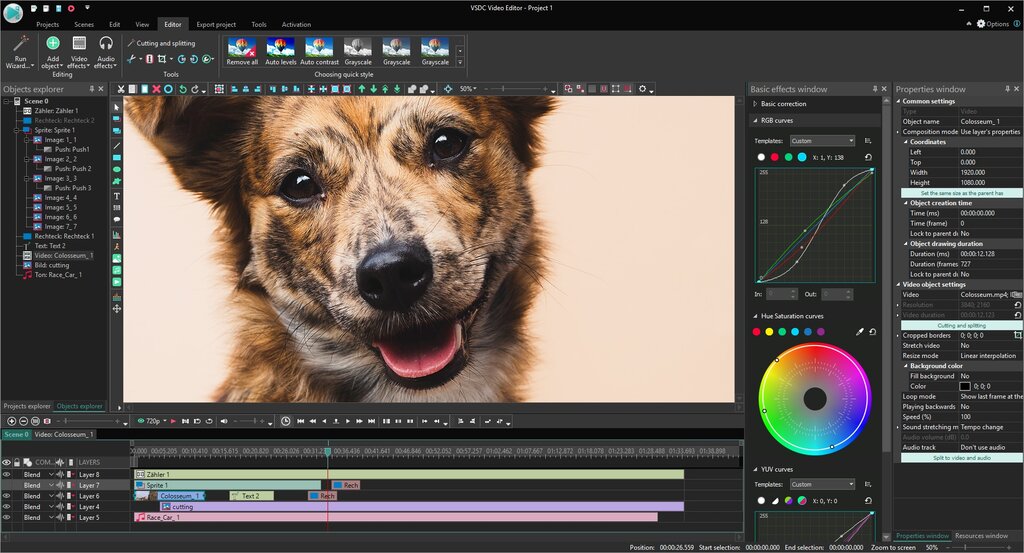
By making small adjustments to these settings, you can ensure all your clips look like they belong in the same video. This subtle step makes your final product look much more polished and professional.
Ready to test your knowledge? Let's see what you've learned about the basics of video editing.
What is the primary purpose of sequencing in video editing?
The rhythm and speed of an edit, controlled by how long each shot stays on screen, is known as...
Mastering these four elements—sequencing, pacing, transitions, and color correction—provides a strong foundation for any video project.