Two-Factor Authentication Explained
Understanding Two-Factor Authentication
More Than Just a Password
Think of your online accounts like a house. A password is the first lock on the door. It's a good start, but what if someone steals your key? For years, a simple username and password were all you needed. Now, that's often not enough to keep your digital life secure.
This is where two-factor authentication, or 2FA, comes in. It's like adding a second, different kind of lock to your door. Even if a thief has your key (your password), they still can't get in without the second piece of verification.
Two-factor authentication (2FA) adds an extra layer of security by requiring not only a password and username but also something that only the user has on them, such as a physical token.
The core idea of 2FA is to combine two different types of proof that you are who you say you are:
- Something you know: This is your password or PIN.
- Something you have: This could be your phone, a special USB key, or an authenticator app.
By requiring both, 2FA makes it much harder for an unauthorized person to access your accounts. Even if your password is stolen in a data breach, your account remains protected by that second factor.
Common 2FA Methods
Not all 2FA methods are created equal. They offer different levels of security and convenience. Let's look at the most common types.
SMS Codes This is one of the most familiar forms of 2FA. When you try to log in, the service sends a text message with a short, temporary code to your phone. You then enter this code to complete the login process. It’s simple and uses something most people already have: a phone number.
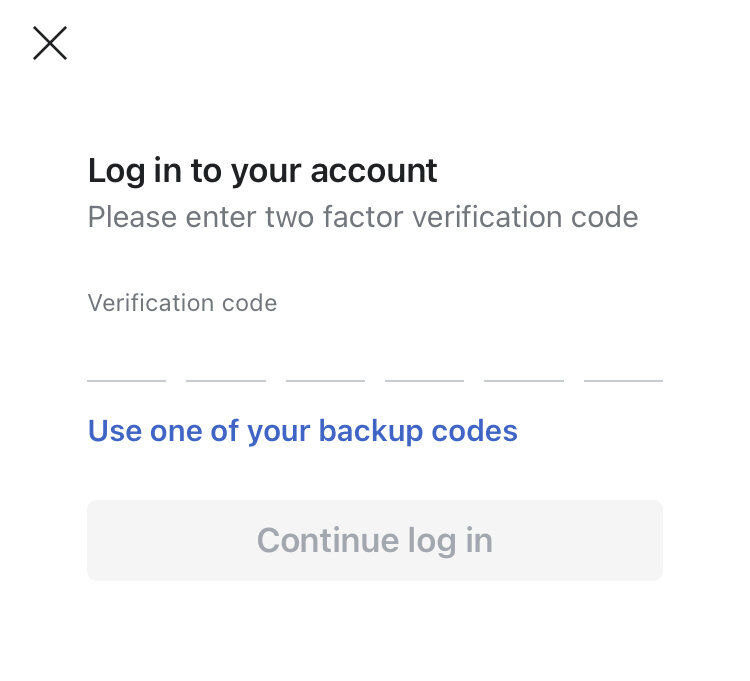
While convenient, SMS is considered the least secure method. Hackers can sometimes trick mobile carriers into transferring your phone number to a new SIM card they control, an attack called "SIM swapping." If they do this, they'll receive your 2FA codes.
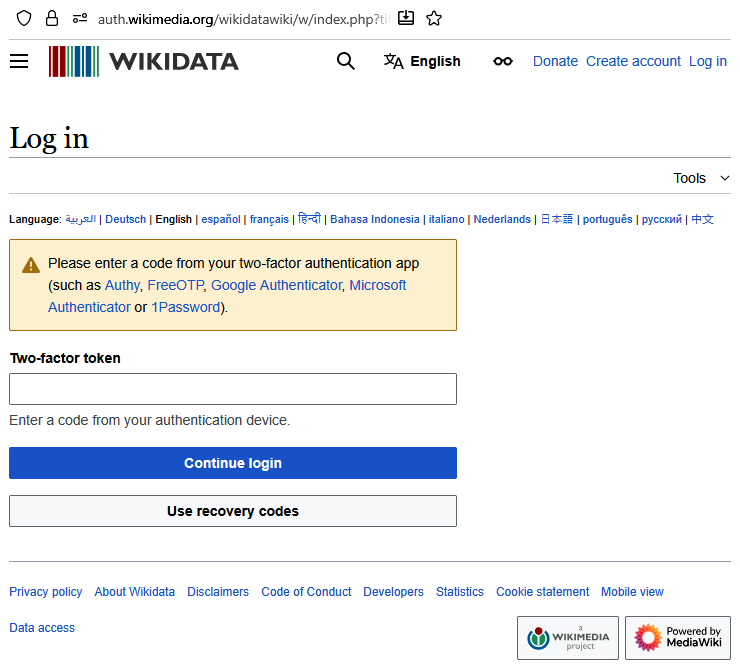
Authenticator Apps A more secure option is to use an authenticator app, like Google Authenticator, Authy, or Microsoft Authenticator. When you set up 2FA, you scan a QR code with the app. From then on, the app generates a new six-digit code every 30 to 60 seconds.
These apps work even if your phone doesn't have a cell signal, and they aren't vulnerable to SIM swapping. This makes them a significant step up in security from SMS codes. The main downside is that you need to install a separate application on your smartphone.
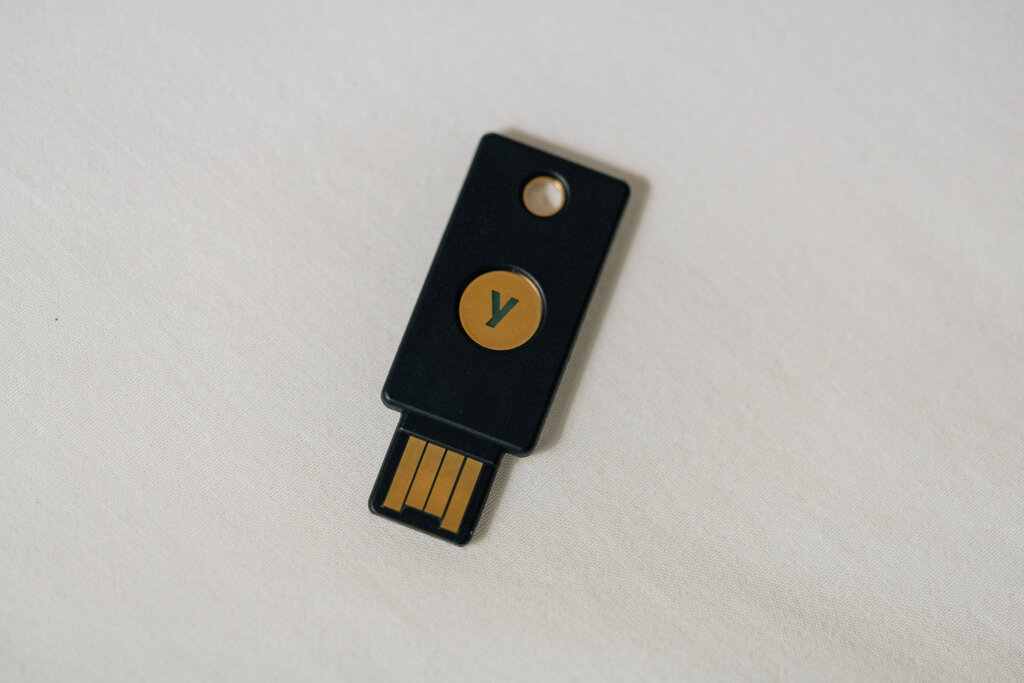
Hardware Tokens For the highest level of security, there are hardware tokens. These are small physical devices, often resembling a USB stick or a small keychain fob, that you use to verify your identity. Popular examples include YubiKeys and Google Titan Security Keys.
To log in, you plug the key into your device's USB port or tap it if it uses NFC. This proves you physically possess the device. Hardware tokens are highly resistant to phishing and other online attacks because the secret key never leaves the device. The trade-off is that they cost money and, like any physical object, can be lost.
Choosing the Right Method
So, which method should you use? The answer depends on your security needs and personal preference. The important thing is to use something. Any form of 2FA is far better than relying on a password alone.
| Method | Advantages | Disadvantages |
|---|---|---|
| SMS Codes | Easy to use, no extra app needed. | Vulnerable to SIM swapping. |
| Authenticator Apps | More secure, works offline. | Requires a smartphone and app. |
| Hardware Tokens | Highest security, phishing-resistant. | Costs money, can be lost. |
Using 2FA is one of the most effective steps you can take to protect your digital identity. It adds a crucial layer of defense that keeps your accounts safe, even if your password falls into the wrong hands.
Ready to check your understanding?
What is the primary purpose of two-factor authentication (2FA)?
Two-factor authentication is based on combining 'something you know' (like a password) with what other type of factor?
Now you know the fundamentals of 2FA and why it's a critical tool for online security. In the next section, we'll walk through how to enable it on your important accounts.