Sophos Configuration for Excel Python Scripts
Understanding Sophos Firewall
The Network Gatekeeper
A firewall is the digital equivalent of a security guard standing at the gate of a private community. Its job is to check every car coming in and going out, ensuring only authorized traffic gets through. The Sophos Firewall is a sophisticated version of this guard, designed to protect computer networks from unauthorized access and cyber threats.
It sits at the edge of your network, the point where your internal, trusted network connects to the external, untrusted internet. Every piece of data, or packet, that tries to cross this boundary is inspected by the firewall. Based on a set of rules, the firewall decides whether to let the packet pass, block it, or take other actions.
Inside the Firewall
Modern firewalls like Sophos do much more than just check addresses. The Sophos Xstream Architecture is designed to inspect traffic efficiently without slowing down your network. It uses multiple layers of protection to analyze traffic from different angles.
Here's what some of these core features do:
- Intrusion Prevention System (IPS): This system actively looks for patterns that signal a cyberattack. If it detects malicious activity, like someone trying to exploit a known software vulnerability, it blocks the traffic immediately.
- Application Control: Not all traffic is created equal. Application Control can identify specific applications trying to use the network, like Dropbox or a video streaming service. This allows you to create rules that, for example, permit work-related applications but block time-wasting ones.
- Web Filtering: This feature prevents users from accessing harmful or inappropriate websites. It can block sites known for hosting malware, phishing scams, or content that violates company policy.
Traffic Management and Policies
The heart of any firewall is its rule set, or policies. Each policy is an instruction that tells the firewall what to do with specific types of traffic. Think of it as the security guard's checklist. For each person (or data packet), the guard checks their credentials against the list.
A firewall rule is typically based on several criteria, including:
- Source: Where the traffic is coming from (e.g., a specific computer's IP address).
- Destination: Where the traffic is going (e.g., a web server on the internet).
- Service/Port: What kind of traffic it is (e.g., web traffic on port 443).
- Application: The specific program generating the traffic (e.g., Microsoft Outlook).
A crucial principle in firewall security is "default deny." This means that unless a rule explicitly allows a connection, it is blocked. This prevents any accidental or unknown traffic from getting through.
| Rule # | Source | Destination | Service | Action |
|---|---|---|---|---|
| 1 | Internal Network | Any | Web (HTTP/S) | Allow |
| 2 | Bob's PC | Database Server | SQL | Allow |
| 3 | Any | Internal Network | Any | Deny |
This simple table shows how rules are processed. If traffic matches Rule 1 or 2, it's allowed. If it matches neither, it hits the final "Deny" rule and is blocked.
Integration and Synchronized Security
A firewall is powerful, but it's even more effective when it works as part of a team. Sophos firewalls are designed to communicate with other security products in a system called Synchronized Security.
Imagine a computer on your network gets infected with malware. Sophos endpoint protection software on that computer can instantly send a signal to the Sophos Firewall. This signal, called a Security Heartbeat, tells the firewall that the device is compromised.
Upon receiving this alert, the firewall can automatically create a rule to isolate the infected computer from the rest of the network and the internet. This prevents the malware from spreading or communicating with its command-and-control server. The connection is only restored once the threat is removed and the endpoint signals that it is healthy again. This automated response happens in seconds, much faster than a human administrator could react.
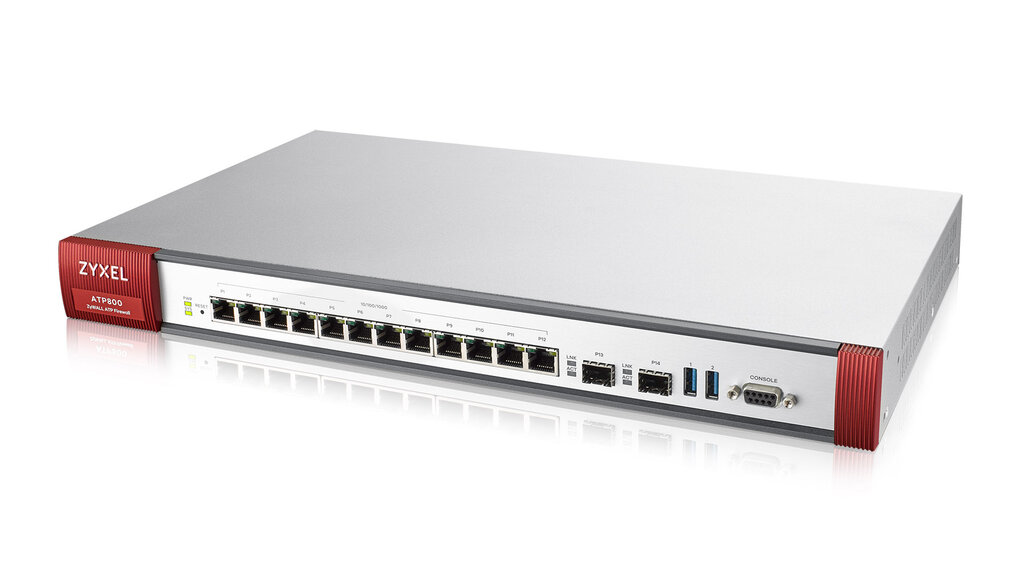
This tight integration provides a more holistic view of network health and enables faster, automated responses to threats, turning separate security tools into a coordinated defense system.
What is the primary function of a network firewall?
A company wants to prevent employees from accessing websites known for hosting malware and phishing scams. Which Sophos Firewall feature is specifically designed for this purpose?
Understanding how a firewall functions is the first step toward building a secure and efficient network environment.