Server Configuration Essentials
Server Hardware Basics
Inside the Box
At its heart, a server is a computer designed for reliability and performance. Like any computer, it's built from a few core components: a processor, memory, storage, and a way to connect to a network. The main difference is that server parts are engineered to run 24/7, handle heavy workloads, and manage requests from many users at once.
The server is the atomic unit of a data center, hosting compute, memory, storage, and networking resources in a standardized chassis.
Understanding these pieces is the first step to knowing how servers power everything from small business websites to massive cloud platforms. Let's break down each one.
CPU The Brain
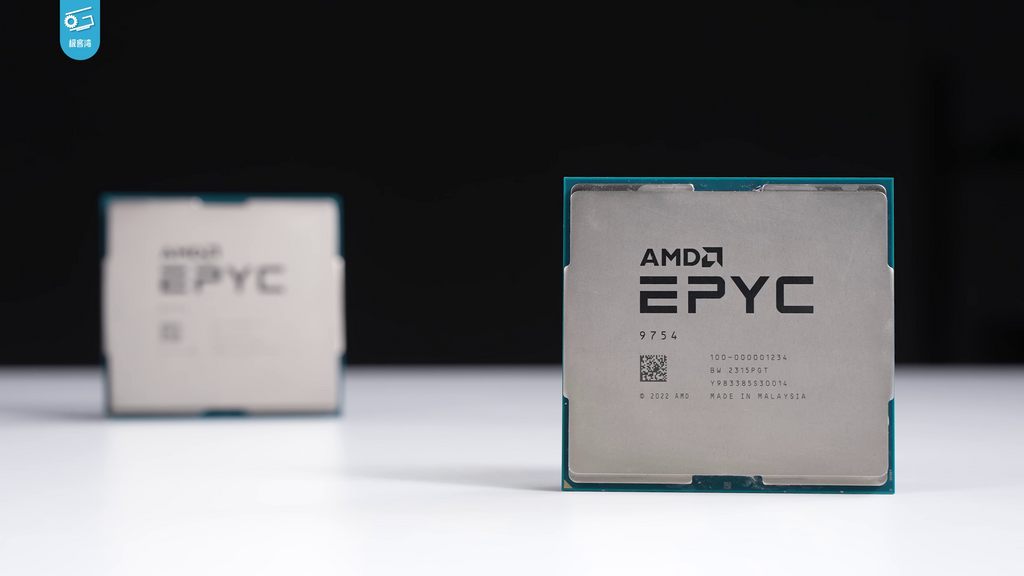
The Central Processing Unit, or CPU, is the server's brain. It executes the instructions that make up computer programs, from the operating system to the applications you run. For servers, CPUs are chosen based on a few key traits.
More cores mean more tasks can be handled at the exact same time. A server CPU might have dozens of cores to manage simultaneous requests from thousands of users.
Clock speed, measured in gigahertz (GHz), tells you how many cycles a CPU can run per second. While a higher clock speed is generally faster, the number of cores is often more important for server workloads. Cache is a small amount of super-fast memory built directly into the CPU. It stores frequently used data so the CPU doesn't have to wait for the main memory, speeding up operations significantly. Common server CPUs, like Intel's Xeon and AMD's Epyc series, are designed specifically for these multi-threaded, high-demand environments.
Memory and Storage
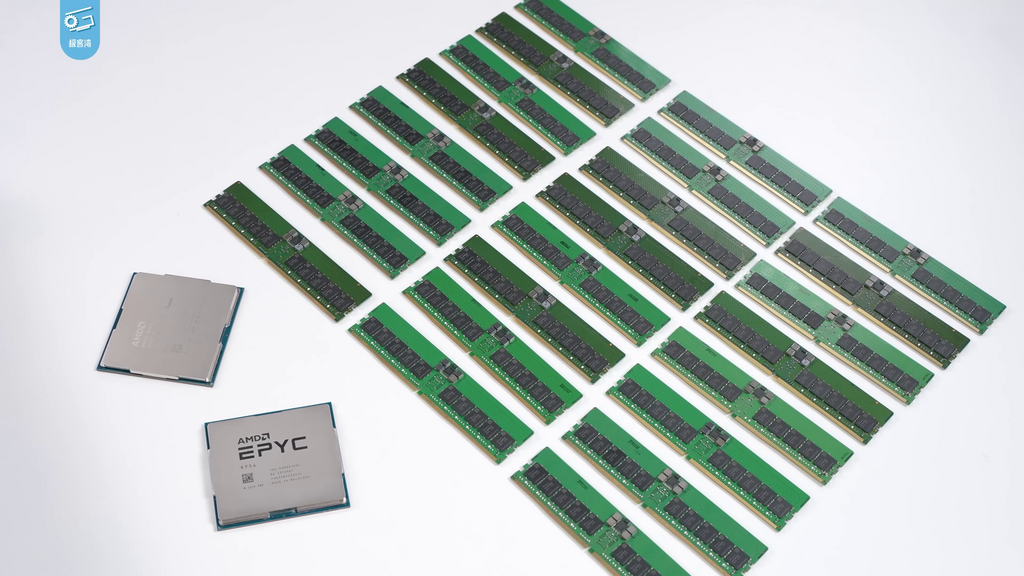
Memory and storage both hold data, but they serve very different purposes. Think of memory as a workbench and storage as a warehouse.
RAM
noun
Random Access Memory. A type of volatile memory that stores data the CPU is actively using. When the power is turned off, the data is lost.
The more RAM a server has, the larger its 'workbench' is, allowing it to work on more data at once without slowing down. Server RAM often includes a feature called Error-Correcting Code (ECC), which detects and corrects common kinds of data corruption. This is critical for preventing crashes in applications that must run continuously.
Storage is where data is kept long-term. There are two main types:
- Hard Disk Drives (HDDs): These are traditional spinning disks that offer large amounts of storage for a low cost. They're great for archiving data that isn't accessed frequently.
- Solid-State Drives (SSDs): SSDs use flash memory, making them much faster than HDDs. They have no moving parts, so they're more durable. They are ideal for operating systems and databases where quick data access is crucial.
Most servers use a combination of drives in a setup called RAID (Redundant Array of Independent Disks). RAID combines multiple physical drives into one logical unit to improve performance, provide fault tolerance, or both. For example, in a RAID 1 configuration, data is mirrored across two drives. If one drive fails, the server keeps running using the other one, with no data loss.
Connections and Form Factors
A server isn't much use if it can't communicate with other devices. The Network Interface Card (NIC) is the hardware that connects a server to a network. Server NICs are built for high throughput, often supporting speeds of 10 Gigabits per second (Gbps) or more. Many servers have multiple NICs for redundancy and to handle different types of traffic.
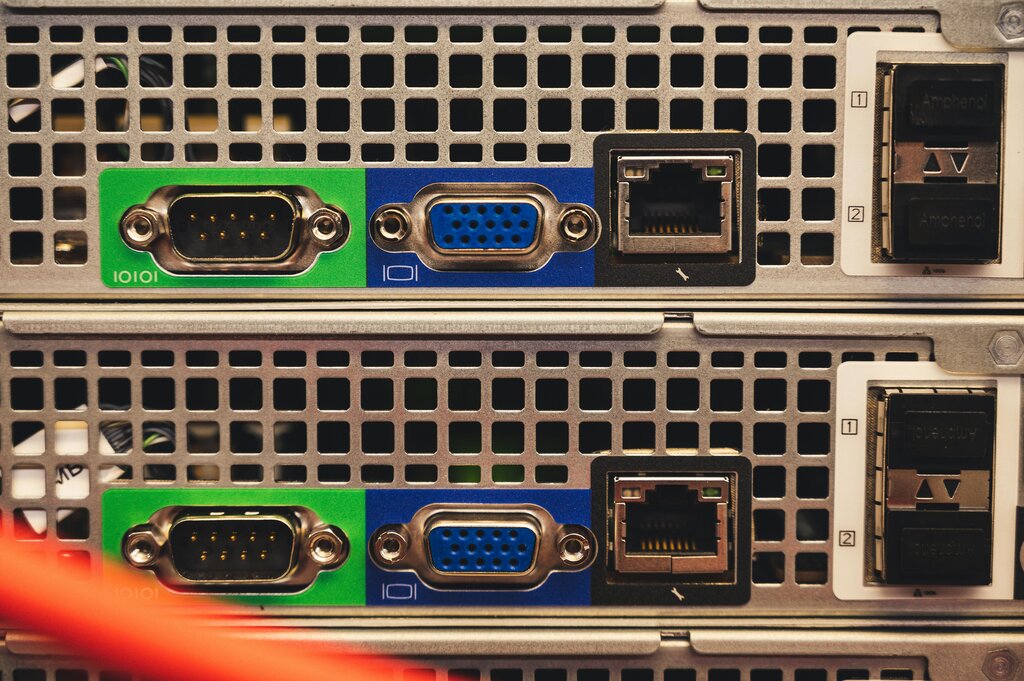
Finally, servers come in different physical shapes, or form factors, designed to be housed in data centers. The most common types are:
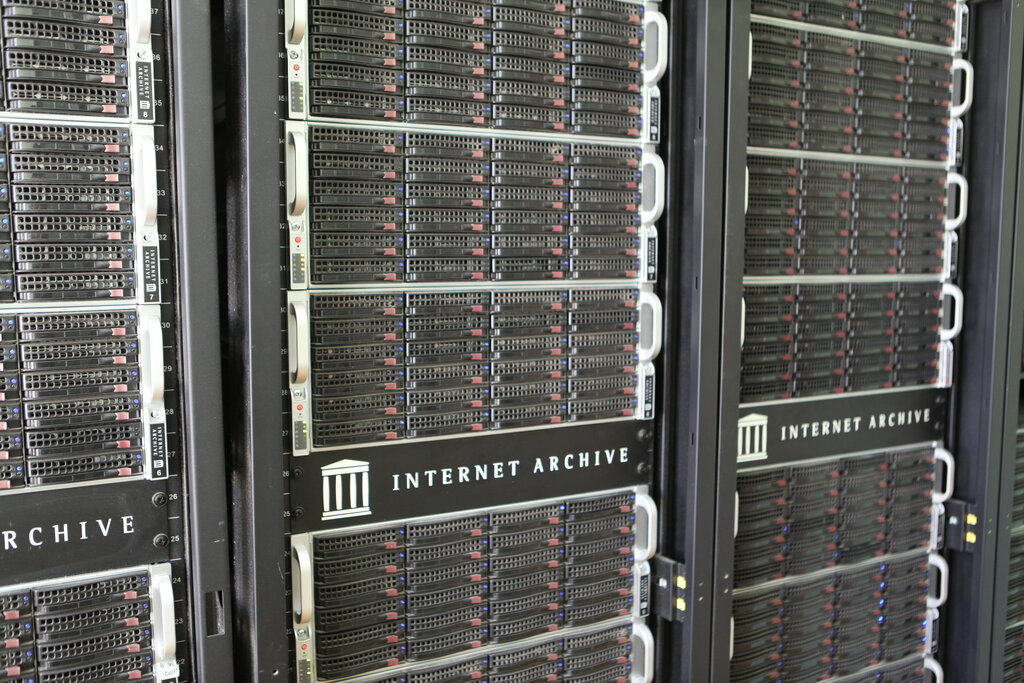
- Rack Servers: These are flat and designed to be mounted in a server rack. They are standardized in height, measured in 'U' units (1U, 2U, etc.), which allows for dense, organized deployments.
- Blade Servers: Blades are even thinner than rack servers and slot into a chassis that provides power, cooling, and networking for all the blades it holds. This further increases density.
- Tower Servers: These look like a standard desktop PC and are often used in small offices that don't have a dedicated server room.
Now that we've covered the core components, let's test your knowledge.
What is the primary function of Error-Correcting Code (ECC) memory in a server?
For a server handling many simultaneous user requests, why is having more CPU cores often more important than having a higher clock speed?
These components form the physical foundation of any server. Choosing the right combination is key to building a system that is powerful, reliable, and suited for its specific job.