Revive Your Slow Computer
Understanding PC Performance
What Makes a Computer Fast?
Think of your computer not as a single thing, but as a team of specialists working together. When everything is in sync, your computer feels snappy and responsive. When one part of the team can't keep up, the whole system slows down. Understanding the role of each player is the first step to figuring out why a computer might be lagging.
The Core Trio: CPU, RAM, and Storage
Three hardware components do most of the heavy lifting: the Central Processing Unit (CPU), Random Access Memory (RAM), and the storage drive. Let's look at each one using the analogy of a chef in a kitchen.
The CPU is the chef, RAM is the countertop space, and storage is the pantry.
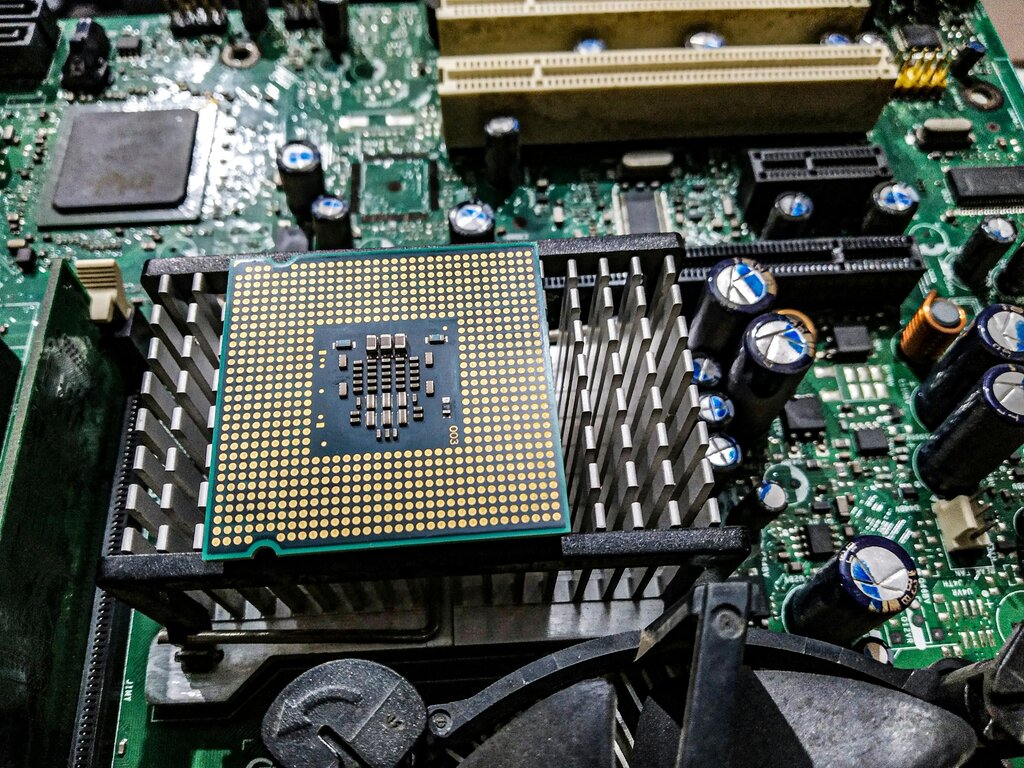
The CPU is the brain of the operation. It's the chef that reads the recipe (your command) and executes the steps to prepare the dish (the task). The speed of the CPU, measured in gigahertz (GHz), is like how fast the chef can chop, mix, and cook. A faster CPU can perform more calculations per second, making everything from opening an app to editing a video happen more quickly.
RAM is the computer's short-term memory. In our kitchen, this is the chef's countertop. It’s where all the ingredients and tools for the current recipe are kept for easy access. The more RAM you have, the bigger your countertop. A large countertop allows the chef to work on multiple dishes at once without having to constantly go back to the pantry. If you have many apps or browser tabs open, they all take up a piece of this countertop space. When you run out of RAM, the computer has to temporarily use the much slower storage drive, which is like the chef having to put ingredients away and pull them back out of the pantry for every single step. This is a major cause of slowdowns.

Finally, the storage drive is the long-term memory, or the kitchen's pantry. It’s where all your files, applications, and the operating system are stored permanently. There are two main types: Hard Disk Drives (HDDs) and Solid-State Drives (SSDs).
An HDD is like a traditional pantry where a mechanical arm has to find and retrieve items. An SSD is a modern, perfectly organized pantry with no moving parts, so it can find and serve up your data almost instantly. This difference is most noticeable when you turn on your computer or launch a program. A computer with an SSD will boot up and open apps much faster than one with an HDD.
The Manager and the Tasks
Hardware is only half the story. The software running on it is just as important.
The Operating System (OS), like Windows, macOS, or Linux, is the kitchen manager. It directs the whole operation, telling the CPU which tasks to work on, managing what goes in and out of RAM, and retrieving files from storage. An efficient, well-maintained OS keeps everything running smoothly. But if the OS is cluttered with unnecessary files or is poorly optimized, it can bog down even the best hardware, like a disorganized manager slowing down a star chef.
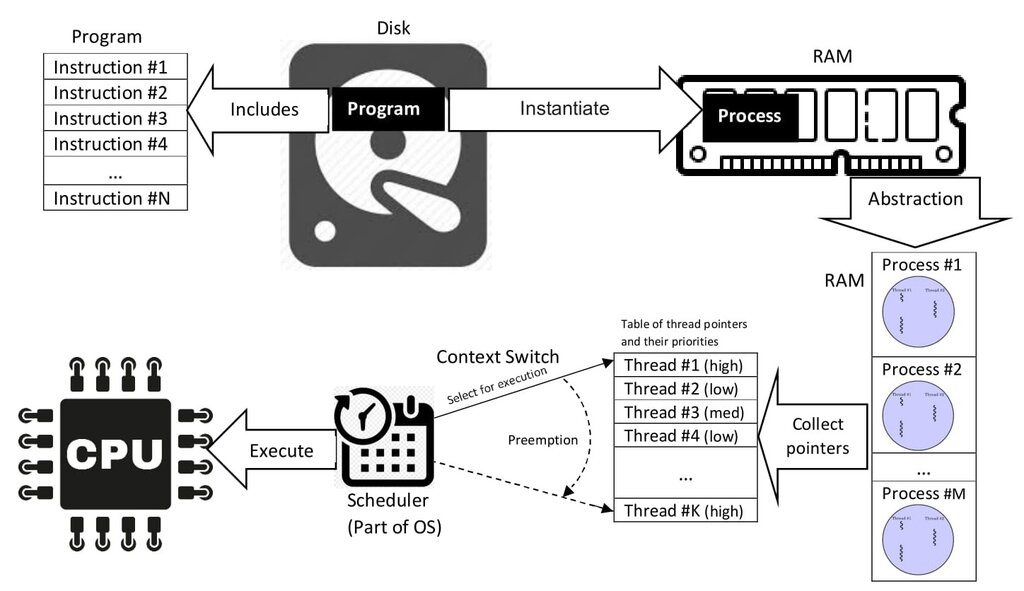
Every application and background process you run is another dish the chef has to prepare. Some, like a simple text editor, are like making toast—they don't require much effort. Others, like video games or complex spreadsheets, are like preparing a five-course meal, demanding a lot of CPU power and RAM space.
Even when you're not actively using an app, background processes might still be running. These are like the kitchen's automatic appliances—the dishwasher running a cycle, the ice maker churning away. Some are essential, but too many non-essential ones running at once can consume valuable resources and slow down the tasks you actually care about.
A fast computer isn't just about having the best parts; it's about how those parts work together under the direction of the OS to handle the demands of your software.
Now let's test your understanding of these core components.
Using the analogy of a computer as a kitchen, which component represents the chef who reads the recipe and prepares the dish?
If a computer slows down dramatically when many applications and browser tabs are open simultaneously, which component is the most likely bottleneck?
Ultimately, PC performance is a balancing act. A powerful CPU is wasted if it's constantly waiting for a slow hard drive or if there isn't enough RAM to work with. Understanding how these pieces fit together is the key to knowing what makes a computer feel fast or slow.