Python Programming Fundamentals
Introduction to Python
What Is Python?
Python is a programming language, which is a way to give instructions to a computer. Think of it like a recipe. You write down the steps, and the computer follows them to create something, whether that's a website, a game, or an analysis of data.
What makes Python special is its simplicity. The code often reads a lot like plain English, which makes it one of the easiest languages for beginners to learn. But don't let its simplicity fool you. Python is incredibly powerful and is used by companies like Google, Netflix, and NASA for everything from web development to machine learning.

The key idea is that Python is both easy to learn and powerful enough for complex tasks. This combination makes it a fantastic first language.
Getting Set Up
Before you can start writing Python, you need two things: the Python interpreter and a place to write your code.
The interpreter is a program that reads your Python code and translates it into instructions the computer can understand. You can download the latest version for free from the official website, python.org.

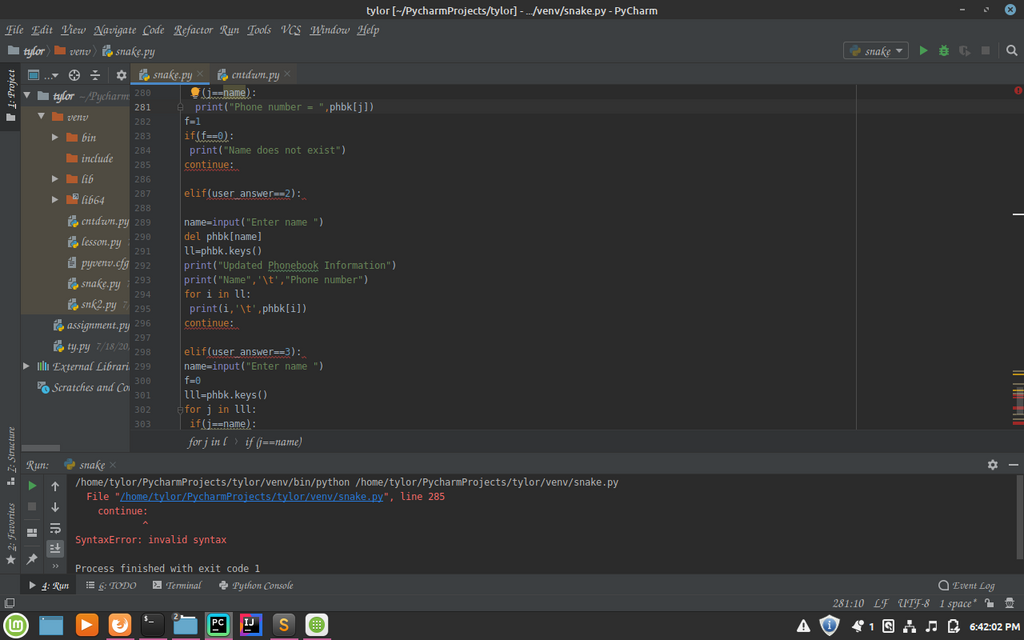
Next, you need a code editor. While you could use a simple text editor like Notepad, most programmers use an Integrated Development Environment, or IDE. An IDE is like a word processor designed specifically for code. It helps you by color-coding your text, catching errors, and organizing your files.
There are many great IDEs for Python. Some popular choices for beginners are VS Code, PyCharm, and Thonny. They all have their strengths, but any of them will work perfectly for getting started.
Your First Python Script
Let's write your first program. It's a tradition in programming to start by making the computer say "Hello, World!".
Open your IDE and create a new file. Save it as hello.py. The .py extension is important because it tells the computer that this is a Python file. Now, type the following line of code into your file:
print("Hello, World!")
This code uses Python's built-in print() function. A function is a reusable piece of code that performs a specific action. The print() function's job is to display whatever you put inside its parentheses on the screen.
To run your script, you'll need to open your computer's terminal or command prompt. Navigate to the directory where you saved hello.py and type the following command:
python hello.py
Press Enter, and you should see the output:
Hello, World!
Congratulations, you've just written and executed your first Python program! You told the computer what to do, and it did it.
What is the primary role of the Python interpreter?
Why is Python often recommended for beginners?
That's the basic process of writing code in Python. You write instructions in a file, and then you use the interpreter to run that file.