Python Programming Fundamentals
Python Basics
Getting Started with Python
Python is a popular programming language known for its clear, readable syntax. It's like writing in a simplified version of English, which makes it a great choice for beginners. Before you can write any code, you need to install Python on your computer.
You can download the latest version from the official Python website, python.org. The installation is straightforward, but make sure to check the box that says "Add Python to PATH" during the setup process. This small step makes it much easier to run your programs from the command line.
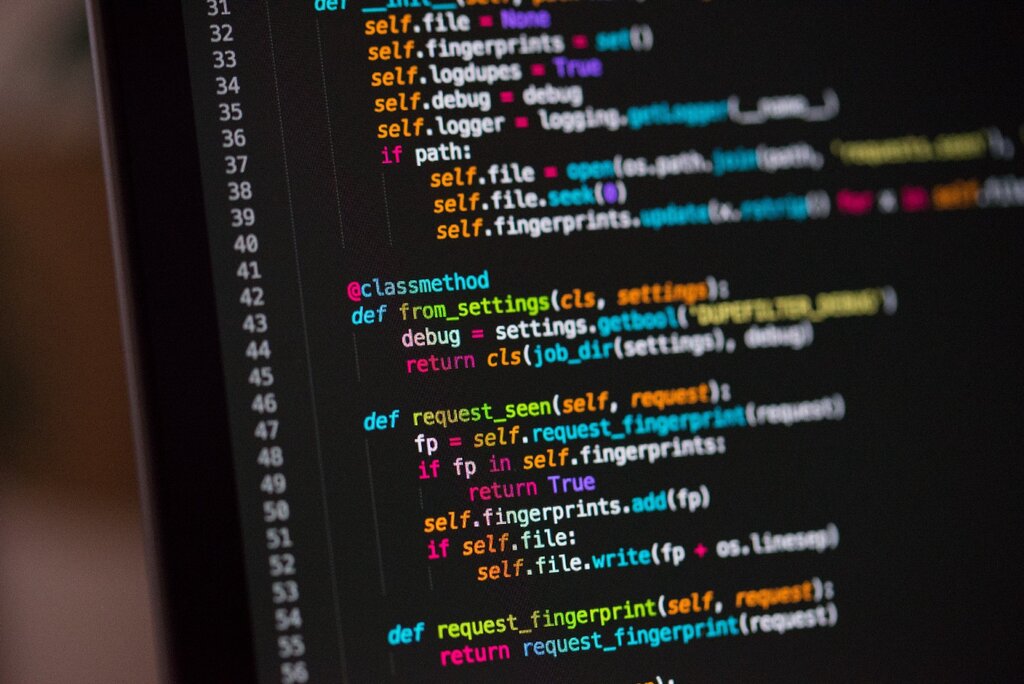
Once installed, you'll also need a place to write your code. You can use a simple text editor like Notepad or TextEdit, but most programmers prefer a code editor or an Integrated Development Environment (IDE) like VS Code, PyCharm, or Thonny. These tools offer features like syntax highlighting and debugging that make coding much easier.
Your First Python Script
Let's write a classic first program: one that prints "Hello, World!" to the screen. In Python, this is incredibly simple. You use the built-in print() function, and put the text you want to display inside the parentheses and quotation marks.
print("Hello, World!")
Type that line into your code editor and save the file as hello.py. The .py extension is important because it tells your computer that this is a Python file.
To run it, open your computer's terminal or command prompt, navigate to the directory where you saved your file, and type the following command:
python hello.py
Press Enter, and you should see Hello, World! printed in the terminal. Congratulations, you've just executed your first Python script.
Python's Readability Rules
Python has a few rules that make its code clean and consistent. The most important one is indentation. Unlike many other languages that use curly braces {} to define blocks of code, Python uses whitespace. This means the spacing at the beginning of a line is not just for looks—it's part of the syntax and has to be correct.
For now, just remember that all the code you write should be aligned to the far left. We'll explore when and why you need to indent in later lessons.
Another key feature for writing clean code is comments. Comments are notes for yourself or other programmers that the Python interpreter ignores. They are used to explain what your code does. To write a comment, just start the line with a hash symbol (#).
# This is a comment. Python will ignore this line.

# The following line of code will print a message to the console.
print("This is not a comment, it is code!")
The Building Blocks: Data Types
In programming, we work with different kinds of data. Python has several built-in data types to handle this. For now, we'll focus on four of the most basic ones: integers, floats, strings, and booleans. You can store these values in variables, which are like labeled containers for data.
| Data Type | Description | Example |
|---|---|---|
| Integer | Whole numbers, positive or negative. | 42, -100 |
| Float | Numbers with a decimal point. | 3.14, -0.01 |
| String | A sequence of characters, like text. | "hello", 'Python' |
| Boolean | Represents one of two values: True or False. | True, False |
Here’s how you would create variables for each of these types in Python. Notice that strings can be created with either single (') or double (") quotes.
# An integer
my_age = 30

# A float
pi_value = 3.14159

# A string
user_name = "Alex"

# A boolean
is_learning = True
Python automatically knows the type of data you assign to a variable. You don't have to declare it explicitly. This is called dynamic typing, and it's one of the features that makes Python quick and easy to work with.
Time to check what you've learned.
When installing Python on Windows, which option is crucial to check to make running scripts from the command line easier?
What command would you use in the terminal to execute a Python file named script.py?
You've taken your first steps into the world of Python, from setting up your environment to understanding the basic data types. These are the fundamental concepts you'll build upon as you learn to create more powerful programs.