Python Programming Fundamentals
Python Basics
Setting Up Your Workspace
Before you can write Python code, you need to install the Python interpreter on your computer. Think of the interpreter as a translator that converts your Python code into instructions the computer can understand. The best place to get it is from the official website, python.org. The installation is straightforward and includes a simple program called IDLE (Integrated Development and Learning Environment), which is a great place to start writing your first lines of code.
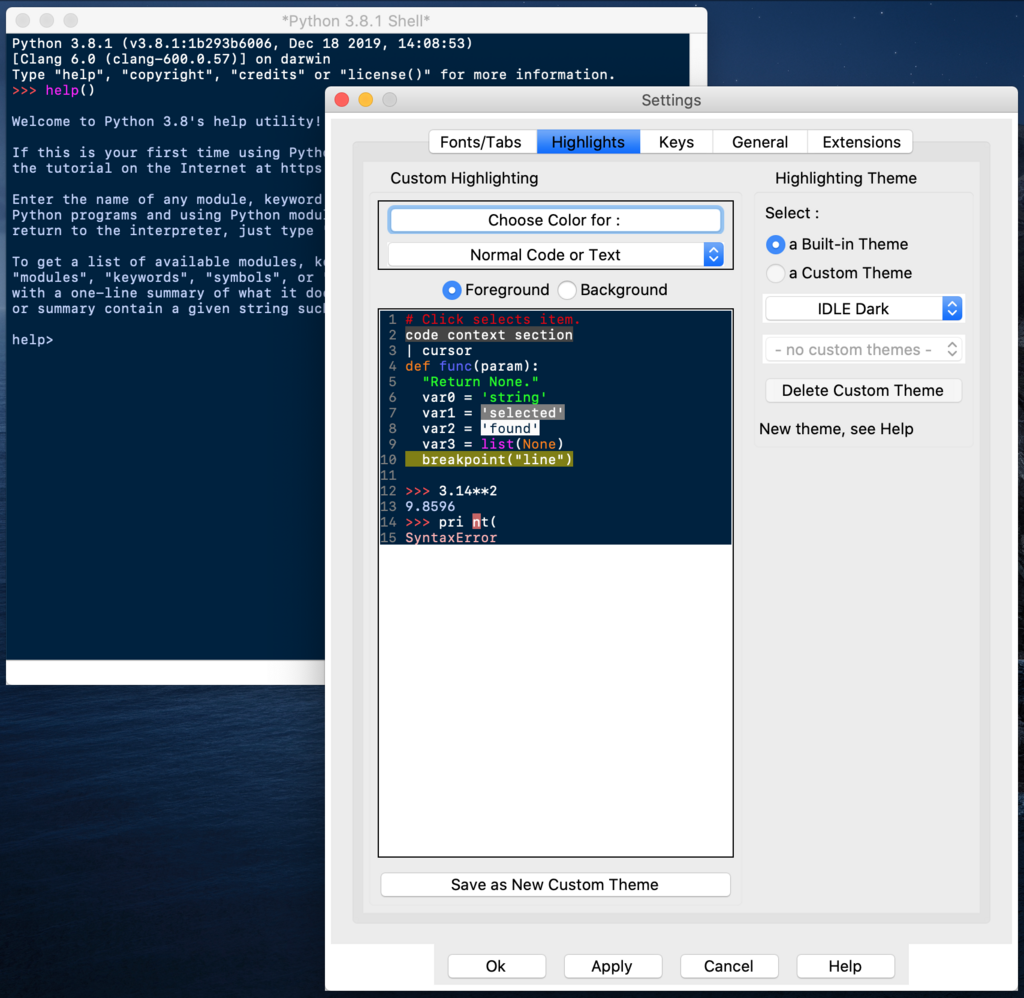
Once you open IDLE, you'll see a window with a >>> prompt. This is the Python shell, where you can type commands one at a time and see immediate results. It's perfect for experimenting and trying things out.
Your First Program
In programming, a common tradition is to make your first program display the text "Hello, World!". In Python, this is incredibly simple. We use a built-in function called print().
A function is a named block of code that performs a specific task. You "call" a function by writing its name followed by parentheses.
To print your message, you just type this command into the IDLE shell and press Enter.
print("Hello, World!")
The computer will immediately respond by displaying the text on the next line. Notice that the text you want to print is wrapped in double quotes. This tells Python that you're working with a piece of text, also known as a string.
Variables and Data Types
Imagine you want to store a piece of information that you'll use later. You can put it in a variable. A variable is like a labeled box where you can store a value. To create one, you pick a name, use the equals sign (=), and provide the value you want to store.
greeting = "Hello again!"
print(greeting)
Here, greeting is the name of our variable, and it holds the text "Hello again!". When we use print(greeting), Python looks up the value stored in the greeting box and prints that.
Variables can hold different kinds of data. For now, let's focus on the four most basic types.
integer
noun
A whole number, without any fractional part.
float
noun
A number that has a decimal point.
string
noun
A sequence of characters, like text. Strings are enclosed in single (' ') or double (" ") quotes.
boolean
noun
Represents one of two values: True or False. Note the capital 'T' and 'F'.
Using Operators
Python can also act as a powerful calculator. You can perform operations on numbers using arithmetic operators. You can use them with numbers directly or with variables that hold numbers.
# Addition
print(5 + 3) # Output: 8

# Subtraction
print(10 - 2) # Output: 8

# Multiplication
print(4 * 2) # Output: 8

# Division
print(16 / 2) # Output: 8.0
Notice that division (/) always produces a float, even if the result is a whole number. If you want to perform integer division and discard any remainder, you can use a double slash (//).
# Integer Division
print(17 // 2) # Output: 8
Besides arithmetic, we also have logical operators that work with boolean values. The most common are and, or, and not. They are useful for checking if multiple conditions are true.
| Operator | Description | Example | Result |
|---|---|---|---|
and | Returns True if both sides are true | True and True | True |
or | Returns True if at least one side is true | True or False | True |
not | Reverses the boolean value | not True | False |
Interacting with the User
Programs are more interesting when they can interact with a user. We've seen how to show information with print(). To get information from a user, we can use the input() function.
name = input("What is your name? ")
print("Hello, " + name)
When Python runs this code, it will first display the message "What is your name? ". Then, it will pause and wait for you to type something and press Enter. Whatever you type is stored as a string in the name variable. Finally, it uses the + operator to combine "Hello, " with the name you entered and prints the result.
This simple pattern of getting input, processing it, and showing output is the foundation of many programs you'll build.