Python Programming Fundamentals
Python Basics
Getting Started with Python
Python is a popular programming language known for its clear and readable code. It looks a lot like plain English, which makes it a great choice for beginners. Before you can start writing programs, you need to set up your programming environment.
First, you'll need to install the Python interpreter, which is the program that understands and runs your Python code. You can download it for free from the official website, python.org. The installation is straightforward, just like any other software.
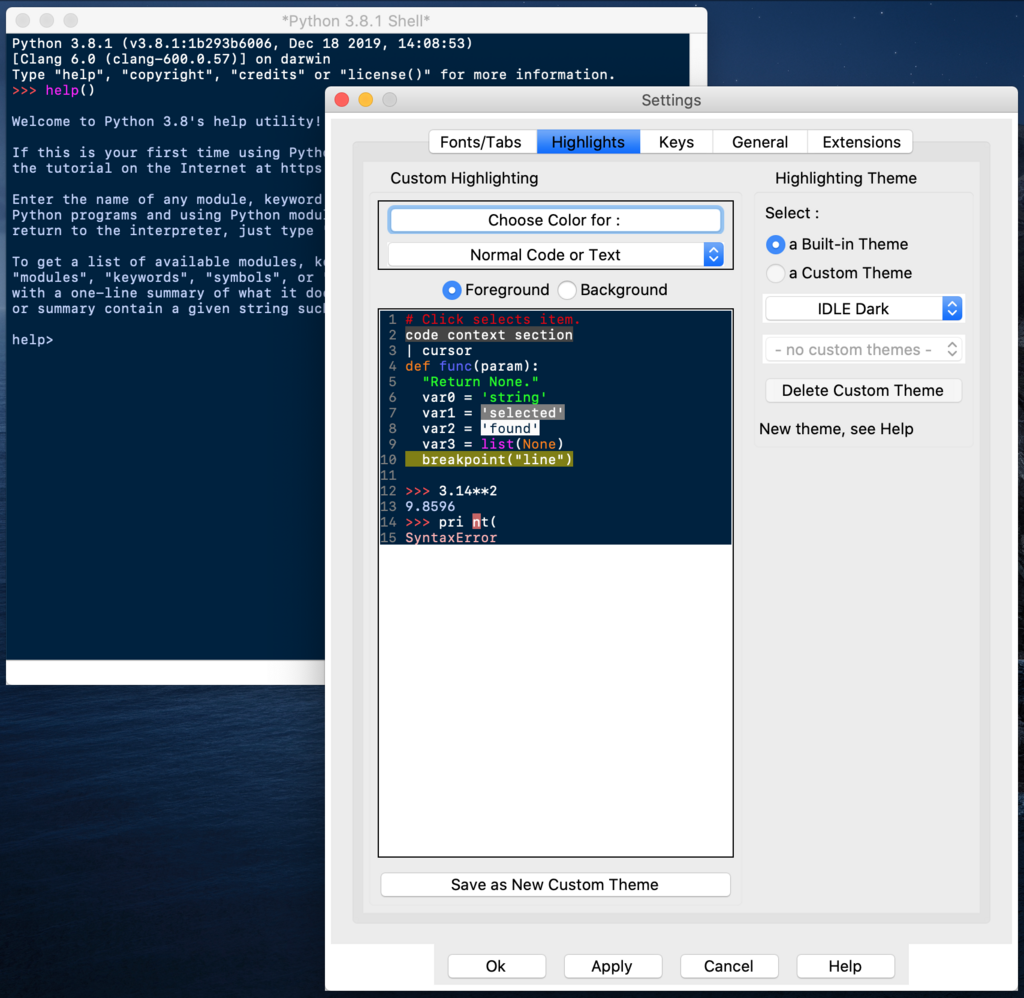
When you install Python, it also comes with a simple program called IDLE (Integrated Development and Learning Environment). Think of IDLE as a basic text editor and a command window combined. It’s where you can write your code and see it run immediately, making it a perfect place to start.
Your First Program
It's a tradition to start with a program that just says hello. In Python, this is incredibly simple. Open up IDLE and type the following line into the main window (often called the 'shell').
print("Hello, World!")
When you press Enter, you'll see Hello, World! appear on the next line. You've just written your first Python program! You used the print() function to display text on the screen. The text inside the parentheses is an argument—the information you give to the function. The quotation marks tell Python that you're providing a piece of text, which programmers call a string.
Storing Information
Programs need to remember things, like a score in a game or a user's name. We store this information in variables. A variable is like a labeled box where you can put data. To create a variable, you just pick a name, use the equals sign (=), and give it a value.
message = "Welcome to Python!"
user_age = 25
pi = 3.14
Here, we created three variables: message, user_age, and pi. Notice that the values they hold are different types of data. "Welcome to Python!" is a string (text), 25 is an integer (a whole number), and 3.14 is a float (a number with a decimal). Python automatically figures out the data type for you.
A key rule in Python is that indentation matters. Unlike many other languages, Python uses whitespace (spaces or tabs) at the beginning of a line to organize code. For now, just remember not to indent lines unless there's a specific reason to, which we'll cover later.
Input and Output
You already know how to output text with print(). What if you want to get input from a user? For that, we use the input() function. It shows the user a message and waits for them to type something and press Enter.
Let's try it. The input() function returns the user's text as a string, which you can then store in a variable.
user_name = input("What is your name? ")
print("Hello, " + user_name)
When you run this, it will first display "What is your name? ". After you type your name and press Enter, it will greet you personally. The plus sign (+) is used here to combine the string "Hello, " with the name you entered.
Time to check your understanding of these core concepts.
What is the name of the simple program that comes with a standard Python installation, used for writing and running code?
Which of the following lines of code will correctly display the message 'Ready to start!' on the screen?
You've taken your first steps into Python. You know how to set up your environment, write a simple program, store information, and interact with a user. This foundation is all you need to start exploring more powerful features.