Python Programming Fundamentals
Python Basics
Getting Started with Python
Python is a programming language known for its readability. Its syntax is clean and straightforward, which makes it a great choice for beginners. Instead of using complex symbols and punctuation, Python code often looks a lot like plain English.
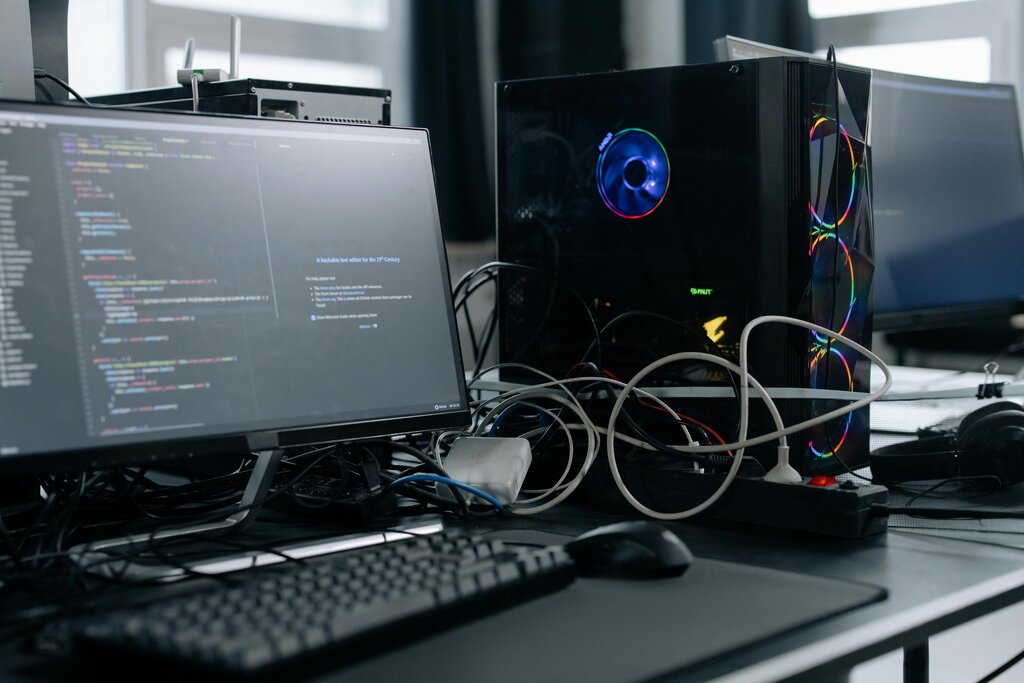
This simplicity doesn't mean it's not powerful. Python is used for everything from web development and data analysis to artificial intelligence. Before we can write any code, we need to set up our computer to understand Python.
Setting Up Your Workspace
First, you need to install the Python interpreter. This is the program that reads your Python code and runs the commands. The official source for Python is python.org. You should download the latest stable version available for your operating system, whether it's Windows, macOS, or Linux.
The installation process is usually straightforward. On Windows, you'll run an installer and make sure to check the box that says "Add Python to PATH." This lets you run Python from your computer's command line. On macOS and Linux, Python might already be installed, but it’s a good practice to install the latest version using a package manager like Homebrew for Mac or your distribution's package manager for Linux.

Once Python is installed, you need a place to write your code. You can use any plain text editor, but it's easier to use a development environment. Python comes with a simple one called IDLE (Integrated Development and Learning Environment). It includes a text editor with syntax highlighting and a shell to run your code immediately. As you get more advanced, you might switch to more powerful editors like Visual Studio Code or PyCharm, but IDLE is perfect for starting out.

Variables and Data Types
In programming, we need a way to store and manage information. We do this using variables. Think of a variable as a labeled box where you can keep a piece of data. You give the box a name, and you can put things in it, take them out, or replace them with something new.
variable
noun
A symbolic name that is a reference or pointer to an object. Once an object is assigned to a variable, you can refer to the object by that name.
To create a variable in Python, you just choose a name, use the equals sign (=), and provide a value.
greeting = "Hello there"
user_age = 30
pi_value = 3.14159
The data we store in variables comes in different forms, or data types. Python automatically detects the type of data you assign. The examples above show three common types:
| Data Type | Description | Example |
|---|---|---|
String (str) | A sequence of characters, like text. | "Hello there" |
Integer (int) | A whole number, without a decimal point. | 30 |
Float (float) | A number with a decimal point. | 3.14159 |
Choosing meaningful variable names is important. A name like user_age is much clearer than just a or x. Variable names must start with a letter or an underscore and can only contain letters, numbers, and underscores.
Basic Input and Output
The most fundamental task in programming is interacting with the user. This involves displaying information (output) and getting information (input).
To display output, Python gives us the print() function. You put the text or the variable you want to display inside the parentheses.
# Printing a string directly
print("Welcome to the program!")

# Printing a variable's value
user_name = "Alex"
print(user_name)
You can also combine text and variables to create more dynamic messages.
user_name = "Alex"
score = 100

print("Welcome,", user_name)
print("Your score is:", score)
To get input from a user, we use the input() function. This function displays a message to the user, waits for them to type something, and then returns what they typed as a string.
Important: The
input()function always returns a string, even if the user types in a number. If you need to treat the input as a number, you have to convert it first.
Here’s how you can ask a user for their name and then greet them.
# Ask the user for their name and store it in a variable
user_name = input("Please enter your name: ")

# Greet the user by name
print("Hello,", user_name, "! Nice to meet you.")
Let's try one more example that involves numbers. We'll ask for a user's age and show how to convert the input string to an integer using int().
# Get age as a string from the user
age_string = input("How old are you? ")

# Convert the string to an integer
age_number = int(age_string)

# Now you can perform calculations with the number
years_until_100 = 100 - age_number

print("You will be 100 years old in", years_until_100, "years.")
Now it's time to check your understanding of these basic concepts.
What is a key reason Python is often recommended for beginners?
When installing Python on Windows, what is the main purpose of checking the box "Add Python to PATH"?
You've now taken your first steps with Python. You know how to set up your environment, store information in variables, and perform basic communication with a user. These are the essential building blocks for writing any program.