Python Programming Fundamentals
Introduction to Python
Meet Python
Think of a programming language as a way to give instructions to a computer. Some are complex and rigid, like a formal legal document. Python, on the other hand, is designed to be clear and readable, almost like plain English. This makes it a great language for beginners.
But its simplicity is deceptive. Python is incredibly powerful and versatile. It's used by companies like Google, Netflix, and NASA to do everything from building websites and analyzing data to powering robotics and creating special effects for movies. It’s a multi-purpose tool for a huge range of problems.

Setting Up Your Workspace
To start writing Python, you need two things: the Python language itself, and a place to write your code. First, you'll need to install the Python interpreter. This is the program that understands your Python code and executes your instructions. You can download it for free from the official Python website.

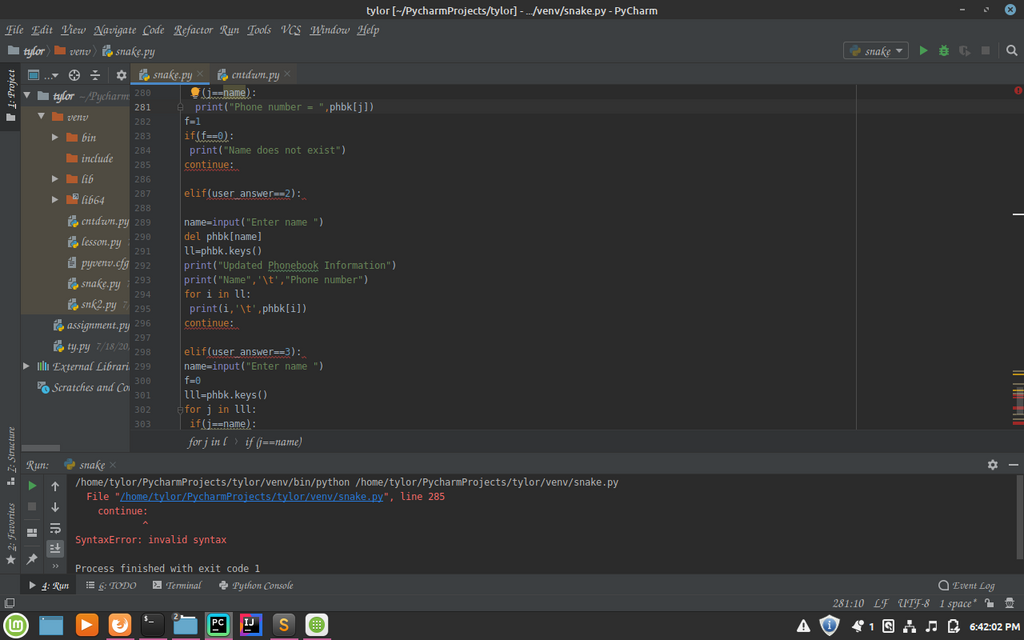
Next, you need a code editor. While you could use a simple text editor, most programmers use an Integrated Development Environment, or IDE. An IDE is like a word processor specifically for code. It helps you by highlighting keywords, catching errors, and managing your files. Popular choices for Python include VS Code and PyCharm. They're both excellent, so you can't go wrong.
Writing Your First Code
Let's start by having a direct conversation with Python using its interactive shell. You can open it by typing python or python3 into your computer's command line or terminal. You'll see a prompt that looks like >>>.
The
>>>prompt means the Python interpreter is ready and waiting for your command. It's an invitation to start coding.
Try typing a simple math problem and pressing Enter. Python will solve it instantly.
>>> 2 + 2
4
>>> 100 - 15
85
The interactive shell is great for quick tests, but for anything more complex, you'll want to save your code in a file. This is called a script. Let's create a file named hello.py and write our first program.
# hello.py

# This is a comment. Python ignores anything after a #.
# It's here to help humans understand the code.

print("Hello, World!") # This line tells Python to display the text.
To run this script, go back to your terminal, navigate to the directory where you saved hello.py, and type python hello.py. The computer will execute the print() command and display "Hello, World!" on your screen.
Whitespace Matters
In many programming languages, indentation (the space at the beginning of a line) is just for making code look neat. In Python, it's part of the syntax. Indentation is how Python groups blocks of code together. If you get it wrong, your program won't run.
Think of indentation like paragraphs and sub-bullets in an outline. It creates structure and shows which instructions belong together.
You'll see this in action when we start using loops and conditions. For now, just remember that the spacing is not optional. The standard is to use four spaces for each level of indentation.
Ready to check your understanding?
What is the primary design philosophy of the Python language?
What are the two essential pieces of software you need to start writing and executing Python code?
You've taken your first steps into a powerful and popular language. You know what Python is, how to set up your environment, and how to write and run a simple program.