Python Programming Fundamentals
Python Basics
Getting Python Running
Before you can write Python code, you need two things: the Python interpreter and a place to write your code. The interpreter is what reads your code and runs it. You can download it for free from the official Python website, python.org.
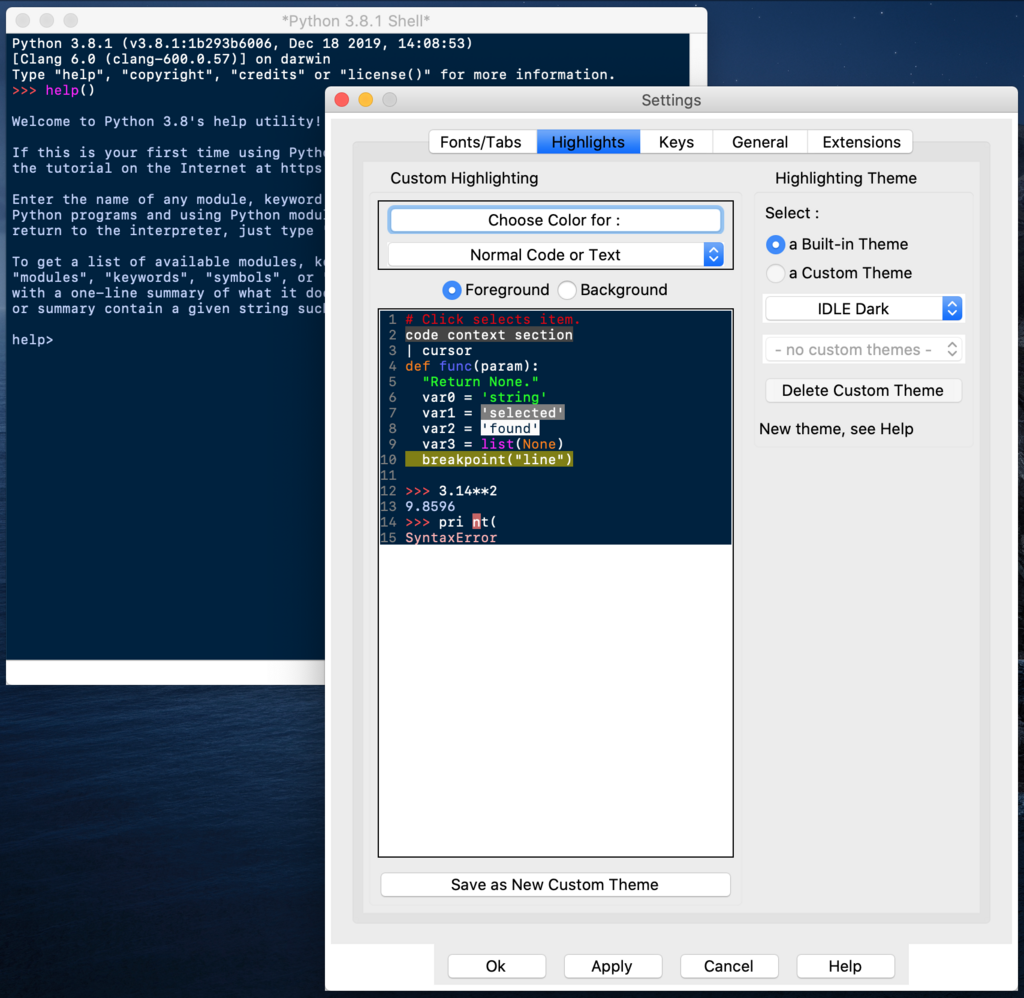
You also need a text editor or an Integrated Development Environment (IDE). An IDE is just a program designed to make coding easier. It often includes a text editor, a way to run your code, and tools to help you find mistakes. When you install Python, it comes with a simple IDE called IDLE, which is perfect for beginners.
Your First Program
Let's start with a classic tradition in programming: making the computer say hello. Open your editor or IDE, create a new file, and type this single line of code.
print("Hello, World!")
Save the file with a .py extension, like hello.py. Then, run it. You should see the text Hello, World! appear on your screen. That's it! You've just written and executed your first Python program. The print() command is a built-in function that tells Python to display whatever is inside the parentheses.
The Rules of the Road
Python's syntax is known for being clean and readable. There are a couple of key rules you need to know right away: indentation and comments.
In Python, indentation isn't just for style—it's for structure. Unlike many other languages that use brackets or keywords, Python uses whitespace to define blocks of code. Forgetting to indent (or indenting incorrectly) will cause errors. A standard indentation is four spaces.
You also need a way to leave notes in your code for yourself or other programmers. These are called comments. The Python interpreter ignores them completely. To write a comment, just start the line with a hash symbol (#).
# This is a comment. Python will ignore it.
print("This line will run.") # You can also add comments here.
Good comments explain the why behind your code, not just the what. They make your code easier to understand when you come back to it later.
Storing Information
Programs need to work with information, like numbers and text. To keep track of this information, we use variables. Think of a variable as a labeled box where you can store a piece of data. You give the box a name, and you can put things in it, take them out, or change what's inside.
# Here, 'message' is the variable name
# and "Welcome to Python!" is the value.
message = "Welcome to Python!"

# Now we can use the variable instead of the text itself.
print(message)
The data you store in variables comes in different forms, or data types. For now, let's focus on four basic types.
| Data Type | Description | Example |
|---|---|---|
| Integer | A whole number, positive or negative. | 42, -100 |
| Float | A number with a decimal point. | 3.14, -0.001 |
| String | A sequence of characters (text). | "Hello", 'Python' |
| Boolean | Represents truth values. | True, False |
Here are examples of each type being assigned to a variable:
my_integer = 101
my_float = 2.718
my_string = "This is a string."
is_active = True

print(my_integer)
print(my_float)
print(my_string)
print(is_active)
Python is smart enough to figure out the data type on its own when you assign a value to a variable. This makes it easy to get started with storing and manipulating data.
To reinforce what you've learned, try this short quiz.
What is the primary role of the Python interpreter?
Which line of code will correctly display the text Hello, Python! on the screen?
You now have the fundamental building blocks for writing simple Python programs. You know how to set up your environment, write and run code, follow Python's syntax rules, and use variables to store basic types of data.