Python for PWA Development
Python Basics
Storing Information
Think of variables as labeled boxes where you can store information. You give a box a name (the variable name) and put something inside it (the value). This lets you save data to use later in your program.
variable
noun
A symbolic name that is a reference or pointer to an object. Once an object is assigned to a variable, you can refer to the object by that name.
In Python, you create a variable by simply naming it and assigning a value using the equals sign (=). The type of information you store determines the variable's data type.
# Text is stored as a string (str)
user_name = "Alex"

# Whole numbers are integers (int)
user_age = 32

# Numbers with decimals are floats (float)
account_balance = 150.75

# True or False values are booleans (bool)
is_logged_in = True
Strings are for text and are wrapped in quotes. Integers are for whole numbers, and floats are for numbers with decimal points. Booleans are simple True or False values, perfect for tracking states like whether a user is logged in or not.
Making Decisions and Repeating Actions
Your program will often need to make choices or perform actions multiple times. This is where control structures come in. They control the flow of your code.
The
ifstatement is your tool for making decisions. It checks if a condition is true and runs a block of code only if it is.
user_age = 19

if user_age >= 18:
    print("Access granted.")
else:
    print("Access denied.")

# Output will be: Access granted.
Sometimes you need to do something for every item in a list. A for loop is perfect for this. It iterates over a sequence, like a list of items in a shopping cart, and runs a block of code for each one.
items = ["apple", "banana", "cherry"]

for item in items:
    print(f"Processing {item}...")
What if you need to repeat an action until a certain condition changes? The while loop does exactly that. It keeps running as long as its condition is True.
attempts = 0

while attempts < 3:
    print(f"Attempt number {attempts + 1}")
    attempts = attempts + 1

print("No more attempts left.")
Packaging Your Code
As your programs grow, you'll want to organize your code to keep it clean and avoid repeating yourself. Functions are the primary way to do this.
A function is a named, reusable block of code that performs a specific task. You define it once and can run it whenever you need it.
# Define a function to greet a user
def greet_user(name):
    print(f"Hello, {name}!")

# Call the function to use it
greet_user("Alice")
greet_user("Bob")
Python also allows you to use code written by others through modules. A module is just a file containing Python code. You can bring its functions and variables into your program using the import statement.
# Import the 'math' module to get access to math tools
import math

# Use the sqrt function from the math module
number = 81
root = math.sqrt(number)

print(f"The square root of {number} is {root}")
Handling the Unexpected
Things don't always go as planned. A user might enter text where a number is expected, or a required file might be missing. These situations cause errors, or exceptions, that can crash your program.
To prevent this, you can anticipate potential problems and handle them gracefully using a try...except block.
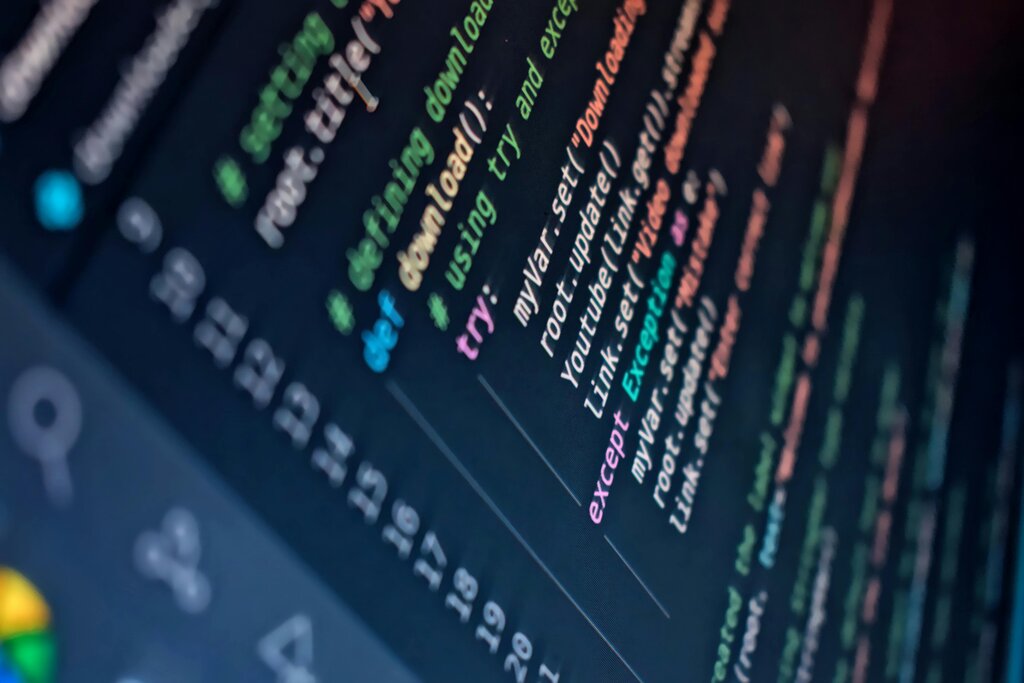
You place the code that might fail inside the try block. If an error occurs, the code inside the except block is executed, and the program continues running instead of crashing.
user_input = "abc"

try:
    # This line will cause an error because "abc" isn't a number
    number = int(user_input)
    print(f"You entered the number {number}")
except ValueError:
    # This block runs because a ValueError occurred
    print("That wasn't a valid number. Please try again.")

print("Program continues...")
This simple structure is incredibly powerful for building applications that can withstand unexpected input and situations.
In Python, which data type is used to represent text, and must be enclosed in quotes?
What is the primary purpose of a try...except block in Python?
With these fundamentals, you have the building blocks to start creating the logic behind your applications.