Python for Data Science
Python Basics
Storing Information
At its core, programming is about working with data. To do that, we need a way to store and label information. In Python, we use variables for this. Think of a variable as a labeled box where you can keep a piece of information. You give the box a name, and you can put something inside it.
variable
noun
A symbolic name that is a reference or pointer to an object. Once an object is assigned to a variable, you can refer to the object by that name.
For example, we can create a variable named age and store the number 30 in it.
age = 30
print(age)  # This will display 30
The information we store comes in different forms, or data types. Python is smart about figuring out the type, but it's important to know the basic ones.
- Integers are whole numbers, like -5, 0, or 100.
- Floats are numbers with a decimal point, like 3.14 or -0.5.
- Strings are sequences of characters, like text. You create them by wrapping text in single
' 'or double" "quotes. - Booleans represent truth values. They can only be
TrueorFalse.
# An integer
student_count = 150

# A float
pi = 3.14159

# A string
greeting = "Hello, world!"

# A boolean
is_learning = True
Variables give us a way to label and access data, while data types determine what kind of data we're working with.
Making Decisions and Repeating Actions
A program that just runs from top to bottom isn't very dynamic. We often need our code to make decisions or perform actions repeatedly. This is where control structures come in.
The most basic way to make a decision is with an if statement. It checks if a certain condition is true. If it is, a specific block of code runs. You can also provide an else block for what to do if the condition is false.
temperature = 75

if temperature > 80:
    print("It's a hot day!")
elif temperature < 60:
    print("Better bring a jacket.")
else:
    print("The weather is pleasant.")
The elif (short for "else if") lets you check for multiple conditions in order.
What if you need to do something over and over? That's what loops are for. A for loop is perfect for iterating through a sequence, like a list of items.
# This loop will run three times
for name in ["Alice", "Bob", "Charlie"]:
    print(f"Hello, {name}!")
Another type of loop is the while loop. It keeps running as long as its condition remains true. It's useful when you don't know ahead of time how many times you need to repeat.
count = 0

while count < 3:
    print(f"Count is {count}")
    count = count + 1  # It's crucial to change the condition!
Be careful with
whileloops! If the condition never becomes false, you'll create an infinite loop and your program will get stuck.
Reusing Code
As your programs get more complex, you'll find yourself writing the same lines of code in multiple places. To avoid this repetition, you can package code into functions. A function is a named, reusable block of code that performs a specific task.
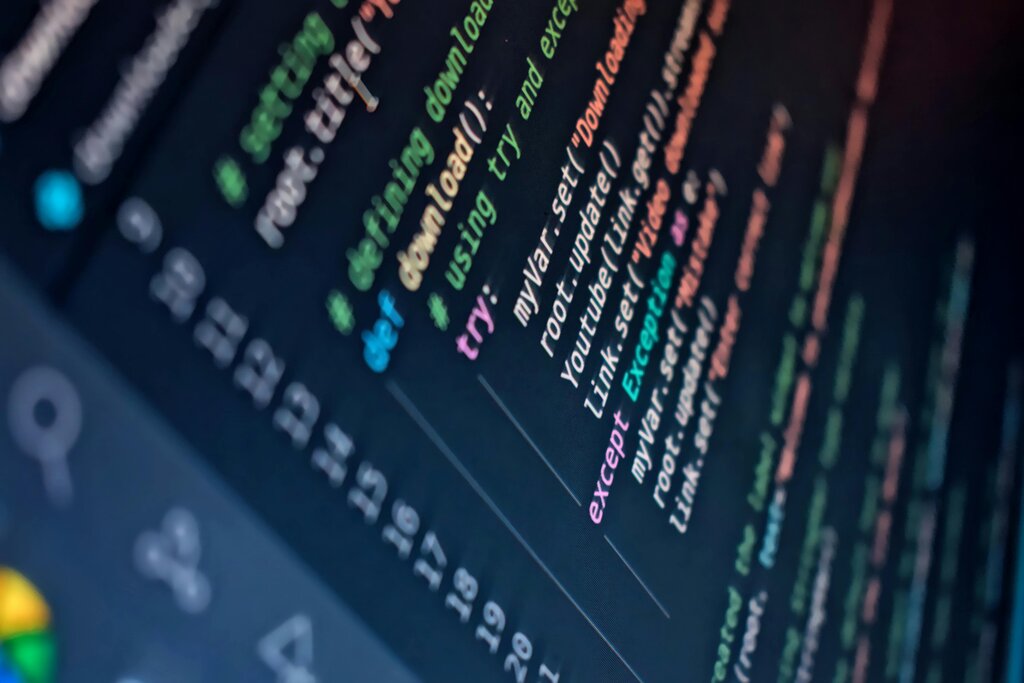
You define a function using the def keyword, give it a name, and then you can "call" it whenever you need it to run.
# Define a function that greets someone
def greet(name):
    return f"Hello, {name}! How are you?"

# Call the function and print the result
message = greet("Alex")
print(message)
Python also has a vast standard library of pre-written code organized into modules. A module is simply a file containing Python definitions and statements. To use the code in a module, you import it.
For instance, if you need to perform mathematical calculations like square roots, you can import the math module.
import math

# Now we can use functions from the math module
result = math.sqrt(16)
print(result)  # This will display 4.0
Handling Errors
No one writes perfect code all the time. Errors, called exceptions in Python, will happen. Your program might try to divide a number by zero or access a file that doesn't exist. When Python encounters an error, it normally stops and crashes.
To prevent this, you can anticipate potential errors and handle them gracefully using a try...except block. You put the code that might cause an error in the try block, and the code to run if an error occurs goes in the except block.
try:
    # This code will cause an error
    result = 10 / 0
    print(result)
except ZeroDivisionError:
    # This code runs instead of crashing
    print("You can't divide by zero!")
By catching the ZeroDivisionError, we tell Python what to do when this specific problem occurs. The program can then print our helpful message and continue running instead of halting completely. This is essential for building robust applications that don't fail unexpectedly.
What data type would Python use to represent the value 3.14?
What will be printed to the console when the following code is executed?
score = 75

if score >= 90:
    print("Grade: A")
elif score >= 80:
    print("Grade: B")
elif score >= 70:
    print("Grade: C")
else:
    print("Grade: D")
With these fundamentals—variables, control structures, functions, and error handling—you have the core building blocks for writing powerful Python scripts for data science and beyond.