Professional File Formatting
Introduction to File Organization
Why Bother Organizing Files?
Think of your computer's storage as a physical room. When it's messy, with papers, books, and random items scattered everywhere, finding a single specific thing can feel impossible. Digital clutter works the same way. A desktop covered in icons and a downloads folder overflowing with vaguely named files creates unnecessary stress and wastes valuable time.
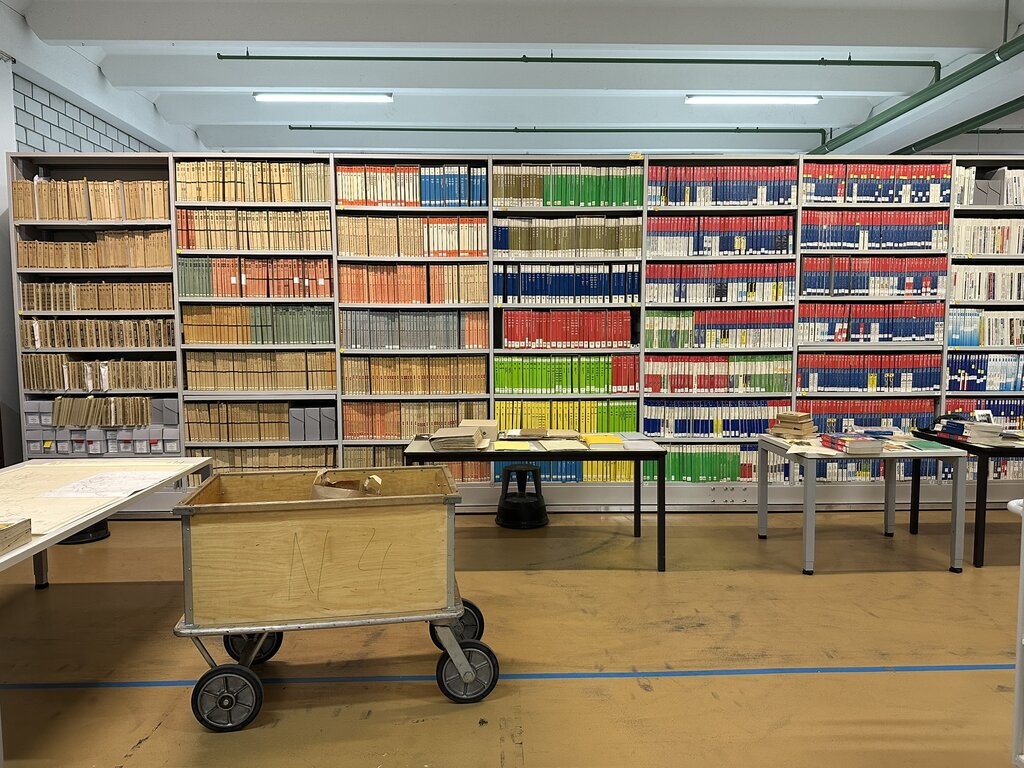
Organizing your digital files isn't just about being neat. It's about creating a system that lets you find what you need, when you need it, without a frantic search. A good system boosts your productivity, reduces the chance of losing important work, and brings a sense of calm to your digital workspace.
Organizing your digital files can help you ease off workload pressure, and confusion, and can improve your work productivity.
Build Your Digital Skeleton
The foundation of any good organization system is a logical folder structure. This is often called a hierarchy, which is just a fancy way of saying you put folders inside other folders, moving from broad categories to more specific ones. Think of it like a set of nesting dolls or a filing cabinet. You start with a big drawer, which has dividers, which in turn hold individual folders.
Your top-level folders should represent the main areas of your life or work. From there, you can get more specific.
For example, a student might start with folders for each academic year. Inside the 2024 folder, they'd have a folder for each class, like History 101 and Biology 205. Inside History 101, they could have subfolders for Assignments, Lecture Notes, and Readings. This structure is intuitive because it mirrors how the school year is organized.
The key is to create a system that makes sense to you. There's no single perfect way to do it. The goal is to make finding a file so easy you don't even have to think about it.
Name Files with Purpose
A great folder structure can be undermined by poorly named files. Imagine opening your Assignments folder and seeing Document1.docx, Essay.docx, and Final Draft.docx. Which one is which? A consistent naming convention solves this problem.
A good file name is descriptive and predictable. It should tell you what the file is without you having to open it. A common and effective convention is to include the date, a description of the content, and maybe a version number.
| Bad Name | Good Name |
|---|---|
notes.docx | 2024-10-26_HIST101_LectureNotes.docx |
essay draft.docx | 2024-11-05_HIST101_Paper_Draft_v1.docx |
final paper FINAL.docx | 2024-11-15_HIST101_Paper_Final.docx |
Using the date format YYYY-MM-DD at the beginning of the file name is especially helpful. It automatically sorts your files chronologically when you sort by name, which is a simple trick to keep your work in order.
A standardized file naming convention is the foundational pillar of effective document management.
Getting into the habit of creating a logical structure and naming files properly from the start will save you countless headaches down the road. Let's test what you've learned.
What is the primary benefit of organizing your digital files into a logical folder structure?
A 'hierarchy' in file management refers to a system where you put folders inside other folders, moving from ______ categories to more ______ ones.
Building these habits takes a little effort up front, but the payoff in time saved and stress avoided is huge. A clean digital space allows you to focus on what's truly important: the work itself.