Professional Android Device Unlocking and Recovery
Unlocking Ethics and Law
The Line Between Helping and Hacking
As an IT professional, you're a problem solver. When a user is locked out of their device, your instinct is to help. But unlocking a device isn't like resetting a password on a web app. You're handling a physical key to someone's entire digital life. The most important question you must answer before you begin is: who are you helping, and do they have the right to ask?
The critical distinction is between authorized recovery and unauthorized bypass. Authorized recovery happens when you help the legitimate owner regain access. Unauthorized bypass is when you grant access to someone who has no right to it, which can have serious legal and ethical consequences.
Think of it this way: a locksmith can help you get into your own house if you lose your keys. That's a service. But if they open that same door for a stranger without verifying you live there, they become an accessory to a crime. Your role in device unlocking follows the same principle.
First, Prove It's Yours
Before any tool is plugged in or any command is run, you must establish a clear, documented chain of ownership. Verbal confirmation is never enough. You need concrete proof that the person asking for the unlock is the legitimate owner or has the owner's explicit, verifiable consent.
This isn't just about company policy; it's about protecting yourself and your organization from liability. The required documentation depends on whether the device is owned by an individual or a corporation.
| Device Type | Primary Proof of Ownership | Secondary/Supporting Docs |
|---|---|---|
| Corporate-Owned | Official IT asset tag/record | Employee ID, written request from manager |
| Personal (BYOD) | Original proof of purchase (receipt) | Photo ID matching the name on the receipt |
| Personal (No Receipt) | Login to carrier/manufacturer account | Photo ID, signed affidavit of ownership |
If a user cannot provide this level of verification, you cannot proceed. It's a hard line, but a necessary one. Politely explain the policy and the reasons for it. The potential risk of unlocking a device for an unauthorized person—a thief, an abusive partner, or a corporate spy—is far too high.
Walking the Legal Tightrope
Beyond simply helping the wrong person, IT professionals face genuine legal risks. Laws like the Computer Fraud and Abuse Act (CFAA) and the Digital Millennium Copyright Act (DMCA) have provisions that can be interpreted to cover unauthorized access to digital devices. Accessing a device without authorization can be a civil or even criminal offense.
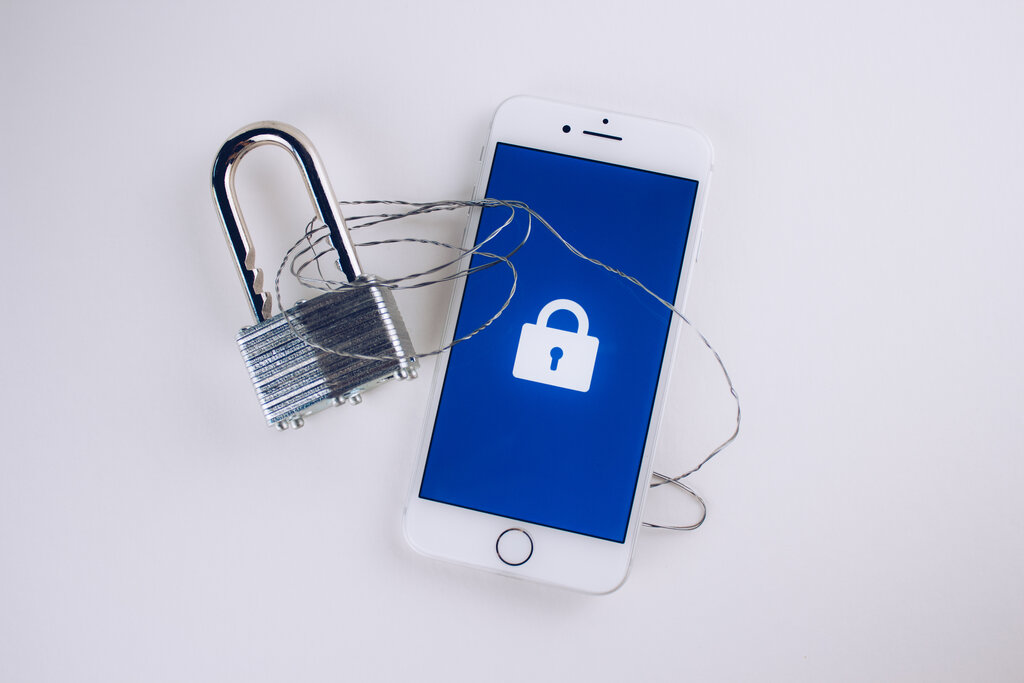
The core issue is data privacy. A smartphone contains multitudes: emails, text messages, financial data, location history, private photos, and access tokens to other services. When you unlock a device, you are potentially exposing all of it.
If a device is unlocked, thieves get unrestricted access to anything that doesn’t require additional logins: that could include sensitive emails, 2FA codes delivered via app or SMS, and beyond.
Corporate vs Personal Policies
The rules of engagement change significantly depending on who owns the device. For corporate-owned devices, the situation is usually straightforward. The company is the legal owner, not the employee. These devices are often managed under a Mobile Device Management (MDM) system, which gives IT administrators the tools to remotely wipe, lock, or unlock devices as needed.
In this context, an employee locking themselves out is an operational issue. As long as the request comes through proper channels and identity is verified, IT is acting as an agent of the device's owner—the company.
The lines blur with personal devices, especially in a Bring Your Own Device (BYOD) environment. Even if a personal device is used for work, you, the IT professional, are dealing with an individual's private property. Accessing it without consent can be a major violation of privacy.
When using personal mobile phones or other devices for work purposes, take steps to protect confidentiality and maintain appropriate boundaries.
BYOD policies must be crystal clear. They should specify what support IT can and cannot provide for personal devices and outline the exact verification procedures required. Never attempt a recovery on a personal device without a clear policy and the user's signed, informed consent, which acknowledges the risk of data loss during the process.
Let's check your understanding of these critical boundaries.
When an IT professional is asked to unlock a device, what is the most critical question they must answer before proceeding?
An employee asks you to unlock their personal phone, which they use for work under a BYOD policy. They are in a hurry and don't have the paperwork specified in the policy, but you recognize them and they verbally confirm it's their phone. What is the correct course of action?
Understanding this framework is the foundation. It ensures that when you move on to the technical methods of unlocking a device, you do so responsibly and professionally.