PHP Essentials
Introduction to PHP
What is PHP?
PHP is a server-side scripting language. That might sound complex, but the idea is simple. Imagine you're at a restaurant. You (the client) order from a menu. The waiter (the server) takes your order to the kitchen. The kitchen prepares your specific meal, and the waiter brings it back to you. The kitchen's work is done on the "server-side."
In web development, your browser is the client. It requests a webpage from a server. A static webpage is like a pre-made sandwich; the server just hands it over. But a dynamic page, built with something like PHP, is custom-made. The server runs PHP code to assemble the page, perhaps by pulling the latest posts from a database, before sending the final HTML to your browser.
PHP is a powerful server-side scripting language for making dynamic and interactive Web pages.
PHP stands for Hypertext Preprocessor. It's the engine behind many popular websites and content management systems, including WordPress, which powers a huge portion of the internet. It's designed to be embedded directly into HTML, making it a flexible choice for web developers.
A Brief History
PHP was created in 1994 by Rasmus Lerdorf. It wasn't originally intended to be a full-fledged language. Lerdorf created a set of tools in the C programming language to track visitors to his online resume. He called it "Personal Home Page Tools."
As more features were added, PHP evolved. It was rewritten and released to the public, growing into the robust, open-source language we know today. Its ease of use and focus on web-specific tasks helped it become incredibly popular.
Setting Up Your Environment
To run PHP scripts, you can't just open a .php file in your browser like you would an HTML file. The code needs to be processed by a server first. To do this on your own computer, you need to set up a local development environment.
This environment needs three key components: a web server (like Apache), PHP itself, and a database (like MySQL). Installing these separately can be tricky.
For beginners, tools like XAMPP bundle the PHP interpreter, Apache, and MariaDB (a database server that’s compatible with MySQL) together for easy setup.
XAMPP is a free and popular software package. The name is an acronym for Cross-Platform, Apache, MariaDB, PHP, and Perl. It gives you a complete local server with one simple installation. Similar tools like MAMP (for macOS) or WAMP (for Windows) do the same thing.
To get started, download XAMPP from its official website. Run the installer, accepting the default settings. Once installed, open the XAMPP control panel and start the Apache module. That's it! Your computer is now acting as a web server.
Your First PHP Script
Let's create a classic "Hello, World!" program. PHP files end with the .php extension. The code itself is written between special tags: <?php and ?>.
<!DOCTYPE html>
<html>
<head>
    <title>My First PHP Page</title>
</head>
<body>

    <h1>Welcome!</h1>

    <p>
        <?php
            echo "Hello, World!";
        ?>
    </p>

</body>
</html>
The echo command is one of the most basic in PHP. It simply outputs text.
To run this script, save the file as hello.php inside the htdocs folder (or www for MAMP/WAMP) in your XAMPP installation directory. This folder is the root of your local web server.
Now, open your web browser and go to http://localhost/hello.php. The server will process the PHP code and send the resulting HTML to your browser.
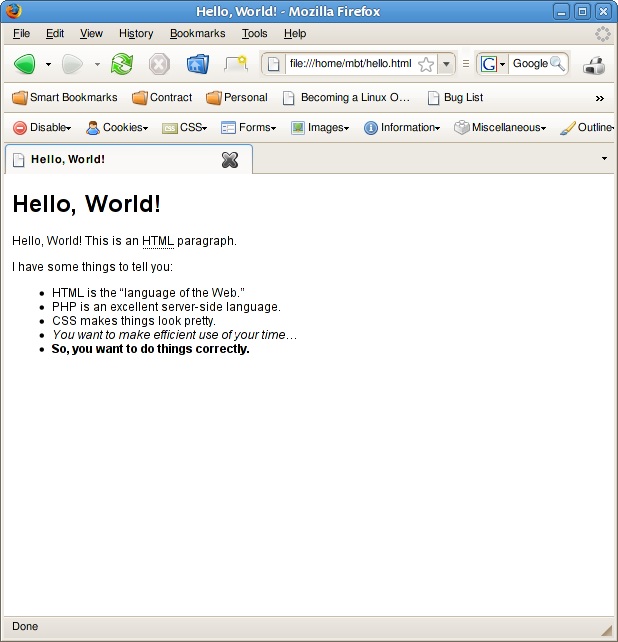
You've just created and run your first dynamic webpage. This is the foundation for building much more complex and interactive websites.