Password Manager Mastery
Understanding Password Managers
Your Digital Keychain
Remembering dozens of unique, complex passwords is a huge challenge. Our brains aren't built for it. So what do most people do? They reuse the same password everywhere. This is a massive security risk. If one site gets breached, an attacker can use that same password to access your email, bank account, and social media.
Enter the password manager. It's a secure digital vault that stores all your login credentials for you.
A password manager is a tool that helps store, generate, and manage your passwords for different accounts securely.
Instead of remembering hundreds of passwords, you only need to remember one: the master password. This single password unlocks your vault, and the manager handles the rest. It can automatically fill in your username and password when you visit a website, saving you time and effort. Most importantly, it allows you to use a long, random, and unique password for every single account without having to memorize any of them.
Types of Managers
Password managers come in a few different flavors, each with its own set of trade-offs.
Browser-Based Managers
These are built directly into web browsers like Chrome, Safari, and Firefox. They are incredibly convenient because they're already there, ready to save and fill your passwords as you browse the web.
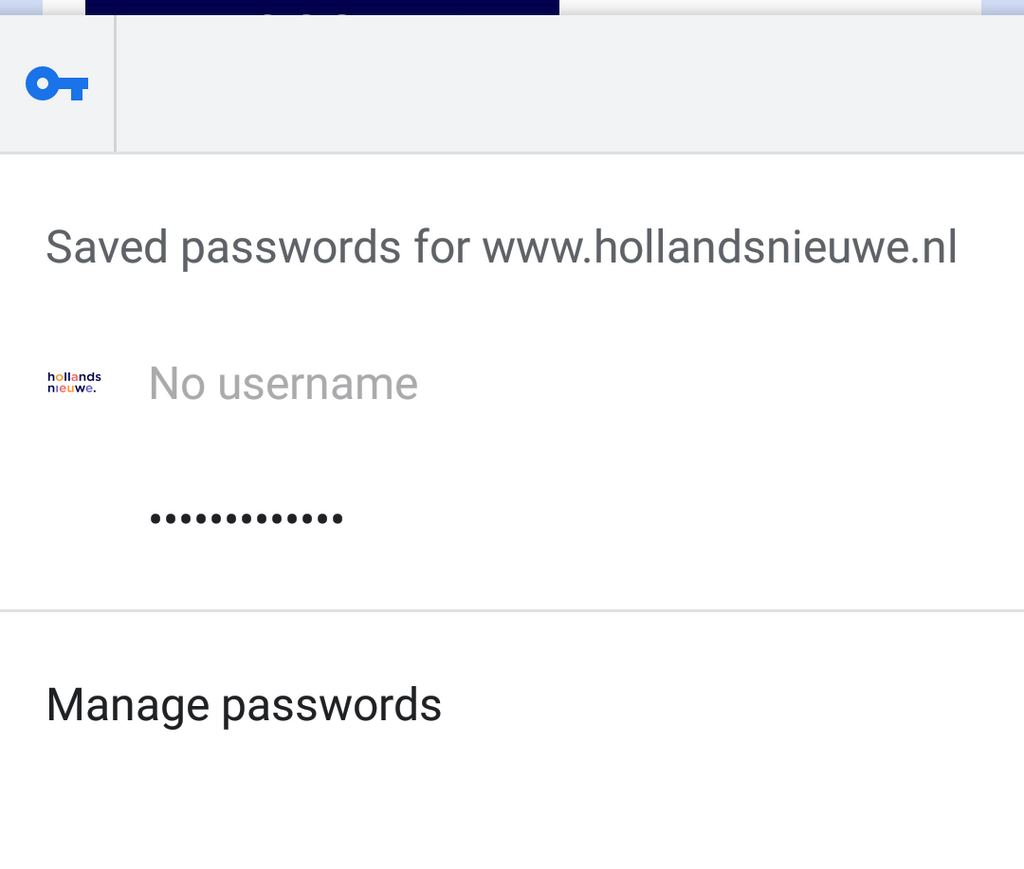
However, their convenience comes at a cost. They are typically less secure than dedicated apps and their features are limited. They also lock you into a specific browser's ecosystem, making it tricky to access your passwords if you switch to a different browser or need them for an app on your phone.
| Advantages | Disadvantages |
|---|---|
| Extremely convenient | Tied to one browser |
| Free and pre-installed | Fewer security features |
| Easy to use | Limited to website logins |
Cloud-Based Managers
These are standalone applications that store your encrypted password vault on their servers. Popular examples include Dashlane, 1Password, and Bitwarden. The biggest advantage is synchronization. You can access your passwords on any device—your laptop, phone, or tablet—as long as you have the app installed and an internet connection.
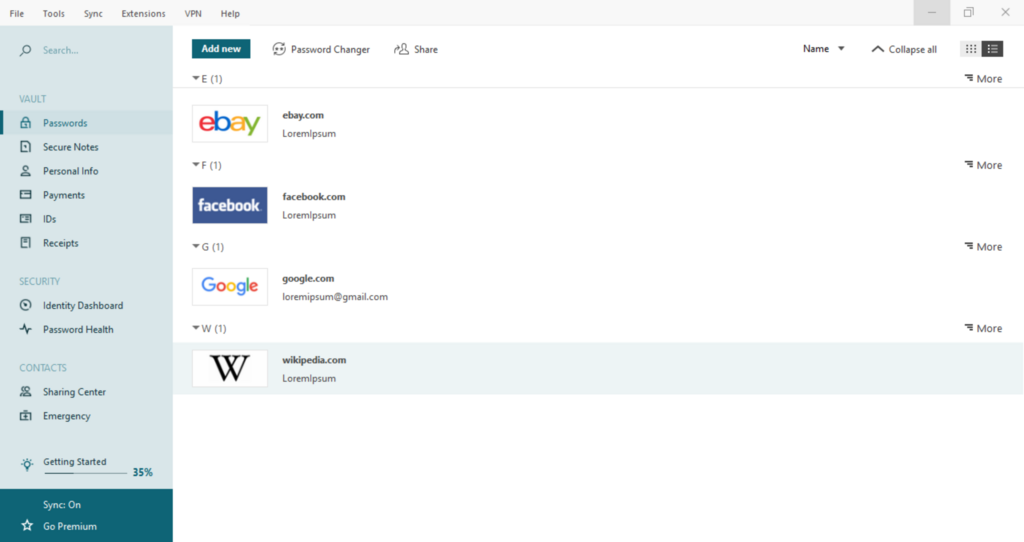
These services usually offer robust features, like secure note storage, password sharing with family or colleagues, and security audits that check for weak or compromised passwords. The main downside is that you're trusting a third-party company with your most sensitive data. While they use strong encryption, the company itself could be a target for hackers.
| Advantages | Disadvantages |
|---|---|
| Syncs across all devices | Relies on a third-party company |
| Rich in features | Often requires a subscription |
| Works on websites and apps | Requires internet to sync |
Local-Only Managers
For those who want maximum control, local-only managers like KeePassXC store your password vault as an encrypted file directly on your device. You are in complete control of this file. It never gets uploaded to a cloud server unless you choose to do so yourself using a service like Dropbox or Google Drive.
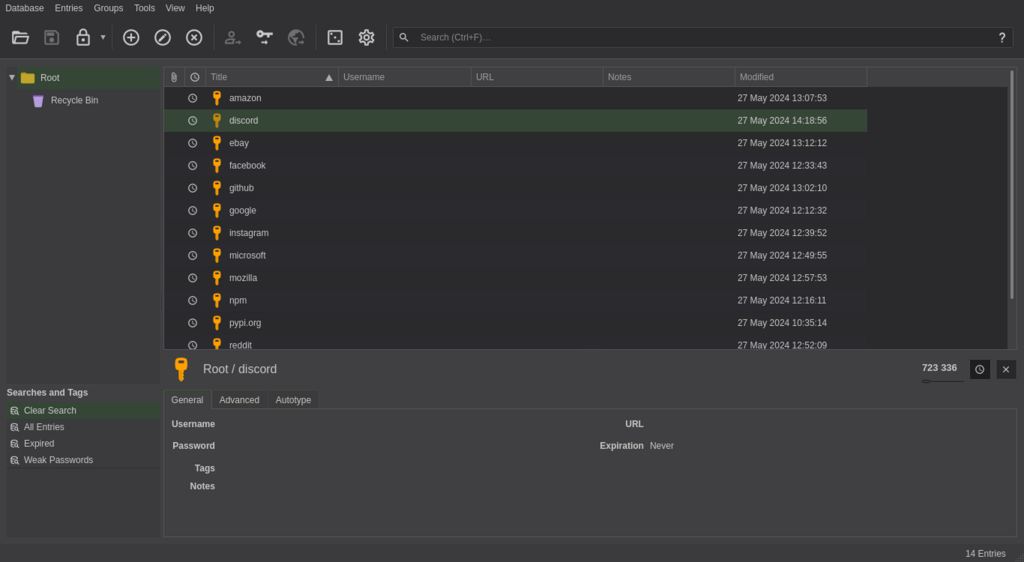
This approach offers the highest level of security and privacy, as you are not relying on a third party. The trade-off is convenience. Syncing your vault across devices is a manual process that you have to set up and manage. If you lose the device with your vault file and don't have a backup, your passwords are gone forever.
| Advantages | Disadvantages |
|---|---|
| Maximum security and control | Syncing is manual and complex |
| Often free and open-source | Risk of losing the vault file |
| Not reliant on a third party | Less user-friendly |
The Real Power
The main benefit of any password manager isn't just storing passwords, it's generating them. A good manager can create long, random, and completely unique passwords for every site you use. Think of passwords like j5&n@P!v*kG8^zQ#.
You don't need to remember it. You just need to know it's safe in your vault. By using a unique password for every account, you contain the damage if one of your accounts is ever compromised in a data breach. Hackers can't take the password from one site and use it to access your other accounts.
Let's check what you've learned about these essential security tools.
What is the primary security risk of reusing the same password across multiple websites?
What is the "master password" in the context of a password manager?
Choosing the right type of password manager depends on your personal balance of convenience and security. But using any of them is a significant step up from reusing passwords or writing them on a sticky note.