N8n Workflow Automation
Introduction to Workflow Automation
What is Workflow Automation?
At its core, workflow automation is about teaching technology to handle repetitive, manual tasks for you. Think of any process you do at work that follows a predictable, step-by-step pattern. It could be as simple as saving email attachments to a specific folder or as complex as onboarding a new customer.
A workflow is just a series of steps needed to get something done. Automation is the act of getting technology to perform those steps without human intervention.
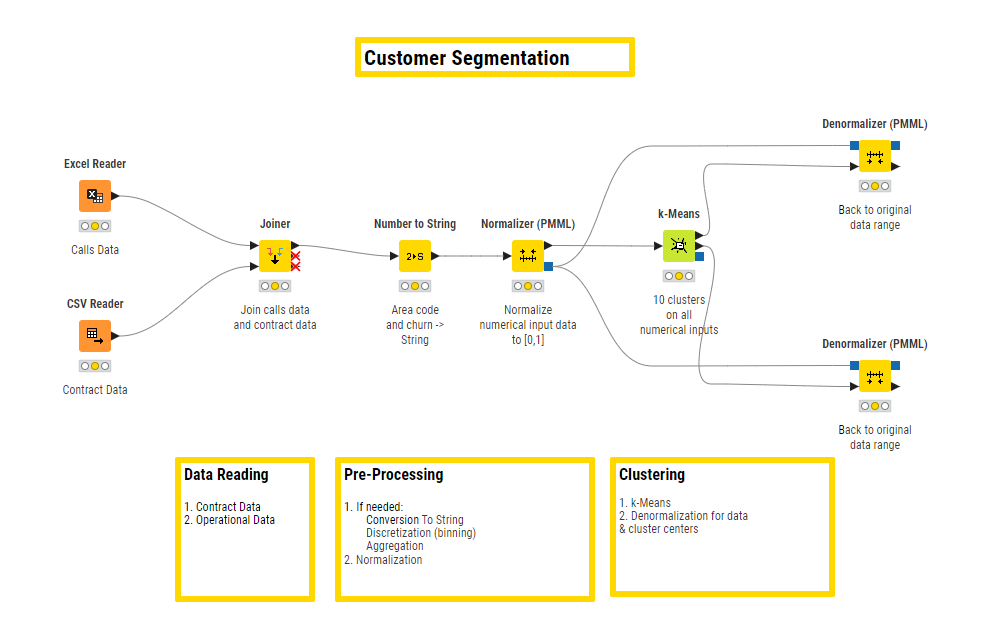
Instead of you manually copying data from a form into a spreadsheet, then sending a confirmation email, and finally creating a task in your project management tool, an automation platform can do it all for you. It connects your different apps and services, allowing them to talk to each other and pass information along a predefined path. The moment a trigger event happens, like a new form submission, the automated workflow kicks off and runs through its sequence of actions.
Why Does It Matter?
The immediate benefit is saving time. By offloading routine tasks to a machine, you free up your mental energy for more creative and strategic work that requires a human touch. But the advantages go deeper than just efficiency.
- Fewer Errors: Humans make mistakes, especially when doing boring, repetitive tasks. Machines don't. Automation ensures processes are executed consistently every time, reducing the risk of costly errors.
- Faster Processes: Automated workflows run instantly, 24/7. A customer can receive an order confirmation email the second they click "buy," not hours later when someone gets around to it.
- Better Integration: Most businesses use a wide variety of software for different needs: one for email, one for customer relationships, another for project management. Automation acts as the glue that connects these separate systems, creating a seamless flow of information.
No-code workflow automation tools empower teams to save time, reduce manual effort, and accelerate overall productivity by streamlining repetitive tasks and connecting processes seamlessly.
Common Examples
Workflow automation isn't just for large corporations or technical experts. It's used across all departments to streamline daily operations. Here are a few common scenarios:
| Department | Common Automated Workflow |
|---|---|
| Sales | Automatically log new leads from a web form into a CRM and assign them to a sales representative. |
| Marketing | When a new blog post is published, automatically share it on social media and send a notification to an internal chat channel. |
| Human Resources | After a candidate accepts a job offer, automatically send them onboarding paperwork and create accounts for them in company systems. |
| Finance | When a new invoice is received via email, automatically extract the key details and add them to an accounting spreadsheet for approval. |
These are just a handful of examples. Any process that is rule-based and repetitive is a strong candidate for automation. The key is to connect the apps you already use and let them work together.
The Toolbox
A growing number of tools make workflow automation accessible to everyone, not just programmers. These platforms often use a visual, drag-and-drop interface to build workflows.
Some popular tools in this space include Zapier, Make (formerly Integromat), and Workato. Each offers a way to connect different applications and build automated sequences. They provide the building blocks that allow you to create custom solutions for your specific needs, bridging the gap between the various software services you rely on daily.
Now that you understand the what and why of workflow automation, let's test your knowledge.
What is the primary purpose of workflow automation?
In an automated workflow, what is the term for the event that initiates the sequence of actions?