MS SQL Server Fundamentals
Introduction to Databases
What is a Database?
Think of a massive library. If books were just thrown into a pile, finding the one you want would be impossible. Instead, libraries use a system. They categorize books by genre, alphabetize them by author, and track everything with a catalog. A database is like that system, but for digital information.
database
noun
An organized collection of structured information, or data, typically stored electronically in a computer system.
Its main job is to store, manage, and retrieve data efficiently and securely. From your social media feed to your bank account balance, databases work behind the scenes to keep the world's information in order.
Organizing the Information
There are many ways to organize data, but one of the most common and powerful methods uses a simple, intuitive structure: tables. This is the core idea behind the relational model.
Imagine a spreadsheet. You have columns that define the type of information (like Name, Email, and Phone Number) and rows that contain the actual entries for each person. A relational database organizes data in exactly this way, in tables that are easy to understand and manage.
A system designed to manage these tables and the relationships between them is called a Relational Database Management System, or RDBMS.
An RDBMS is the software that allows you to create, update, and administer a relational database. It's the engine that makes everything work.
The Power of Relationships
The real magic of an RDBMS isn't just storing data in tables, it's connecting them. Let's say you have another table for Orders. Instead of re-typing a customer's name and email for every order they make, you can simply link the Orders table to the Customers table using the customer's unique ID.
This approach has huge advantages:
- Reduces Repetition: You only store a piece of information, like a customer's name, in one place. If they update their name, you only have to change it once.
- Ensures Integrity: You can set rules to prevent invalid data. For example, you can't add an order for a customer ID that doesn't exist in the
Customerstable. - Provides Security: An RDBMS has built-in features to control who can see or modify the data, keeping sensitive information safe.
Meet Microsoft SQL Server
There are many different RDBMS products out there, and Microsoft SQL Server is one of the most popular and powerful ones used in the industry. It's a complete software package that provides all the tools needed to build and manage databases, from small applications to large, enterprise-level systems.
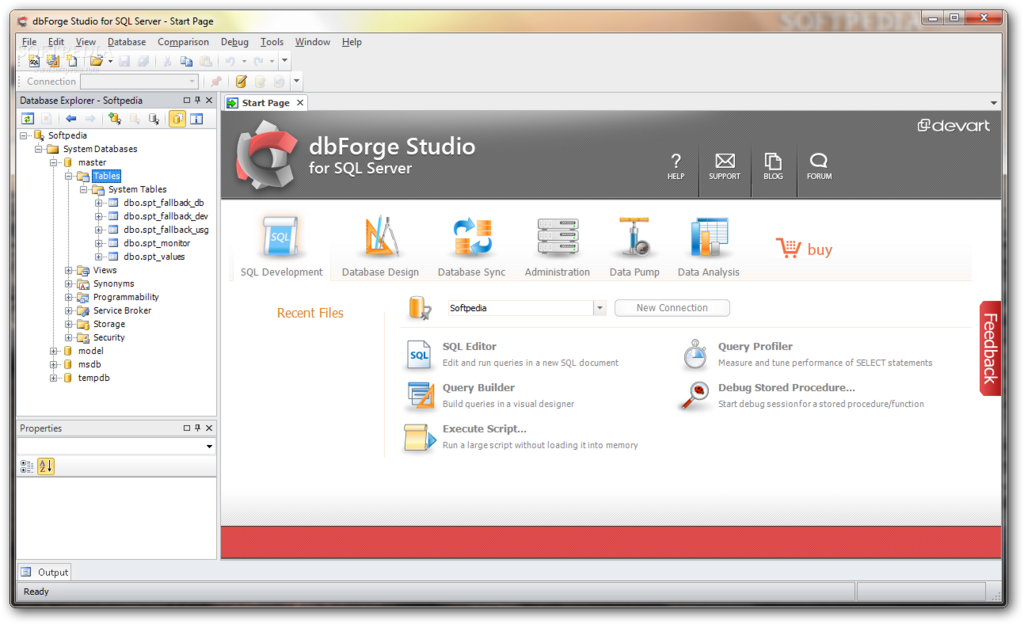
To communicate with SQL Server, or any RDBMS for that matter, you use a special language called SQL (Structured Query Language). SQL is the universal standard for interacting with relational databases, allowing you to ask questions and get answers from your data.
SQL isn’t just about queries. It’s about understanding how data is structured, accessed, and managed inside relational databases.
Time to check what you've learned.
What is the primary purpose of a database?
The relational database model organizes data into a structure that most closely resembles:
Understanding these core concepts provides the foundation for everything else you'll do. With a grasp of what a database is and why the relational model is so useful, you're ready to start learning the language to work with it.