Mastering the Linux Command Line
Linux Basics
What is Linux?
At its heart, Linux is an operating system kernel. The kernel is the core program that manages your computer's hardware, from the CPU to the memory and storage devices. It's the bridge between your software applications and the physical machine.
The story begins in 1991 with a Finnish student named Linus Torvalds. He wanted to create a free, open-source version of the UNIX operating system that could run on personal computers. He created the kernel and shared its source code online for others to use, modify, and improve.
Around the same time, the GNU Project, led by Richard Stallman, had created a collection of free software tools—compilers, text editors, and a command-line shell—but it was missing a kernel. The combination of the GNU tools and the Linux kernel created a complete, functional, and free operating system. Today, this is often called GNU/Linux.
Being open-source means its underlying code is freely available for anyone to inspect, change, and distribute. This transparency and collaborative development model is a key reason for Linux's stability and security.
Flavors of Linux
Because the Linux kernel is open-source, anyone can package it with other software to create their own version of the operating system. These versions are called distributions, or "distros."
Think of the Linux kernel as a car engine. Different companies can take that same engine and build a unique car around it—a sports car, an SUV, or a family sedan. Each has a different body, features, and target audience, but they share the same core engine.
There are hundreds of Linux distros, each with a different philosophy and purpose. Some are designed for desktops, others for servers, and some for specialized tasks like cybersecurity.
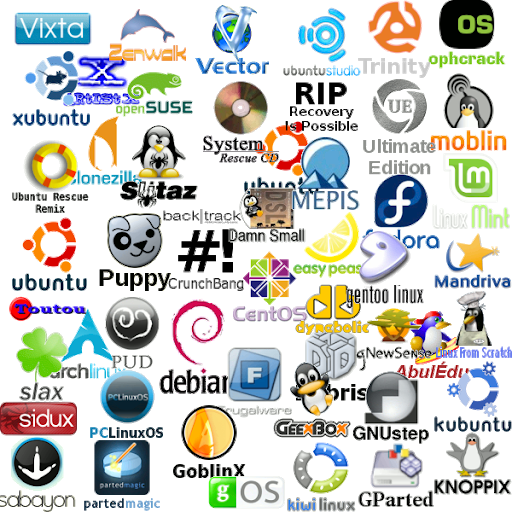
Here are a few popular examples:
- Ubuntu: One of the most popular desktop distros, known for its ease of use and strong community support. It's a great starting point for beginners.
- Fedora: A community-driven distro sponsored by Red Hat. It often includes the latest software and technologies, making it popular with developers.
- Debian: Known for its stability and commitment to free software. It forms the base for many other distros, including Ubuntu.
- Arch Linux: A minimalist distro that gives users complete control over their system. It's aimed at experienced users who want to build a highly customized setup.
The File System Hierarchy
The Linux file system is organized in a tree-like structure. Everything starts from a single top-level directory called the root, which is represented by a forward slash (/). Every other file and directory on the system exists inside this root directory.
This structure is standardized across most Linux distributions. Understanding the purpose of the main directories is fundamental to navigating the system.
Here's a breakdown of some essential directories:
| Directory | Purpose |
|---|---|
/ | The root directory; the top of the file system tree. |
/bin | Contains essential command-line programs (binaries). |
/etc | Stores system-wide configuration files. |
/home | Contains personal directories for each user. |
/var | Holds variable data, like system logs. |
/usr | Contains user programs and data. |
The Command Line
While modern Linux distros have excellent graphical user interfaces (GUIs), the command-line interface (CLI) remains a powerful and essential tool. The CLI allows you to interact with your computer by typing commands into a program called a terminal.
The terminal runs a program called a shell, which interprets your commands and tells the operating system what to do. The most common shell in Linux is Bash (Bourne Again SHell).
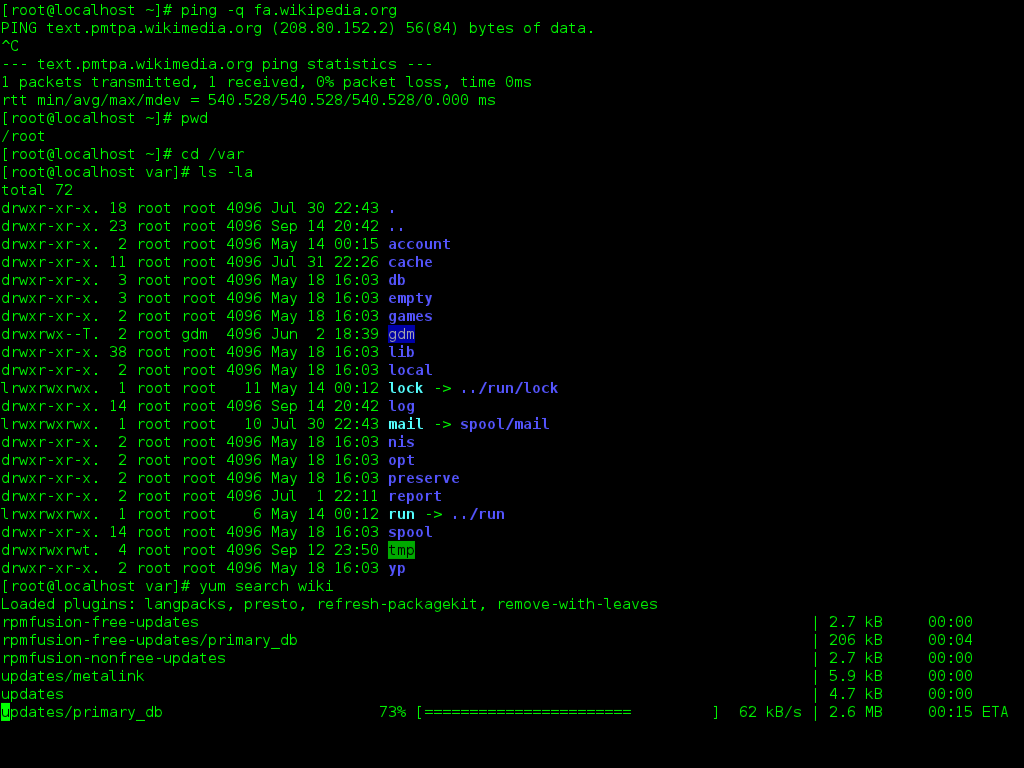
Why use the command line when you can just point and click? The CLI is often faster, more efficient, and more flexible for many tasks, especially for developers and system administrators. It gives you direct access to the system's full power, allowing you to automate repetitive tasks and perform complex operations with a single line of text.
Learning to navigate the terminal is a fundamental skill for getting the most out of Linux.
Understanding basic Linux commands is essential for navigating the system, managing files, and performing administrative tasks.
Time to check your understanding of these core Linux concepts.
At its most fundamental level, what is Linux?
What was the critical contribution of the GNU Project to the creation of the GNU/Linux operating system?
You've just scratched the surface of a powerful and flexible operating system. Getting comfortable with these foundational ideas is the first step toward mastering Linux.