Mastering Remote Meetings
Understanding Remote Meetings
Meetings in the Digital Age
Remote meetings are simply meetings that happen online instead of in person. Participants join from different locations using video conferencing software. They've become a cornerstone of modern work, allowing teams to collaborate across cities, countries, and continents.
This shift isn't just about convenience. It allows companies to hire talent from anywhere in the world and gives employees more flexibility in where and how they work. Instead of gathering in a physical conference room, teams now connect through screens.

While they solve many logistical problems, virtual meetings come with their own unique set of advantages and disadvantages.
The Good and The Bad
One of the biggest benefits of remote meetings is cost savings. Companies save money on office space and travel expenses, while employees save on commuting. They also offer unmatched flexibility, making it easier to balance work with personal life. Plus, recording meetings allows anyone who missed it to catch up easily.
However, remote meetings aren't without their challenges. Technical glitches like a weak internet connection or faulty microphone can disrupt the flow. Distractions are another common issue—it's easy to lose focus with notifications, pets, or family members in the background.
There's also the human element. It can be harder to read body language and build personal connections with colleagues through a screen. This can sometimes lead to misunderstandings or a feeling of isolation.
This phenomenon of feeling drained after a day of video calls is often called "Zoom fatigue."
Tools of the Trade
A variety of platforms make these meetings possible. Each tool offers a slightly different set of features, but most share core functions like video and audio calling, screen sharing, and chat.
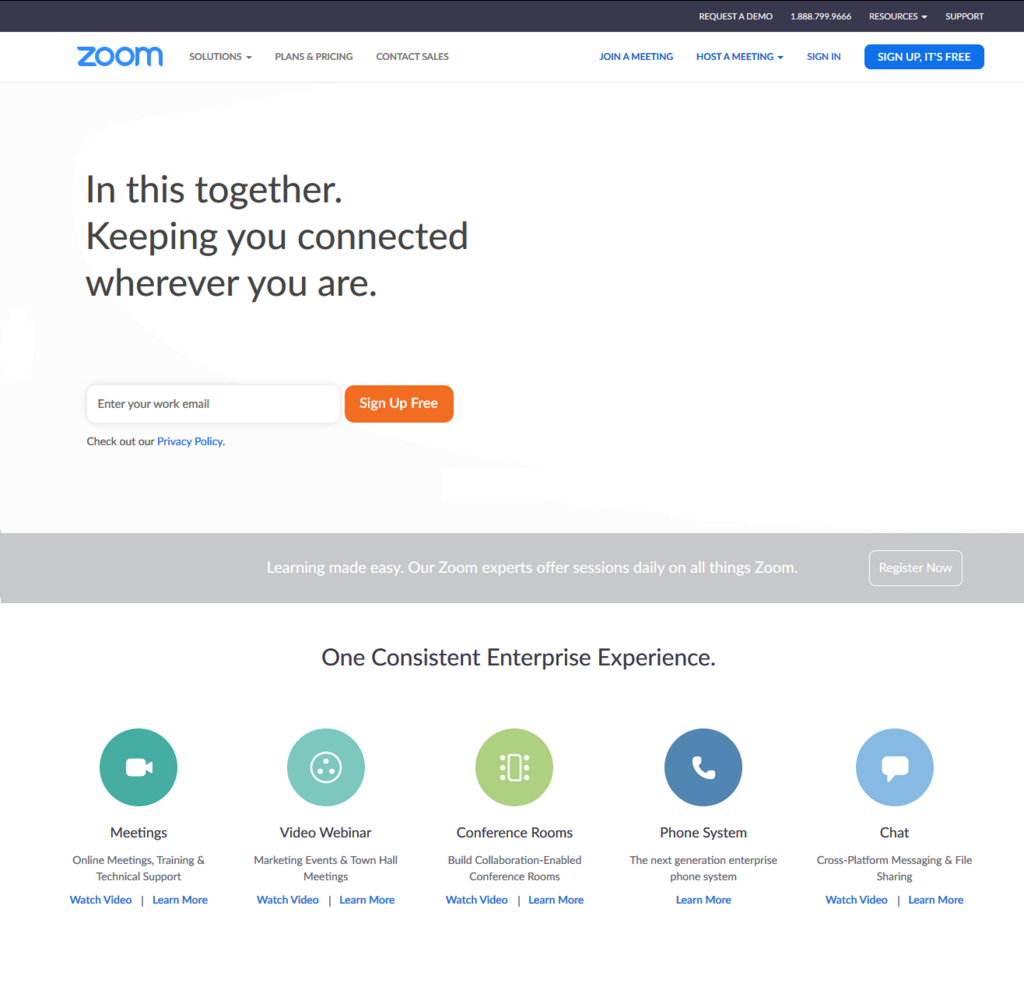
Understanding the main players can help you navigate the remote work landscape. Here's a quick look at some of the most common options.
| Platform | Key Features | Best For |
|---|---|---|
| Zoom | High-quality video, breakout rooms, webinar capabilities. | Large meetings, webinars, and interactive sessions. |
| Google Meet | Integrates with Google Calendar and Gmail, simple interface. | Teams already using the Google Workspace ecosystem. |
| Microsoft Teams | Combines chat, video meetings, and file storage in one place. | Businesses that rely heavily on Microsoft Office 365. |
| Slack | Primarily a chat tool, but includes video calls ("Huddles"). | Quick, informal check-ins and team collaboration. |
Familiarity with these tools is no longer a niche skill; it's a basic requirement for many modern jobs.
When working remotely, you should develop familiarity with remote collaboration tools for work such as Slack, Microsoft Teams, Google Meet, and Zoom, and project management software such as Trello or Monday.com.
Now, let's test what you've learned about the fundamentals of remote meetings.
According to the text, what is a primary benefit of remote meetings for companies?
A company with employees spread across different continents would find remote meetings most useful for overcoming which specific barrier?
Understanding what remote meetings are, their pros and cons, and the tools that power them is the first step to making them productive and engaging.