Mastering Python Fundamentals
Python Syntax
Python's Grammar Rules
Think of Python's syntax as its grammar. Just like English has rules for constructing sentences, Python has rules for writing code. If you follow them, the computer understands your instructions. If you don't, it gets confused and gives you an error. Fortunately, Python's rules are simpler and more consistent than English grammar.
Python's syntax is meant to be simple and readable, reflecting the structure of natural language, making it a better option for novices.
Let's look at three fundamental rules you'll use constantly: indentation, colons, and case sensitivity.
Indentation Is Everything
Many programming languages use curly braces {} to group code into blocks. Python takes a different approach: it uses indentation.
Any lines of code that are part of the same block must be indented by the same amount. This isn't just for looks; it's a strict rule. The standard is to use four spaces for each level of indentation.
# This 'if' statement starts a new block
age = 20
if age >= 18:
    # This line is indented, so it's inside the 'if' block
    print("You are an adult.")

# This line is not indented, so it's outside the 'if' block
print("This line runs no matter what.")
If you mess up the indentation, Python won't know how to group your code. This will cause an IndentationError, one of the most common errors for beginners.
# This will cause an error!
age = 20
if age >= 18:
print("You are an adult.") # This line is not indented correctly
In Python, how you space your code is as important as the words you write. Consistent indentation is mandatory.
Colons Signal a New Block
How do you know when to start indenting? Look for the colon :. In Python, a colon at the end of a line means an indented block of code is about to begin.
You'll see this with if statements, loops (for, while), and function definitions (def). The colon acts as a signpost, telling the interpreter, "Get ready for a block of related code."
# The colon after 'my_list' signals the start of the loop's block
my_list = [1, 2, 3]
for number in my_list:
    # This code is indented, so it's inside the loop
    print(number)
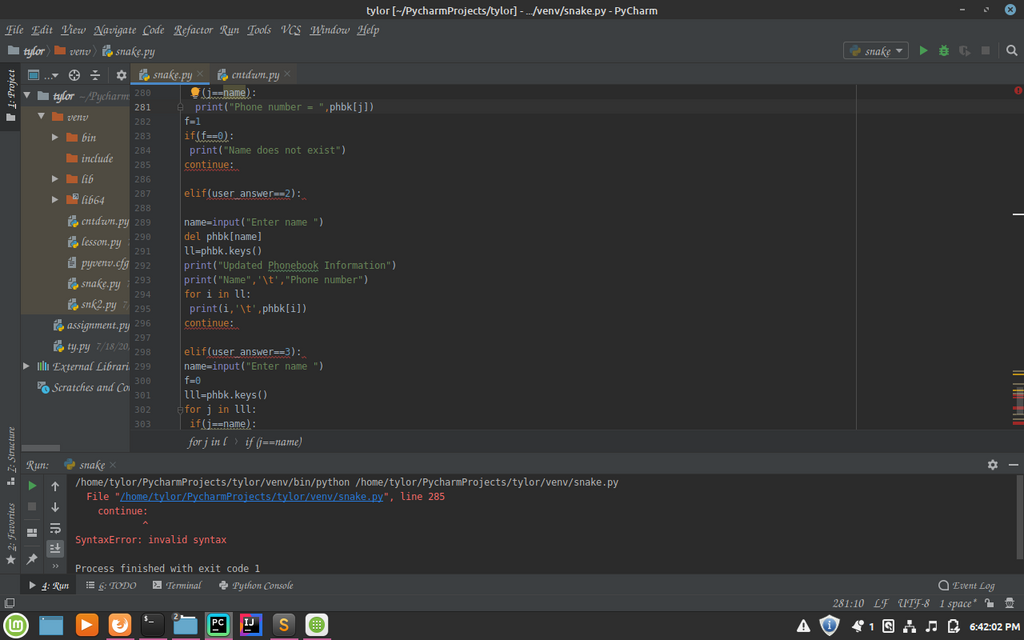
Forgetting the colon is another common mistake. It will immediately trigger a SyntaxError because Python was expecting to see one at the end of the line.
Case Sensitivity is Key
Python is case-sensitive. This means it treats uppercase and lowercase letters as distinct characters. The variable name is completely different from Name or NAME.
This distinction applies to everything in Python, including variable names, function names, and more. If you're not careful with capitalization, you'll likely get a NameError, which means Python can't find the variable or function you're trying to use.
# Define a variable in lowercase
color = "blue"

# This works fine
print(color)

# This will cause a NameError because 'Color' is not defined
print(Color)
Getting these basic syntax rules right is the first step to writing clean, working Python code. Let's review the most common errors you might encounter.
| Error | Common Cause | How to Fix |
|---|---|---|
SyntaxError | Forgetting a colon (:) or having a typo. | Proofread the line carefully, checking for missing colons and typos. |
IndentationError | Inconsistent or incorrect use of spaces/tabs. | Ensure all lines in a code block are indented by four spaces. |
NameError | Using a variable that hasn't been defined or a typo in the name. | Check for spelling errors and ensure capitalization is consistent. |
Pay close attention to these details as you write. Most code editors will help you by automatically indenting and highlighting potential syntax errors, making your job much easier.
What is the primary role of indentation in Python?
If you forget to indent the code inside a for loop, what kind of error will you most likely encounter?