Mastering Modern React Development
React Mental Model
Thinking in React
When you first start with React, the biggest shift isn't just learning new syntax—it's learning a new way to think about building user interfaces. Traditionally, you might use JavaScript to directly manipulate the Document Object Model (DOM). You'd write instructions like "find this button, then change its color, then add this text to that paragraph."
This is an imperative approach. You're giving the browser a step-by-step recipe for how to change the UI. React, however, champions a declarative approach. Instead of telling the browser how to change, you simply tell React what you want the UI to look like for any given state. React handles the rest.
Think of it like giving directions. The imperative way is saying, "Turn left, go two blocks, take a right..." The declarative way is just giving the destination address and letting the GPS figure out the best route. In React, you describe the final UI state, and React figures out the most efficient way to get there. The core idea is that your UI is a function of its state: UI = f(state).
Building with Components
The fundamental building block in React is the . A component is an independent, reusable piece of UI. Instead of thinking of a web page as one large HTML file, React encourages you to break it down into smaller, self-contained components. A search bar, a user profile card, a button—each of these can be a component.
This approach has several advantages:
- Reusability: A
Buttoncomponent can be used anywhere in your application without rewriting its code. - Isolation: Changes to one component don't accidentally break others. You can work on a single part of the UI in isolation.
- Composition: You can build complex UIs by combining smaller, simpler components, much like assembling LEGO bricks to create an intricate model.
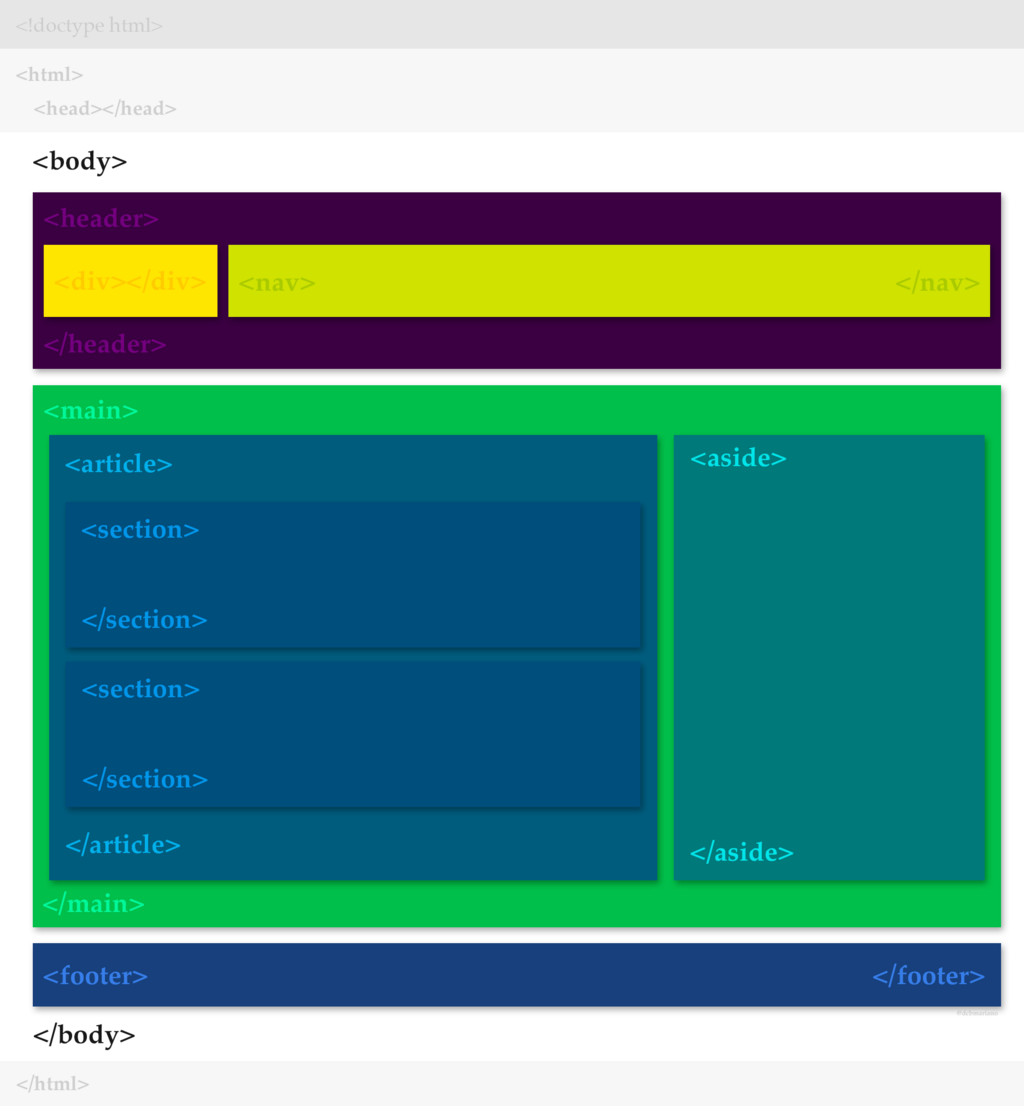
Consider a simple blog post. You might have a BlogPost component, which contains a PostHeader component, a PostBody component, and a CommentSection component. The CommentSection could, in turn, be made up of multiple Comment components. This creates a clear, hierarchical structure.
How Data Flows
In React, data flows in a single direction: from top to bottom. Parent components pass data down to their children via special attributes called props (short for properties). This is known as one-way data flow. This predictable flow makes it much easier to understand how your application works and where data is coming from.
But what if a child component needs to communicate back up to its parent? For instance, what if a button in a Login component needs to tell the parent App that the user has logged in? This is handled by passing functions down as props. The parent defines a function and gives it to the child as a prop. The child can then call that function whenever it needs to send information back up.
Data flows down via props; actions and events flow up via callbacks.
// Parent Component
function App() {
  const [isLoggedIn, setIsLoggedIn] = useState(false);

  function handleLogin() {
    setIsLoggedIn(true);
  }

  return (
    <div>
      {isLoggedIn ? <p>Welcome!</p> : <LoginButton onLogin={handleLogin} />}
    </div>
  );
}

// Child Component
function LoginButton({ onLogin }) {  // 'onLogin' is a prop
  return <button onClick={onLogin}>Login</button>;
}
In this example, the App component holds the isLoggedIn state. It passes the handleLogin function down to LoginButton as a prop named onLogin. When the button is clicked, it calls this function, which updates the state in the parent App component. The App component then re-renders to show the "Welcome!" message.
Efficient Updates
If changing the state re-renders the component, isn't that inefficient? Not with React. When a component's state or props change, React doesn't immediately update the actual browser DOM. Instead, it creates a new virtual representation of the UI, often called the .
React then performs a process called reconciliation. It compares the new Virtual DOM with the previous one, calculates the most efficient set of changes needed to update the real DOM, and applies only those changes. This avoids costly direct manipulations of the entire DOM, making React applications feel fast and responsive.
With the introduction of the , this process is even more optimized. The compiler analyzes your code and automatically applies optimizations that previously required manual work from developers (using tools like memo, useCallback, and useMemo). This means you can write straightforward, declarative code, and the compiler will handle making it fast.
Pure Components
React components are designed to be like pure functions. A pure function, given the same input, will always return the same output and has no observable side effects.
In React terms:
- Same props, same UI: A component should always render the same JSX given the same props. It doesn't rely on hidden information or state that changes over time.
- No side effects: The main body of your component function should be focused purely on rendering. It shouldn't modify any objects or variables that existed before it was called. Operations like fetching data, setting timers, or directly manipulating the DOM are considered side effects and should be handled in special functions called Hooks, like
useEffect.
Think of your component as a recipe: the props are the ingredients, and the JSX is the finished dish. If you use the same ingredients every time, you should get the same dish.
This principle of purity makes your components predictable, easier to test, and less prone to bugs. By understanding this mental model—thinking in components, managing state, and embracing the one-way data flow—you can build complex and efficient applications with React.
Which statement best describes React's declarative approach to building UIs?
What is a primary advantage of breaking down a UI into components?