Mastering Lightburn Software
Introduction to LightBurn
What is LightBurn?
LightBurn is a powerful piece of software that acts as the command center for your laser cutter. Think of it as the bridge between your design idea and the finished, engraved product. It's a single application for laying out your project, editing the design, and controlling the laser itself.
Lightburn is a software package that allows you to prepare your projects for laser engraving and cutting.
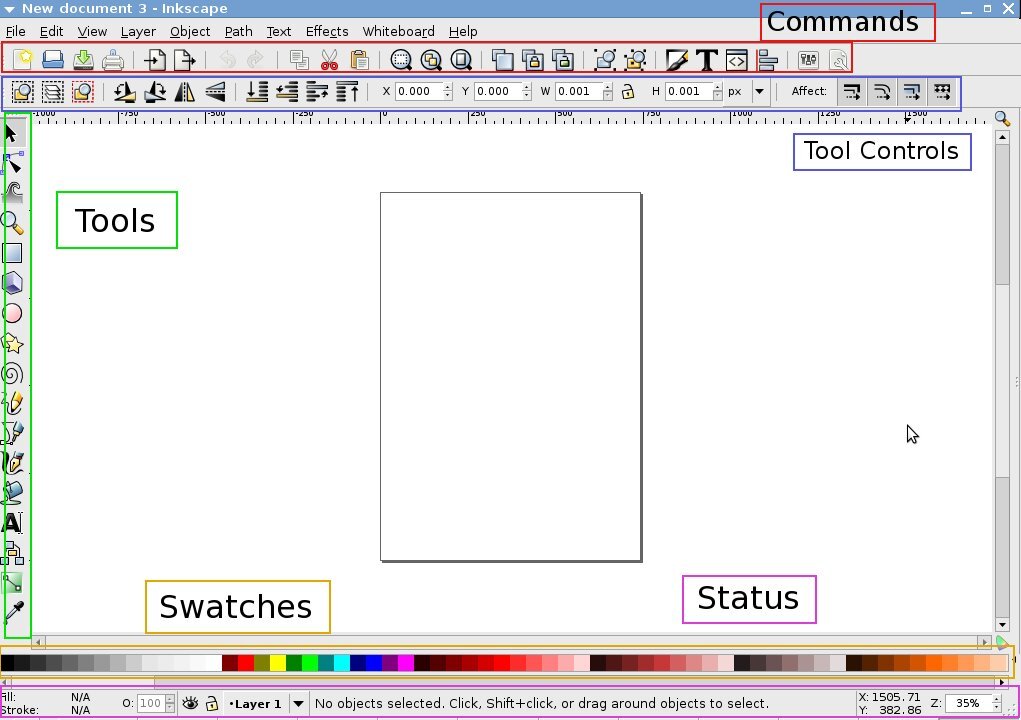
Instead of creating a design in one program and then switching to another to run the machine, LightBurn combines these steps into a smooth workflow. Its interface provides all the tools you need to position, scale, and refine your artwork before sending it to the laser.
Bringing Your Ideas to Life
You can start a project in two main ways: by importing an existing file or by creating a design from scratch right inside the software.
LightBurn is flexible and works with the file types you already use. It supports a wide range of vector formats, which are ideal for clean cuts and precise lines, as well as common image formats for engraving photos or detailed graphics.
Supported Vector Formats: AI, PDF, SVG, DXF, PLT Supported Image Formats: PNG, JPG, GIF, BMP
If you prefer to design directly, LightBurn has you covered. It includes a set of tools for creating vector shapes like circles, rectangles, and polygons. You can also draw freehand lines and add text, making it easy to build custom designs without needing other software.
Broad Compatibility
One of LightBurn's biggest strengths is its ability to work with a huge variety of laser cutters. It isn't tied to a single brand. This is possible because it can communicate with many different types of controllers—the electronic brain of the laser machine.
Whether your laser uses a Ruida, Trocen, TopWisdom, or a GCode-based controller (common in DIY and hobbyist machines), there's a good chance LightBurn can connect to it. This makes it a popular choice for users who might upgrade their machine or work with different lasers over time.
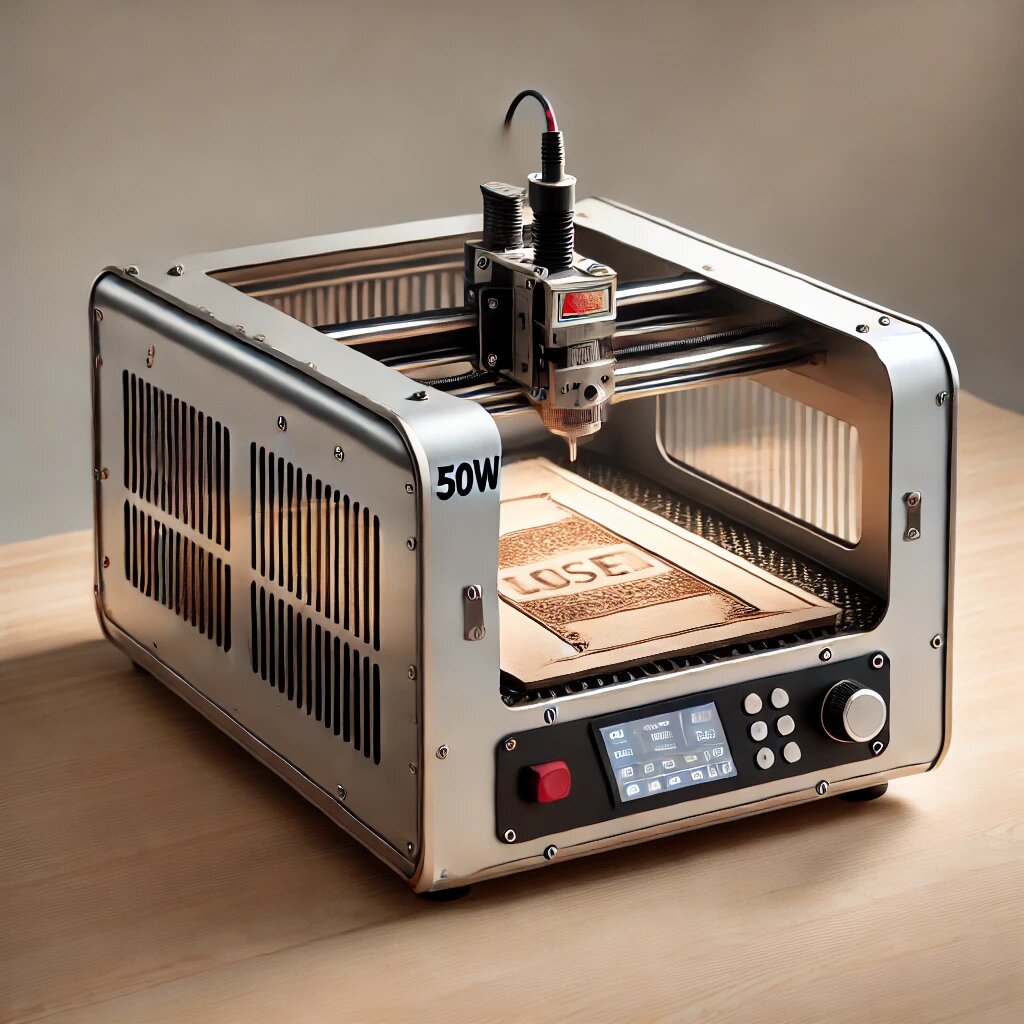
This foundational knowledge of LightBurn's interface, file support, and compatibility will help you get started with your first laser cutting and engraving projects.