Mastering Full Stack Error Handling
Backend Error Basics
When Your Code Goes Wrong
Imagine you ask a friend to grab a book from a specific shelf in a library. But when they get there, the book is gone. They can't complete the task. In programming, this kind of unexpected problem is called an error, or more specifically, an s.
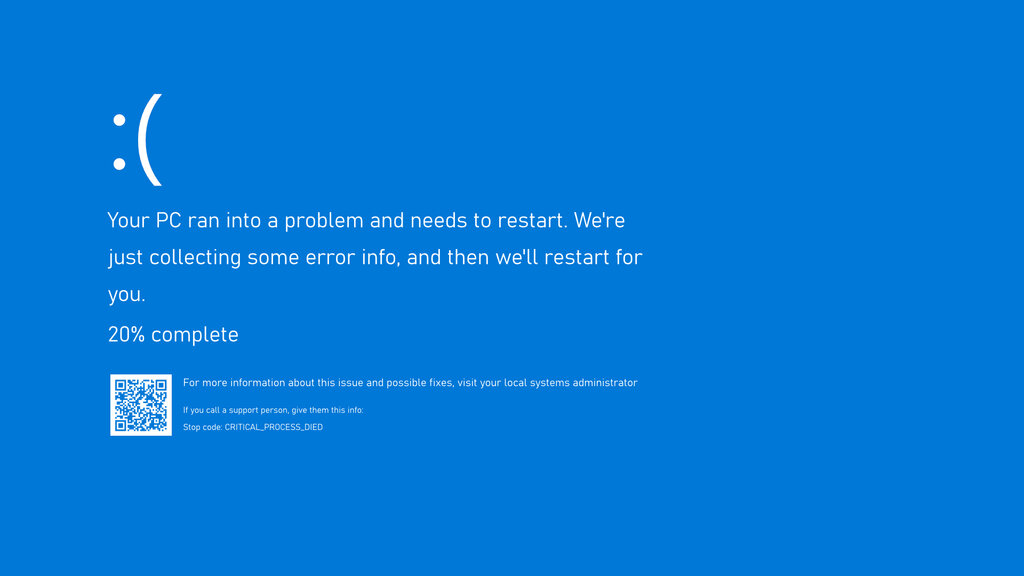
On the backend, where your application's logic lives, an unhandled exception can be a big deal. It's like your friend, unable to find the book, simply gives up and goes home. The entire program can stop running, or 'crash'. This leaves users with a broken page or a failed action, which is a frustrating experience.
Your Code's Safety Net
To prevent crashes, we need a way to anticipate and manage potential errors. In Python, we use a structure called a try...except block. It works like a safety net.
You place any code that might fail inside the try block. This is you telling Python, "Try to run this, but be ready for it to go wrong."
If an error does occur, the program immediately jumps to the except block. This is your plan B. Instead of crashing, the code inside the except block runs, allowing you to handle the problem gracefully.
# Let's try to divide a number by zero, which is impossible.
try:
    # This is the 'risky' operation.
    result = 10 / 0
    print("This line will never run.")
except ZeroDivisionError:
    # This block runs ONLY if a ZeroDivisionError occurs.
    print("Oops! You can't divide by zero.")

print("The program continues without crashing.")
In the example above, Python tries to calculate 10 / 0. It immediately hits a ZeroDivisionError. Because we have an except block specifically for this error, the program jumps there, prints our friendly message, and then continues on. The application doesn't crash.
Cleaning Up Afterwards
Sometimes, there's a task you need to perform regardless of whether an error happened or not. For example, if you open a file or connect to a database, you always want to close that connection when you're done to free up resources.
This is what the finally block is for. Code inside a finally block is guaranteed to run after the try and except blocks, no matter what.
try:
    # Attempt to open a file that doesn't exist.
    file = open("imaginary_file.txt", "r")
    content = file.read()
    print(content)
except FileNotFoundError as e:
    # 'as e' assigns the exception object to the variable 'e'.
    # This is how we can see the actual error message.
    print(f"Error found: {e}")
finally:
    # This will run whether the file was opened or not.
    print("Finished attempting to read the file.")
A
tryblock must have at least oneexceptorfinallyblock.
Knowing Your Errors
Python has many built-in exception types for different problems. Catching specific errors, like FileNotFoundError, is better than catching all possible errors. It helps you understand exactly what went wrong and respond appropriately.
Just as important as catching an error is it. Logging means recording the details of the error, such as the error message and where it happened. This is crucial for debugging, as it creates a record you can check later to fix the underlying problem.
| Error Type | When It Happens |
|---|---|
TypeError | You try an operation on the wrong type of data. |
ValueError | The data has the right type, but an invalid value. |
KeyError | You try to access a dictionary key that doesn't exist. |
IndexError | You try to access a list item at an invalid index. |
FileNotFoundError | The file you're trying to open cannot be found. |
Now, let's test your understanding of these core concepts.
In programming, what is the best definition of an 'exception'?
What is the most likely outcome if an exception is not handled in a backend application?
By catching exceptions, you make your backend applications more resilient. They can handle unexpected issues without crashing, providing a much smoother and more reliable experience for your users.