Mastering Coding From Scratch
Introduction to Programming
What Is Programming?
Think about giving a friend directions to your house. You'd provide a series of clear, step-by-step instructions: "Walk to the end of the street, turn left, and it's the third house on the right." If the instructions are good, your friend arrives. If they're vague or out of order, your friend gets lost.
Programming is a lot like that. It’s the process of giving a computer a set of instructions to perform a specific task. These instructions are written in a special language that the computer can understand. The goal can be anything from calculating a restaurant tip to running a complex video game or guiding a spacecraft.
Programming
noun
The process of designing and writing a set of instructions, or a program, that a computer can execute to perform a specific task.
At its core, programming is about problem-solving. You identify a problem, break it down into smaller, logical steps, and then write code to solve each step. The collection of all these instructions is called a program, or software.
The Language of Computers
Computers don't understand English, Spanish, or any other human language. They operate on a fundamental level of on and off signals, represented by ones and zeros. To bridge this gap, we use programming languages.
A programming language acts as a translator. It provides a structured way for us to write instructions that can be converted into the ones and zeros a computer's processor can execute. There are thousands of different programming languages, each designed with certain types of tasks in mind, much like you'd use a hammer for a nail and a wrench for a bolt.
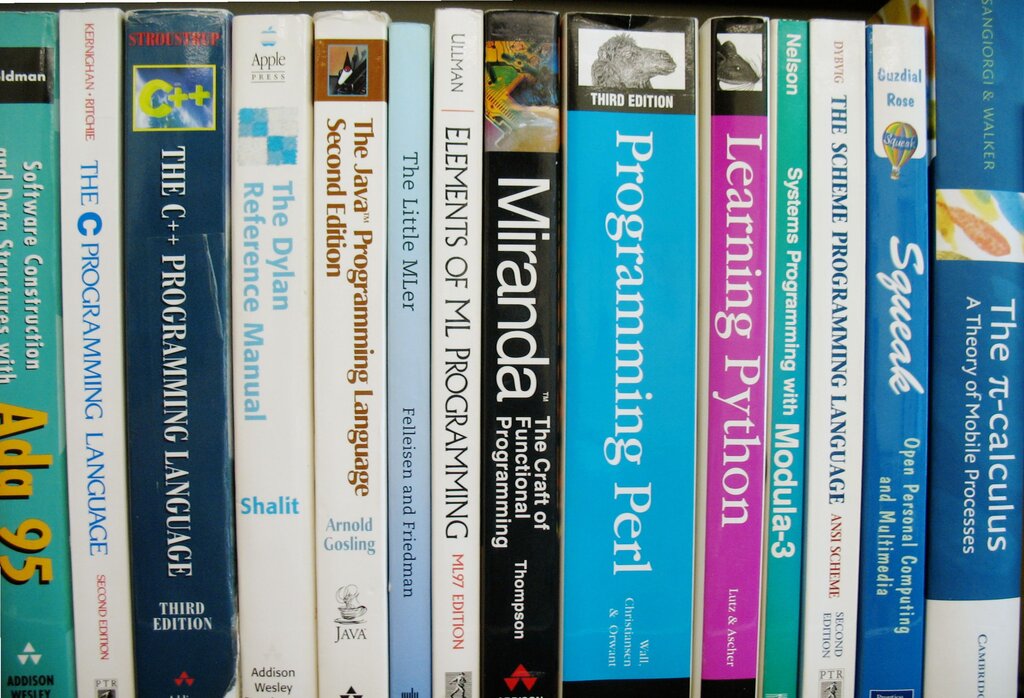
Every programming language has its own rules. These rules fall into two categories: syntax and semantics.
Syntax
noun
The set of rules that defines the combinations of symbols that are considered to be correctly structured programs in a specific language.
Syntax is like the grammar of the language. It dictates how you must arrange words and symbols. For example, in English, we know "The cat sat on the mat" is correct, while "Sat the on cat mat the" is not. Programming languages are just as strict. A misplaced comma or misspelled command will cause an error.
Semantics
noun
The meaning of the expressions, statements, and program units in a programming language.
Semantics is the logic or meaning behind your instructions. A program can be syntactically perfect—meaning it follows all the grammar rules—but still be semantically wrong. This is like the English sentence, "The bicycle rode the fish." The grammar is fine, but the sentence is nonsense. In programming, a semantic error means your code runs, but it doesn't do what you intended it to do.
Syntax is the structure of your code. Semantics is the meaning. You need both to be correct for a program to work as intended.
From Code to Action
So how do these written instructions actually make a computer do something? The process involves a few key steps.
First, a programmer writes the instructions in a text file using a programming language. This file is called the source code. It's the human-readable version of the program.
But a computer can't execute source code directly. It needs to be translated into machine code—the ones and zeros the processor understands. This translation is handled by a special program called a compiler or an interpreter.
Once the code is translated, the computer can execute the instructions. The result could be text appearing on your screen, a calculation being performed, or a button changing color when you click it.
Here’s what a very simple program looks like in pseudocode—a simplified, informal language that helps programmers develop algorithms. This program just displays a message.
START PROGRAM

  PRINT "Hello, World!"

END PROGRAM
This is the classic "Hello, World!" program. It's often the very first program someone writes when learning a new language. Its purpose is simple: confirm that your setup is working correctly.
Your Programming Workspace
To write and run code, programmers use a few key tools. While you can write code in a basic text editor, most developers use an Integrated Development Environment, or IDE.
An IDE bundles several tools into one application to make programming easier. It typically includes:
- A Source Code Editor: A text editor designed for writing code, with features like syntax highlighting (coloring keywords to make code easier to read) and autocomplete suggestions.
- A Compiler or Interpreter: The tool that translates your source code into machine code.
- A Debugger: A tool that helps you find and fix errors (or "bugs") in your code by letting you run it step-by-step to see where things go wrong.
Think of an IDE as a chef's kitchen. It has the cutting board (editor), the oven (compiler), and the taste-testing spoon (debugger) all in one place, making the entire process of creating a meal (or a program) much more efficient.
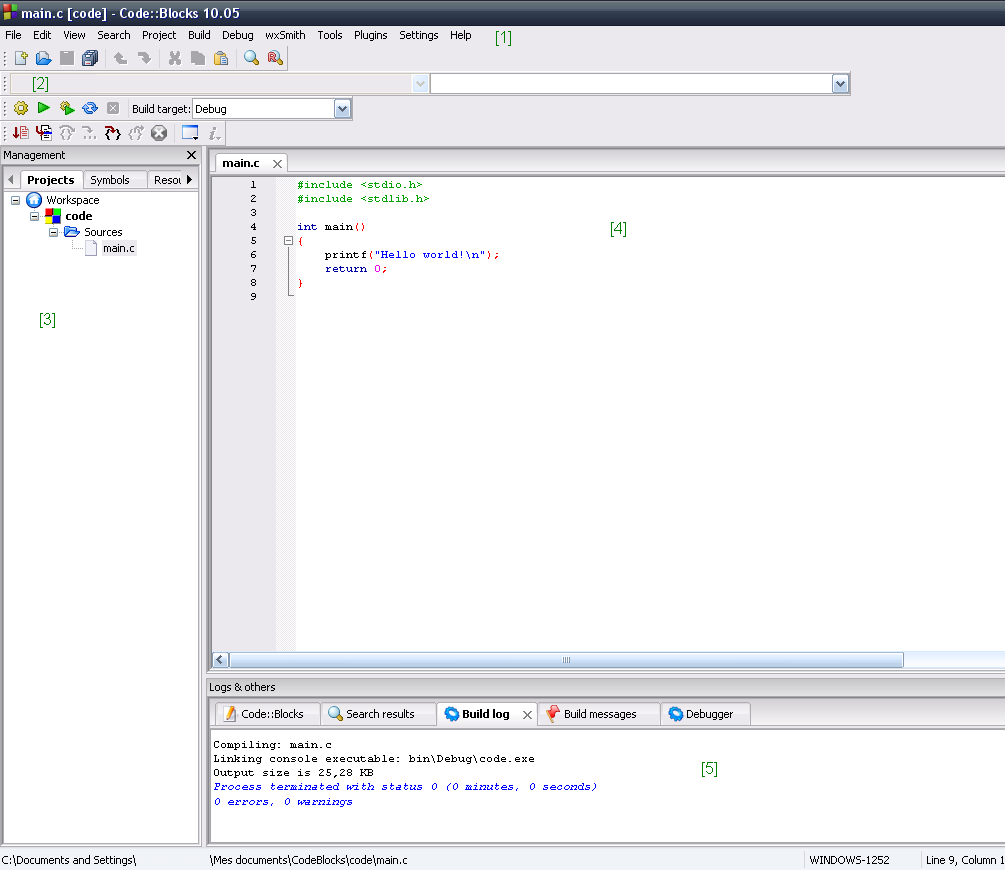
These are the fundamental building blocks of programming. Understanding these concepts—what a program is, how languages work, and the tools used to create them—is the first step on the journey to building anything you can imagine with code.