Mastering Claude Code for Efficient Development
Getting Started
Meet Your AI Coding Partner
Claude Code is an AI assistant from Anthropic designed to help you write, debug, and refactor code. Think of it as a pair programmer that lives in your terminal. It can understand natural language instructions and turn them into working code, helping you tackle complex tasks more efficiently.
Claude Code is a terminal-first, agentic coding assistant built on Anthropic’s Claude models—designed to work inside your workflow, not alongside it.
Unlike simple code completion tools, Claude Code is agentic. This means it can take on multi-step tasks, analyze your entire codebase for context, and work autonomously to solve problems. It can read files, run commands, and even commit changes with git.
Installation and Setup
Getting started with Claude Code is straightforward. First, you'll need to have Node.js (version 16 or higher) installed on your system. Once that's ready, you can install Claude Code globally using npm (Node Package Manager) with a single command.
npm install -g @anthropic-ai/claude-code
After the installation is complete, navigate to your project's directory in the terminal. To initialize Claude Code for your project, run the /init command. This creates a CLAUDE.md file in your repository. This file is where you can provide high-level instructions, style guides, and permissions for the AI, giving it the context it needs to work effectively on your project.
Core Functionalities
Claude Code is more than just a chatbot. It's equipped with several core capabilities to assist you throughout the development process.
Code Generation: You can describe a feature or function in plain English, and Claude Code will generate the code for you. It supports multiple languages, including Python, JavaScript, and TypeScript.
Debugging: When you encounter a bug, you can ask Claude Code to help. It can analyze error messages, read through relevant files, and suggest or implement fixes.
Refactoring: Have a piece of code that works but could be cleaner or more efficient? Claude Code can refactor it for you, improving readability and performance based on best practices.
Integrating Into Your Workflow
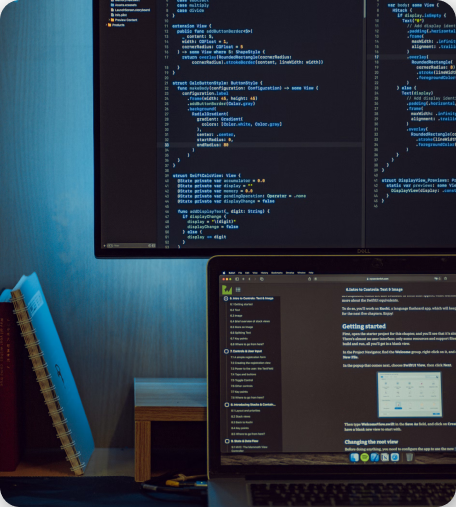
Because Claude Code operates within your terminal, it fits naturally into the typical software development workflow. You don't need to switch between different applications or constantly copy and paste code. You can have a conversation with it in one terminal window while you work in your code editor in another.
This tight integration allows for a fluid and interactive development experience. You can ask Claude Code to perform a task, review the output, and provide feedback in a continuous loop, making the process of building software faster and more collaborative.
Now, let's test your understanding of the basics.
What is the primary function of Claude Code?
The documentation states that Claude Code is "agentic". What does this mean?
With Claude Code installed and configured, you're ready to start exploring what it can do. Try giving it a simple task in your next project.