Master C# Programming
Introduction to C#
What is C#?
C# (pronounced “C sharp”) is a popular programming language developed by Microsoft. It’s known for being powerful yet relatively straightforward to learn, making it a great choice for beginners and professionals alike.
C# doesn't work in isolation. It's part of the .NET framework, which is also a Microsoft creation. Think of .NET as a massive toolkit and support system for developers. It provides a huge library of pre-written code that handles common tasks, so you don't have to build everything from scratch. It also includes the Common Language Runtime (CLR), an environment that manages the execution of your C# programs.
If C# is the actor, the .NET framework is the stage, complete with props, lighting, and a director to make sure the show runs smoothly.
Setting Up Your Workspace
To start writing C#, you need a place to work. The most common tool for C# development is Visual Studio, an Integrated Development Environment (IDE). An IDE is like a supercharged text editor designed specifically for programming. It includes a code editor, a debugger to help find errors, and tools to run your application, all in one place.
You can download the free Community edition of Visual Studio from Microsoft's website. During installation, make sure to select the workload for ".NET desktop development" to get all the tools you'll need for C#.
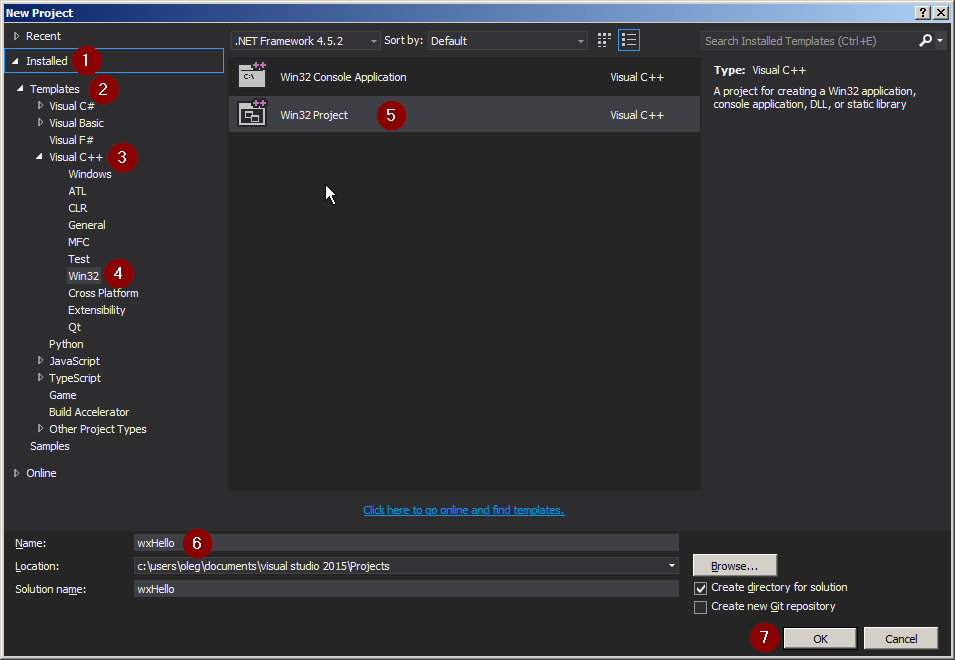
Once Visual Studio is installed, you’ll create a new project. For your first program, you'll want to choose the "Console App" template. A console application is a simple program that runs in a text-based window, without any graphical buttons or menus. It’s the perfect way to focus on the core language features.
Your First Program
It’s a tradition in programming to make your first program display the text “Hello, World!”. This simple task confirms that your development environment is set up correctly and gives you a first look at the language’s basic structure.
After creating a new Console App project in Visual Studio, you'll see a file named Program.cs opened in the editor. It will contain some starter code. Replace the contents of that file with the following:
// This line tells the program to use the System 'namespace'.
// A namespace is a way to organize code.
using System;

// This is the starting point of our program.
class Program
{
    static void Main()
    {
        // This command writes a line of text to the console.
        Console.WriteLine("Hello, World!");
    }
}
Let’s break this down:
using System;includes a core part of the .NET framework that lets us do things like writing to the console.class Programdefines a container for our code.static void Main()is the specific method where the program begins execution. Every C# application must have aMainmethod.Console.WriteLine("Hello, World!");is the instruction that does the actual work. It calls theWriteLinemethod to print the text inside the parentheses to the console.
Notice the semicolons ; at the end of statements and the curly braces {} used to group blocks of code. These are key parts of C#'s syntax.
To run your program, you can press the green play button at the top of the Visual Studio window or press F5 on your keyboard. A console window will pop up, display “Hello, World!”, and then close.
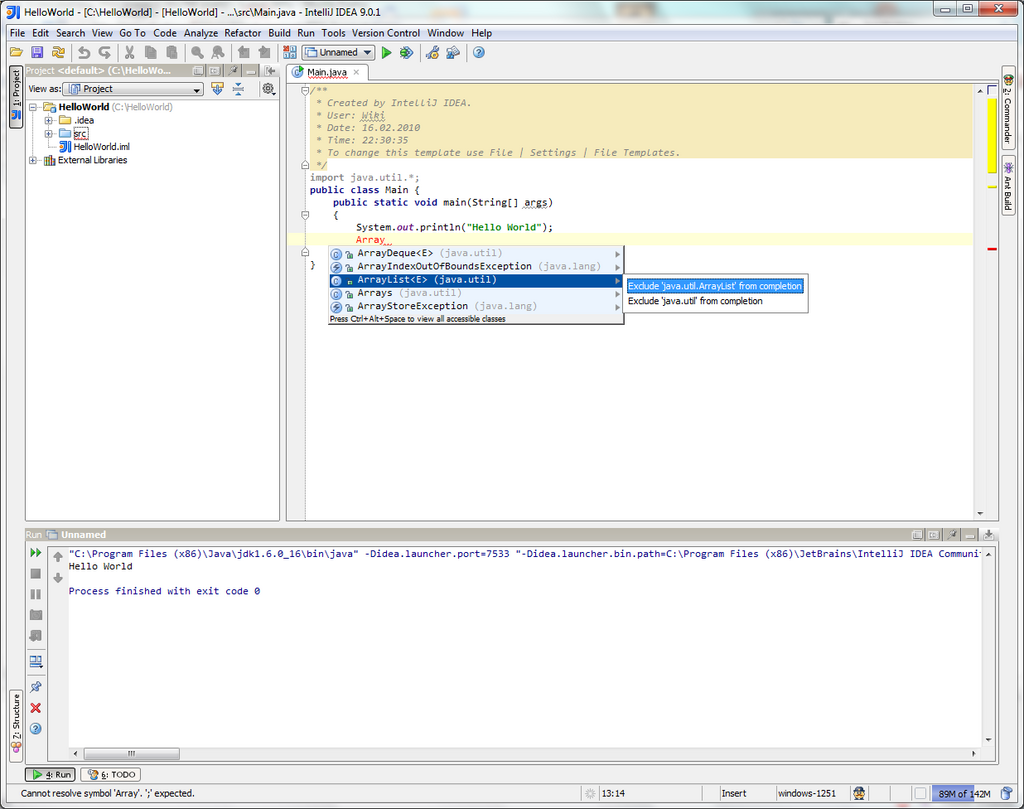
You’ve just written and executed your first C# program. This is the fundamental starting point for building much more complex and interesting applications.
What is the relationship between C# and the .NET framework?
Which method serves as the starting point for the execution of every C# application?
With these basics covered, you're ready to explore what makes C# a powerful and versatile language.