Linux Mastery Bash Scripting
Introduction to Linux
What Is Linux?
Linux is an operating system, just like Windows or macOS. It's the software that manages all of the hardware resources on your computer and lets you interact with it. But unlike its more famous counterparts, Linux has a unique story and philosophy.
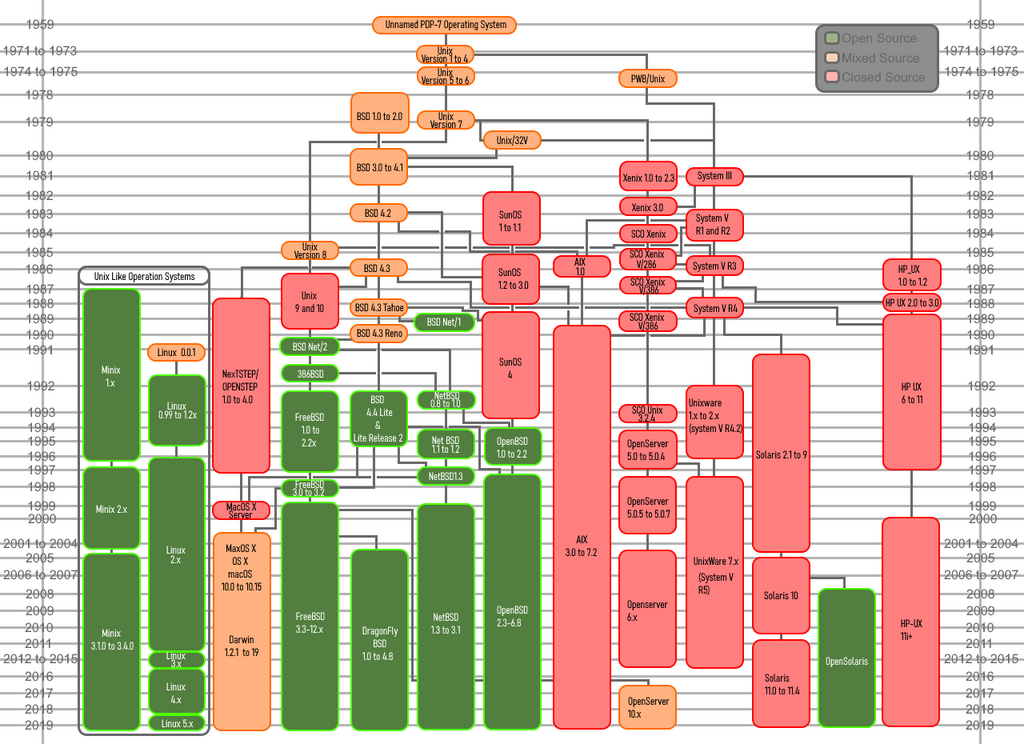
It all started in 1991 with a Finnish student named Linus Torvalds. He wanted to create a free, open-source version of the UNIX operating system. He started with the kernel, which is the core part of an OS that communicates directly with the hardware. He shared his project online, and a global community of developers started contributing.
This kernel was combined with tools from the GNU Project, an initiative to create a completely free UNIX-like system. The result was a full-fledged operating system, often called GNU/Linux.
Why Use Linux?
So why choose Linux when other operating systems are so common? It comes down to a few powerful advantages.
First, Linux is open source. This means its source code is freely available for anyone to view, modify, and share. This transparency leads to a more secure and stable system because a worldwide community can scrutinize the code for flaws. It also means most Linux software is free of charge.
Linux is famously stable and reliable. It's the backbone of the internet, powering the majority of web servers and the world's top supercomputers. This robustness also makes it a secure choice. The way Linux handles user permissions makes it much harder for viruses and malware to cause system-wide damage.
Finally, it's incredibly flexible. You can find Linux running on everything from tiny smart home devices and Android phones to corporate servers and stock exchanges. This versatility allows users to customize their system to an incredible degree.
Linux is a powerful and flexible operating system, and understanding the right commands is crucial for navigating and managing your system.
The Many Flavors of Linux
Because Linux is open source, anyone can package the kernel with their own selection of software, desktop environments, and tools. These packages are called distributions, or "distros."
There are hundreds of distros, each with a different goal or philosophy. Some prioritize ease of use for beginners, while others are built for specific tasks like scientific research or multimedia production. This variety means there's a version of Linux for everyone.
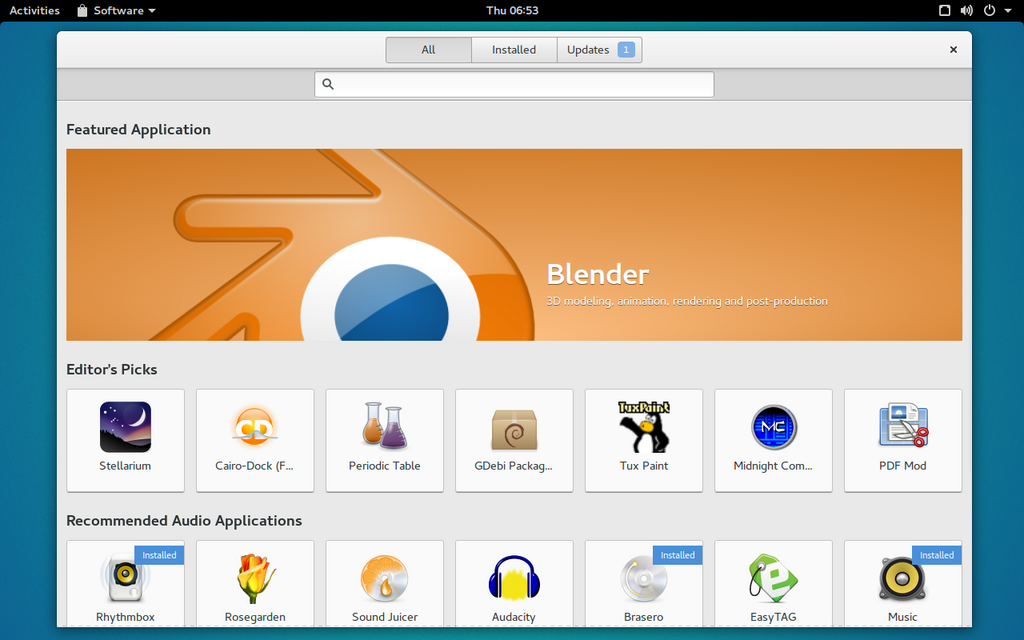
Choosing a distro can seem daunting, but a few are particularly popular and well-supported.
| Distribution | Best For | Key Feature |
|---|---|---|
| Ubuntu | Beginners | User-friendly and has a large community. |
| Fedora | Developers | Features the latest software and technologies. |
| Debian | Servers, Stability | Extremely stable and reliable, forms the base for Ubuntu. |
| Arch Linux | Experts | A minimal base that you build upon yourself. |
Setting Up Your Linux Environment
You don't need to replace your current operating system to try Linux. The easiest and safest way to get started is by using a virtual machine (VM).
A VM is essentially a computer inside your computer. It's an application that emulates a complete hardware system, from the CPU to the network card. This lets you install and run Linux in a window on your desktop, completely isolated from your main OS (the "host"). If anything goes wrong, you can just delete the VM without affecting your computer.
Popular virtualization software includes VirtualBox (free and open source) and VMware Workstation Player (free for personal use). Here’s the general process:
This setup provides a safe sandbox to explore the command line, install software, and get comfortable with the Linux environment without any risk. Once you're ready, you can start diving into the powerful tools Linux has to offer.