Linux Administration Essentials
Introduction to Linux
A Brief History
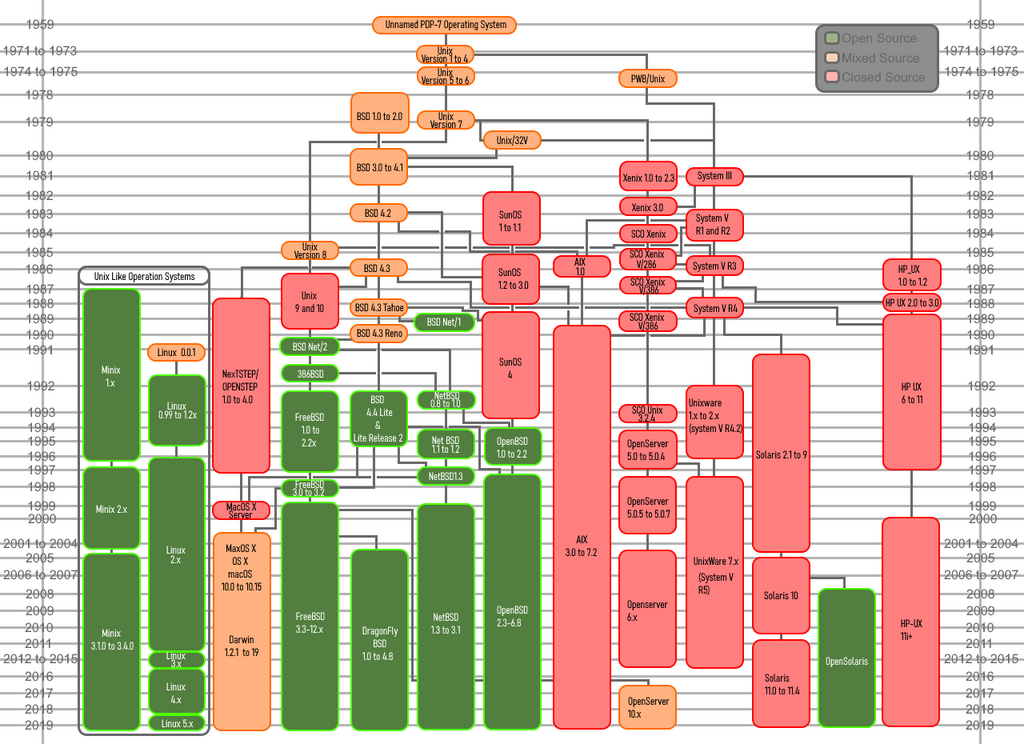
In 1991, a Finnish student named Linus Torvalds started a small, personal project. He wanted to create a free operating system kernel, the core part of an OS that manages a computer's hardware. He was inspired by MINIX, a Unix-like system used for teaching. Torvalds posted a message online about his project, and soon, programmers from all over the world started contributing code.
This hobby project quickly grew into something much bigger. It combined with existing tools from the GNU Project, an effort to create a completely free Unix-like operating system. The result was a full-fledged OS, often called GNU/Linux, but more commonly known simply as Linux.
The Open-Source Way
Linux's rapid growth was possible because of its open-source philosophy. Unlike proprietary software like Windows or macOS, open-source software's source code is available for anyone to see, modify, and share. Think of it like a community cookbook. Anyone can use the recipes, suggest improvements, and share their own variations. This collaborative approach leads to rapid innovation and robust, secure software.
open source
adjective
A model of software development where the source code is made publicly available for anyone to view, use, modify, and distribute.
Because Linux is open source, hundreds of different versions, called distributions (or "distros"), have been created. Each distro bundles the Linux kernel with different software and tools, tailored for specific needs. Some popular distros include Ubuntu, Fedora, and Debian.
Core Components
Every Linux system has two fundamental parts: the kernel and the shell. They work together to let you interact with your computer.
The kernel is the heart of the operating system. It's the first program that loads when the computer starts up. Its main job is to manage the computer's resources, like the CPU, memory, and peripherals. It acts as a bridge between the software you run and the physical hardware of the machine.
At its core, Linux is a kernel—the core of an operating system that manages hardware resources (CPU, memory, storage) and enables communication between software and hardware.
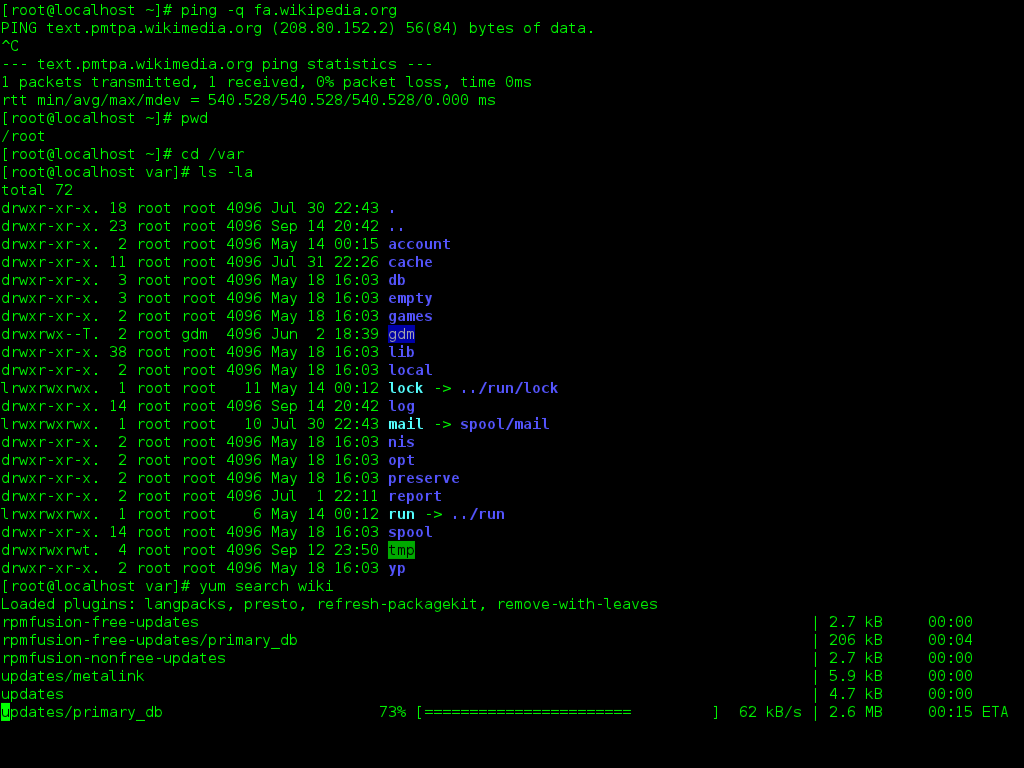
The shell is the program that takes your commands and gives them to the kernel to execute. It's your primary way of interacting with the system, especially through a command-line interface (CLI). When you type a command into the terminal, the shell interprets it and tells the kernel what to do. The most common shell on Linux systems is called Bash (Bourne Again SHell).
The File System
Like other operating systems, Linux organizes files in a hierarchical directory structure. But instead of having separate drive letters like C: or D:, everything starts from a single root directory, denoted by a forward slash (/).
From this root, all other directories branch out. While it may look a bit different at first, it's a very logical and organized system.
Here are some of the most important directories you'll find:
- /bin: Contains essential command binaries that are needed by all users.
- /etc: Holds system-wide configuration files. Think of it as the settings folder for the whole OS.
- /home: This is where you'll find personal directories for each user. For example, a user named "emma" would have her files in
/home/emma. - /tmp: A place for temporary files created by applications. These are usually deleted when the system reboots.
- /usr: Contains user programs and data, like applications you install.
- /var: Stores variable data, such as system logs and caches, that changes frequently.
Understanding this basic structure is the first step to navigating a Linux system with confidence.
Who was the original creator of the Linux kernel?
What is the primary function of the shell in a Linux system?