LinkedIn Growth Masterclass
Optimizing Your LinkedIn Profile
Your Digital Storefront
Think of your LinkedIn profile as your professional storefront. It’s open 24/7, and people will walk by. A well-crafted profile invites them in, while a sparse one might cause them to pass without a second glance. The goal is to make your profile work for you, even when you're not actively using the platform.
When it's set up right, your LinkedIn profile works around the clock, pulling in perfect clients while you sleep.
The First Impression
Before anyone reads a word you've written, they see your photo and headline. These two elements create the immediate first impression. A professional photo builds trust instantly. It doesn't need to be taken by a professional photographer, but it should be high-quality, well-lit, and show you looking directly at the camera with a friendly expression. Your face should be clearly visible.
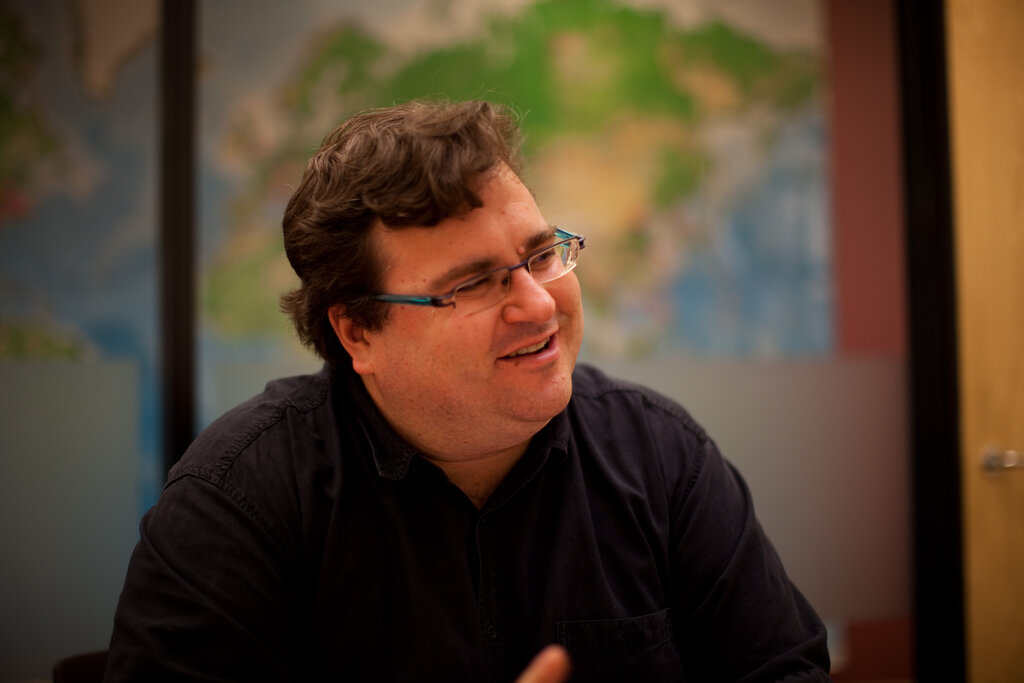
Key photo tips: Use a clear, high-resolution image. Make sure your face is well-lit. Smile. And don't use a group photo, no matter how good you look in it.
Your headline is just as important. It’s the text directly under your name. By default, LinkedIn uses your current job title, but you can customize it. A great headline goes beyond your title to describe the value you provide.
For example, instead of just "Marketing Manager," you could write: "Marketing Manager | Driving Growth with Data-Driven Content Strategy | SEO & SEM Expert"
This tells visitors not just what you are, but what you do and what you're skilled at. It’s a mini-elevator pitch that grabs attention.
Telling Your Story
The "About" section is your chance to expand on your headline. This is where you tell your professional story. Write in the first person to make it more personal and engaging. Don't just list your accomplishments; explain what you're passionate about, what problems you solve, and what makes you unique. Break it up into short paragraphs to make it easy to read.
Next, detail your work experience. For each role, don't just copy and paste your job description. Instead, focus on your achievements. Use bullet points with strong action verbs to highlight what you accomplished. Quantify your results whenever possible.
Weak example: "Responsible for managing social media accounts." Strong example: "Grew organic social media engagement by 45% in six months by implementing a new content calendar and A/B testing post formats."
Finally, your skills section is crucial for search visibility. LinkedIn’s algorithm uses skills to match candidates with job postings. Add at least five relevant skills to your profile. Then, ask your connections to endorse you for those skills. Endorsements provide social proof and strengthen your profile.
Listing five or more skills on your LinkedIn profile is correlated with more easily finding jobs.
Build Credibility with Verification
In a digital world, trust is everything. LinkedIn's verification feature is a powerful tool for establishing your credibility. It confirms your identity or place of work, showing recruiters and potential connections that you are who you say you are.
The benefits are significant. According to LinkedIn, verified members can see up to 60% more profile views and 50% more engagement, such as comments and shares on their posts. This boost in visibility happens because the platform's algorithms may favor verified profiles, and users are naturally more inclined to trust and interact with them.
To get verified, you can use your work email, a government-issued ID through a third-party partner, or other methods LinkedIn makes available. It's a simple step that adds a layer of authenticity to your entire profile.
What is the most effective way to write your LinkedIn headline?
When describing your past work experience, which of the following is the strongest example?
A complete and optimized profile is the foundation of your professional brand on LinkedIn. It makes you more discoverable and helps you make the right impression.