JavaScript Fundamentals
Introduction to JavaScript
The Language of the Web
If a website were a house, HTML would be the frame and walls, and CSS would be the paint and furniture. But what makes the lights turn on, the doorbell ring, and the garage door open? That's JavaScript. It's the programming language that brings websites to life.
JavaScript, often abbreviated as JS, is the engine that powers the interactive parts of a website. Think about things you do online every day: submitting a form, getting live sports scores, seeing a pop-up message, or watching an animated graphic. All of these are typically handled by JavaScript running directly in your web browser.
Without JavaScript, most websites would feel like static, non-interactive documents. It turns a flat page into a dynamic application.
The Web Development Trio
HTML, CSS, and JavaScript are the three core technologies of the World Wide Web. They work together, but each has a distinct and separate job.
JavaScript code lives inside or is linked from an HTML file. The browser reads the HTML to understand the structure of the page, applies CSS for styling, and then executes the JavaScript to add interactive features. You'll typically add your JavaScript code inside a <script> tag.
<!-- index.html -->
<!DOCTYPE html>
<html>
<head>
    <title>My First JS Page</title>
    <!-- CSS is often linked in the head -->
    <link rel="stylesheet" href="style.css">
</head>
<body>
    <h1>Hello, World!</h1>

    <!-- JavaScript is often linked at the end of the body -->
    <script src="app.js"></script>
</body>
</html>
In this example, the HTML file links to an external JavaScript file called app.js. This is the standard way to organize a project. It keeps your structure (HTML), style (CSS), and behavior (JS) in separate files, which makes your code much easier to manage.
Setting Up Your Workspace
You don't need fancy or expensive software to write JavaScript. In fact, you already have the most important tool installed: a web browser. Modern browsers like Chrome, Firefox, Safari, and Edge come with powerful developer tools built right in.
The other tool you'll need is a text editor. While you could use a basic program like Notepad (Windows) or TextEdit (Mac), most developers prefer a code editor that offers features like syntax highlighting, which colors your code to make it easier to read.
Great free code editors include Visual Studio Code, Sublime Text, and Atom. Pick one and get comfortable with it.
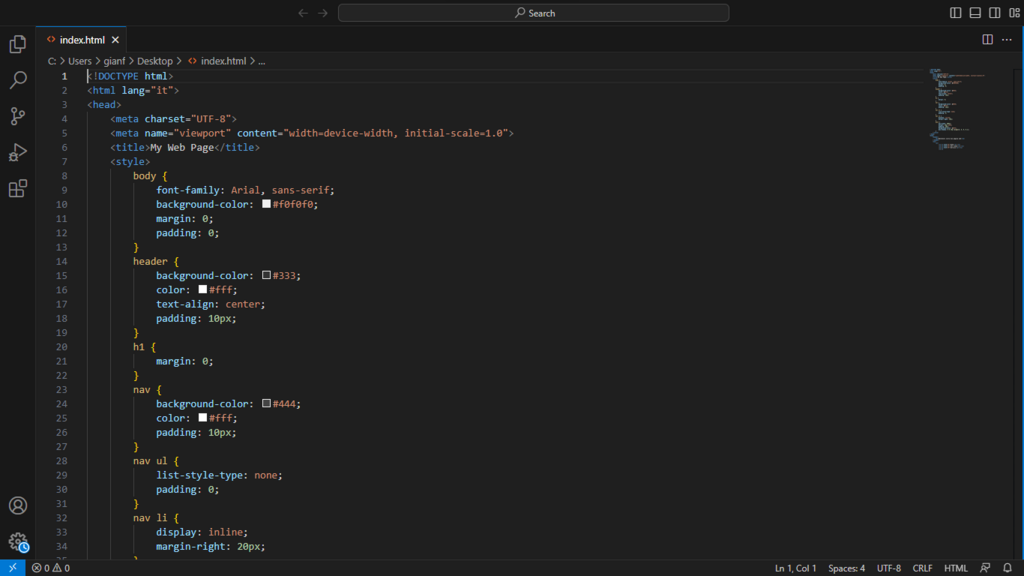
To get started, you just need to create two files: index.html and app.js. You can put the HTML code from the example above into index.html. For now, app.js can be empty. Once you have these two files, you can open the index.html file in your web browser. That’s it! You have a running (though very simple) website and are ready to start writing JavaScript.