JavaScript Fundamentals
Introduction to JavaScript
The Missing Piece
So far, you’ve learned how to build the skeleton of a webpage with HTML and style it with CSS. HTML provides the structure, like the frame of a house. CSS adds the paint, furniture, and decorations. But what happens when you flip a light switch? Or open a door? Nothing, because the house has no electricity or plumbing. It's static.
JavaScript is the electricity. It’s the programming language that breathes life into web pages, making them interactive and dynamic. It handles everything from simple animations and pop-up alerts to complex features like submitting forms without reloading the page or fetching new data from a server.
Without JavaScript, the web would be a collection of digital brochures. With it, we have applications for banking, social media, and streaming services, all running inside a browser tab.
A Quick History
In the mid-1990s, the web was mostly static text and images. The dominant browser was Netscape Navigator. To compete with Microsoft, Netscape decided it needed a simple programming language that could be embedded directly into HTML to make websites more interactive.
In 1995, a programmer named Brendan Eich was hired to create this language. Legend has it that he developed the first prototype in just 10 days. It was initially called Mocha, then LiveScript, and was finally renamed JavaScript to capitalize on the popularity of another language, Java. Despite the similar names, they are completely different languages.
To prevent any single company from controlling the language, JavaScript was submitted to ECMA International, a standards organization. This led to the creation of the ECMAScript standard, which is the official specification that all JavaScript engines (like those in Chrome, Firefox, and Safari) must follow. This ensures that code written today will work across different browsers.
How It Works with HTML and CSS
JavaScript is included in an HTML document using the <script> tag. You can either write the code directly inside this tag or, more commonly, link to an external .js file.
<!DOCTYPE html>
<html>
<head>
  <title>My First Interactive Page</title>
  <link rel="stylesheet" href="styles.css">
</head>
<body>

  <h1>Welcome!</h1>
  <p>Click the button to change this text.</p>
  <button id="myButton">Click Me</button>

  <!-- Link to an external JavaScript file -->
  <script src="script.js"></script>

</body>
</html>
The JavaScript file (script.js) can then manipulate the HTML elements. For example, it can find the button and the paragraph and tell the browser: "When the user clicks this button, change the text in that paragraph."
// This is the code inside script.js

// Find the button with the id 'myButton'
const button = document.getElementById('myButton');

// Find the paragraph
const paragraph = document.querySelector('p');

// Add an event listener for clicks
button.addEventListener('click', function() {
  // When clicked, change the paragraph's text
  paragraph.textContent = 'You clicked the button!';
});
This ability to find and modify HTML and CSS on the fly is what makes JavaScript so powerful. It's how websites can respond to user actions in real-time.
Setting Up Your Environment
The best part about learning JavaScript is that you already have everything you need. Every modern web browser has a built-in JavaScript engine and a set of developer tools.
To get started, you just need two things:
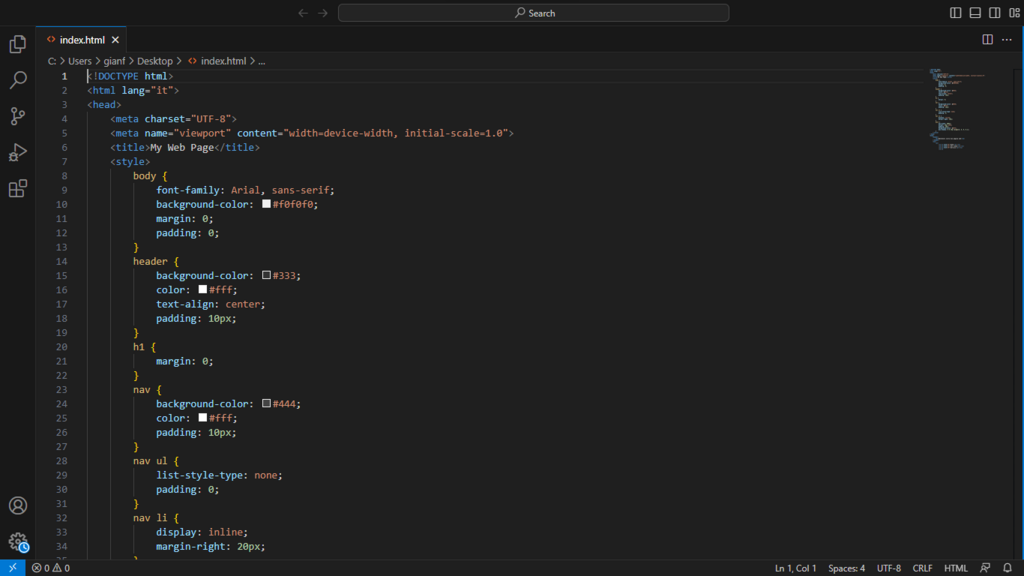
- A code editor: A simple text editor works, but a dedicated code editor like Visual Studio Code, Sublime Text, or Atom will provide helpful features like syntax highlighting and autocompletion.
- A web browser: Google Chrome, Mozilla Firefox, or Microsoft Edge are all excellent choices. They come with powerful developer consoles where you can run JavaScript code and see its output directly.
That's it. You don't need to install any compilers or complex software. You can create an index.html file and a script.js file, open the HTML file in your browser, and start coding.
Now you're ready to start writing code that makes things happen.