Java for Young Coders
Introduction to Java
What is Java?
Java is a popular and versatile programming language used to build a huge range of applications. Think of it as a universal toolkit for creating software. Its most famous feature is the principle of "write once, run anywhere." This means a program written on one type of computer (like a Mac) can run on another (like a Windows PC) without any changes. This is possible because Java code doesn't run directly on the computer's hardware. Instead, it runs on a special piece of software called the Java Virtual Machine, or JVM. The JVM acts as a translator, allowing the same Java code to work seamlessly across different systems.
The ability to run on any platform with a JVM makes Java incredibly portable and one of the most widely used programming languages in the world.
Real-World Java
You've likely used Java today without even realizing it. It's the engine behind many of the technologies we rely on daily.
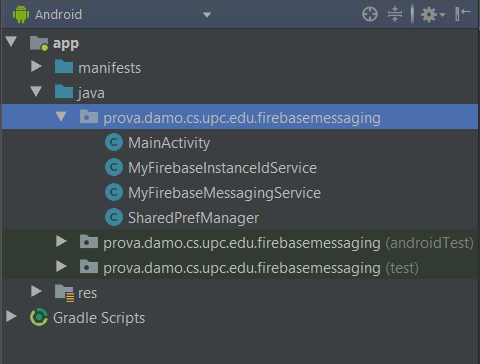
A huge number of Android apps are built with Java. It's also a powerhouse on the server side of the internet, running large-scale web applications for companies in banking, e-commerce, and entertainment. Many enterprise applications, the complex software that big companies use to manage their operations, are also written in Java. From scientific computing to connected devices in the Internet of Things (IoT), Java's reach is extensive.
Setting Up Your Workspace
Before you can start writing Java code, you need to set up your development environment. This involves two key components: the Java Development Kit (JDK) and an Integrated Development Environment (IDE).
JDK
noun
The Java Development Kit is the core foundation for building Java applications. It contains all the essential tools, including the compiler (which turns your code into a language the computer can understand) and the JVM (which runs your compiled code).
To install it, you'll need to download the appropriate version for your operating system from the official Oracle website or an alternative distributor like Adoptium. The installation process is straightforward and usually involves following the steps in an installation wizard.
With the JDK installed, your computer now has everything it needs to compile and run Java programs.
Next, you'll want an IDE. While you can write code in a simple text editor, an IDE makes the process much easier. It's a specialized application that combines a code editor, a compiler, and a debugger into one convenient package. An IDE helps you write code more efficiently, spots errors as you type, and makes it simple to run and test your programs.
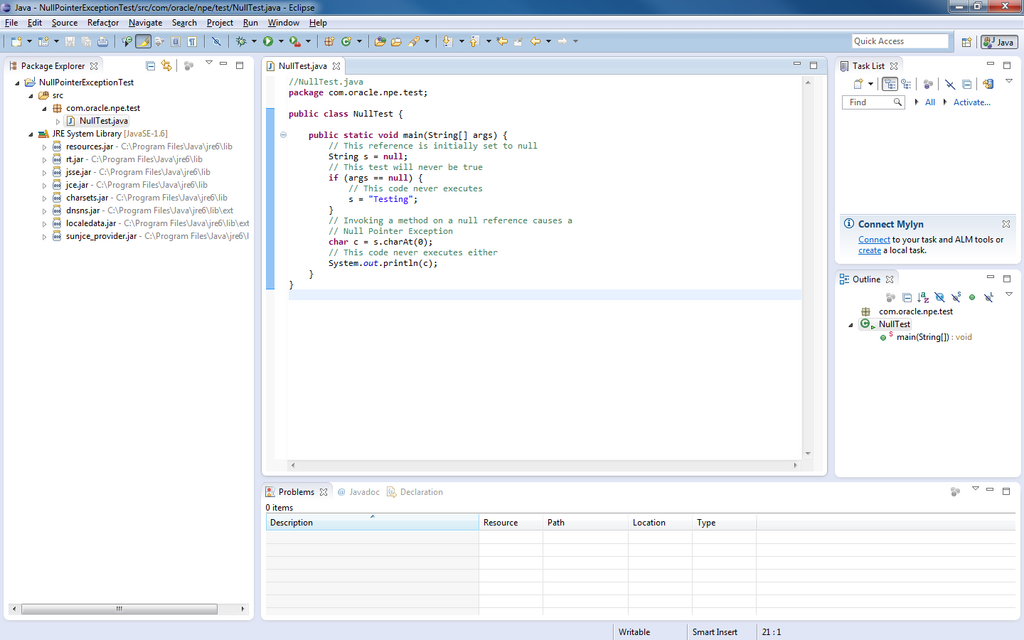
For beginners, popular choices include Eclipse, IntelliJ IDEA (Community Edition), and Visual Studio Code with the Java Extension Pack. Once you've installed an IDE, you'll configure it to use the JDK you installed earlier. Most modern IDEs will detect your JDK installation automatically, making setup a breeze.
Now that you have your tools ready, let's check your understanding of these foundational concepts.
What does the Java principle "write once, run anywhere" mean?
What is the primary role of the Java Virtual Machine (JVM)?
With your environment set up, you're ready to move on and write your very first line of Java code.