Introduction to Python Programming
Introduction to Python
What Is Python?
Python is a popular, high-level programming language known for its clear and readable syntax. Created by Guido van Rossum and first released in 1991, it was designed with a philosophy that emphasizes code readability, making it feel a bit like writing in plain English. This simplicity makes it an excellent language for beginners.
But don't let its simplicity fool you. Python is incredibly versatile. It's used for everything from building websites and automating repetitive tasks to conducting complex data analysis and building artificial intelligence models. Major companies like Google, Netflix, and NASA use it extensively.

One of Python's biggest strengths is its huge ecosystem of libraries and frameworks. These are collections of pre-written code that help developers build applications faster without having to start from scratch.
Getting Set Up
To start writing Python, you first need to install it on your computer. You can download the official installer from the Python website, python.org. Be sure to download the latest stable version for your operating system (Windows, macOS, or Linux).

During installation on Windows, you'll see an option to "Add Python to PATH." It's very important to check this box. This setting allows you to run Python programs easily from your computer's command line or terminal, which is a common way to execute code.
Once installed, Python comes with a simple built-in editor called IDLE (Integrated Development and Learning Environment). It's a great place to start writing your first few lines of code. As you get more experienced, you might move to more powerful code editors like VS Code or PyCharm, but for now, IDLE is all you need.
Your First Program
It's a long-standing tradition in programming to make your first program in a new language simply display the text "Hello, World!" on the screen. In Python, this is incredibly straightforward.
# This is a comment. Python ignores lines that start with a #.

# The print() function displays text to the screen.
print("Hello, World!")
That's it. That one line of code is a complete Python program. The print() part is a function, which is a reusable block of code that performs a specific action. In this case, it prints whatever you put inside the parentheses to the screen. The text inside the quotation marks is called a string.
To run this program, follow these steps:
- Open a plain text editor (like Notepad on Windows or TextEdit on Mac) or IDLE.
- Type
print("Hello, World!")into the editor. - Save the file with a
.pyextension, for example,hello.py. - Open your computer's terminal or command prompt.
- Navigate to the folder where you saved your file.
- Type
python hello.pyand press Enter. (On some systems, you might need to usepython3instead ofpython.)
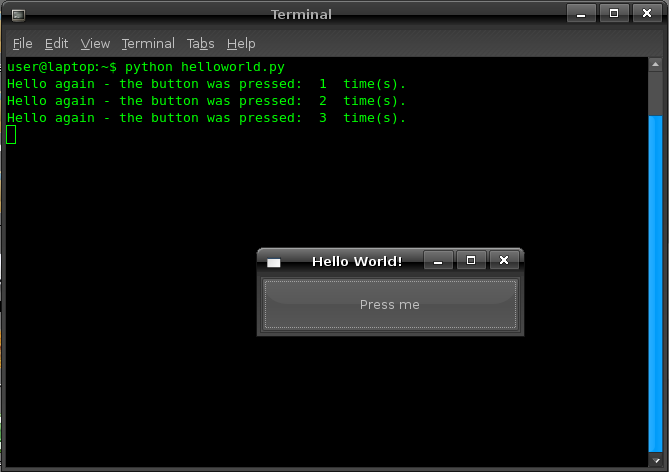
If everything is set up correctly, you'll see the words "Hello, World!" printed in your terminal. Congratulations, you've just written and executed your first Python program!
What is the primary design philosophy behind Python that makes it particularly suitable for beginners?
Which line of code correctly prints the text "Hello, World!" to the screen in Python?