Introduction to Python Programming
Python Basics
What is Python?
Python is a programming language known for its simplicity and readability. Created in the late 1980s by Guido van Rossum, its design philosophy emphasizes code that is easy to read and write. Think of it less like a cryptic machine language and more like a set of structured English instructions.
This focus on clarity means you'll spend less time wrestling with complex syntax and more time solving problems. It's one of the main reasons Python has become so popular for everything from web development and data science to artificial intelligence.

Getting Set Up
Before you can write Python code, your computer needs to be able to understand it. This requires installing the Python interpreter, which is the program that reads and executes your code. You can download the official interpreter for free from the Python Software Foundation's website, python.org.
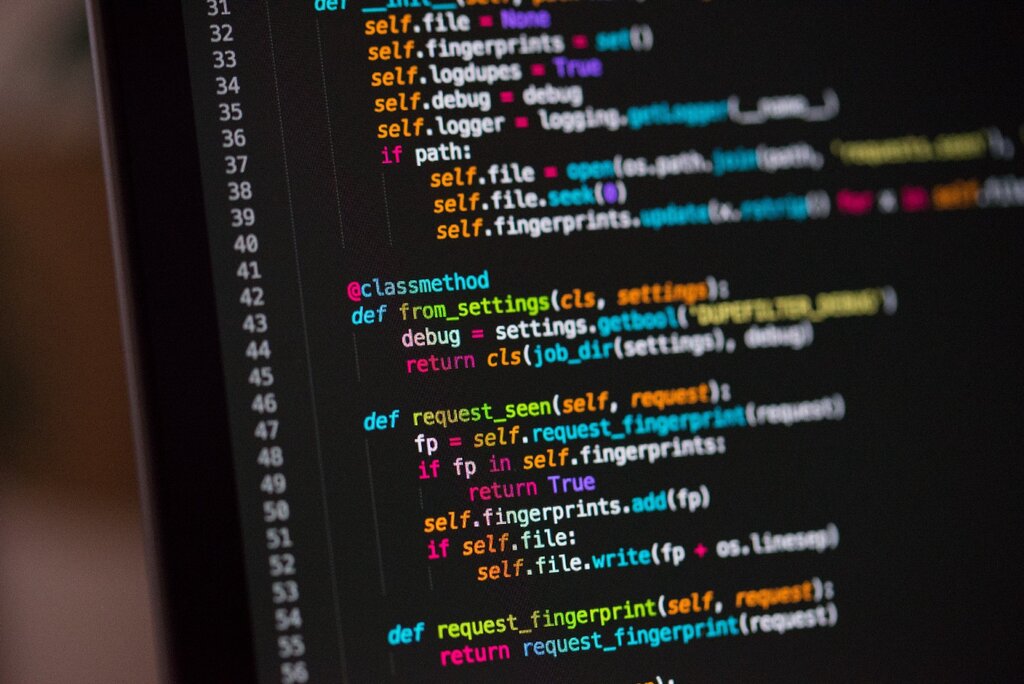
You also need a place to write your code. While you could use a simple text editor, most developers use an Integrated Development Environment (IDE) or a dedicated code editor like Visual Studio Code, PyCharm, or Sublime Text. These tools offer helpful features like syntax highlighting, which colors your code to make it easier to read, and error checking to catch mistakes early.
Your First Program
Let's write a program. The traditional first step in learning any new language is to make it say "Hello, World!". In Python, this is incredibly straightforward.
All you need is a single line of code:
print("Hello, World!")
That's it. The print() part is a built-in function that tells the computer to display whatever you put inside the parentheses. When you run this program, the text "Hello, World!" will appear on your screen.
The Rules of the Road
Python's syntax is clean, but it has a few key rules. The most important one is indentation. Unlike many other languages that use brackets or keywords to group code, Python uses whitespace. How you space your code at the beginning of a line is not just for looks; it's a strict rule.
Indentation tells the interpreter which lines of code belong together in a block. For example, if you have a piece of code that should only run when a certain condition is met, you must indent it.
Consistent indentation is mandatory in Python. The standard is to use four spaces for each level of indentation.
We'll cover conditional logic later, but look at this example to see how indentation creates a block:
# This is a comment. It starts with a #

if 5 > 2:
    # Notice the indentation on the next two lines.
    # They are part of the 'if' block.
    print("Five is greater than two!")
    print("This line also prints because it's in the same block.")

# This line is not indented, so it's not part of the 'if' block.
print("This line will always print.")
If you were to remove the spaces before the print() statements inside the block, the program would produce an error. Getting used to this rule is one of the first steps to thinking in Python.
Time to check what you've learned.
What is the primary design philosophy of the Python programming language?
Which line of code will correctly display the text Welcome to Python! on the screen?
Now that you have the basic setup and syntax down, you're ready to start working with data.