Introduction to Python Programming
Introduction to Python
What is Python?
Python is a high-level, general-purpose programming language. Think of it like a versatile tool in a workshop. You can use it to build websites, analyze data, automate tasks, or even create games. It's known for being powerful yet easy to read, which is why it's a popular choice for beginners and experts alike.
Python is a versatile and beginner-friendly programming language that has become immensely popular for its readability and wide range of applications.
One of Python's core principles is that code should be readable and clean. This philosophy is often summarized in a collection of guiding principles known as the Zen of Python. The idea is simple: code is read more often than it is written, so making it easy to understand is a top priority.
The Role of Indentation
Unlike many other programming languages that use brackets or keywords to group code, Python uses indentation. This means the spaces at the beginning of a line of code are part of the syntax. It forces programmers to write code that is visually organized and easy to follow.
# In other languages, you might see this:
if (x > 5) {
    // do something
}

# In Python, it's just this:
if x > 5:
    # do something
This might seem strange at first, but it quickly becomes second nature. It eliminates visual clutter and makes the structure of a program immediately obvious.
Different Ways to Code
Python is flexible and supports several ways of writing programs, known as programming paradigms. You don't need to master these now, but it's good to know they exist.
- Procedural Programming: Writing code as a series of steps or procedures. It's like following a recipe line by line.
- Object-Oriented Programming (OOP): Grouping related data and functions into objects. This is like organizing your kitchen so all your baking ingredients and tools are in one place.
- Functional Programming: Treating computation as the evaluation of mathematical functions and avoiding changing state. It's a more abstract approach, focusing on what to do rather than how to do it.
This flexibility allows developers to choose the best approach for the problem they're trying to solve.
Setting Up Your Workspace
Before you can write Python code, you need to install it on your computer. The official Python website is the best place to start. Go to python.org and head to the Downloads section. You'll see options for Windows, macOS, and Linux.

When you run the installer, there's one crucial step. On Windows, make sure to check the box that says "Add Python to PATH." This allows you to run Python from your computer's command line or terminal, which is a text-based interface for interacting with your system.
Once installed, you can verify it by opening your terminal (or Command Prompt on Windows) and typing python --version or python3 --version. If it's installed correctly, you'll see the version number printed back to you.
$ python --version
Python 3.11.3
Python comes with a built-in development environment called IDLE. It's a simple tool that lets you write and run Python code right away. As you advance, you might switch to a more powerful code editor like Visual Studio Code, PyCharm, or Sublime Text, but IDLE is perfect for getting started.
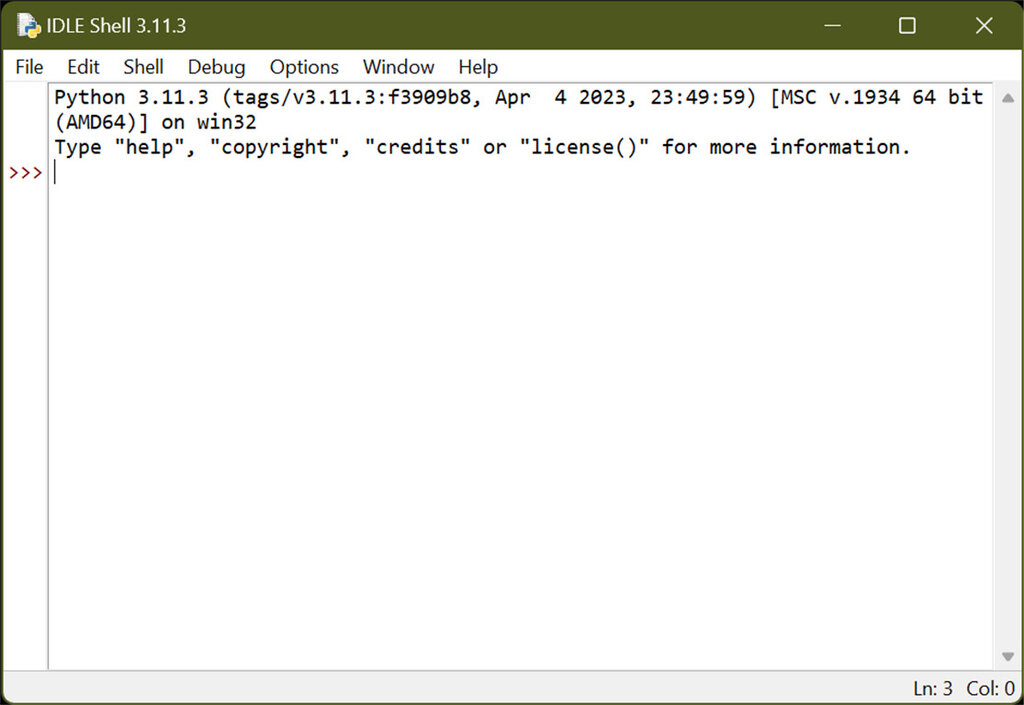
Now you have everything you need to start writing your first Python program.
What is the primary goal of Python's design philosophy, as emphasized by the 'Zen of Python'?
Instead of using symbols like curly braces {}, what does Python use to define the structure and grouping of code blocks?