Introduction to Python Programming
Python Basics
Getting Python Ready
Before you can write Python code, you need a place to run it. The first step is installing Python from its official website. Once installed, you have a few options. Many programmers use a dedicated code editor or an Integrated Development Environment (IDE), which are programs designed specifically for writing and running code.
For now, we can start with something simpler. Python comes with a built-in application called IDLE (Integrated Development and Learning Environment). It's a great place to write your first lines of code.
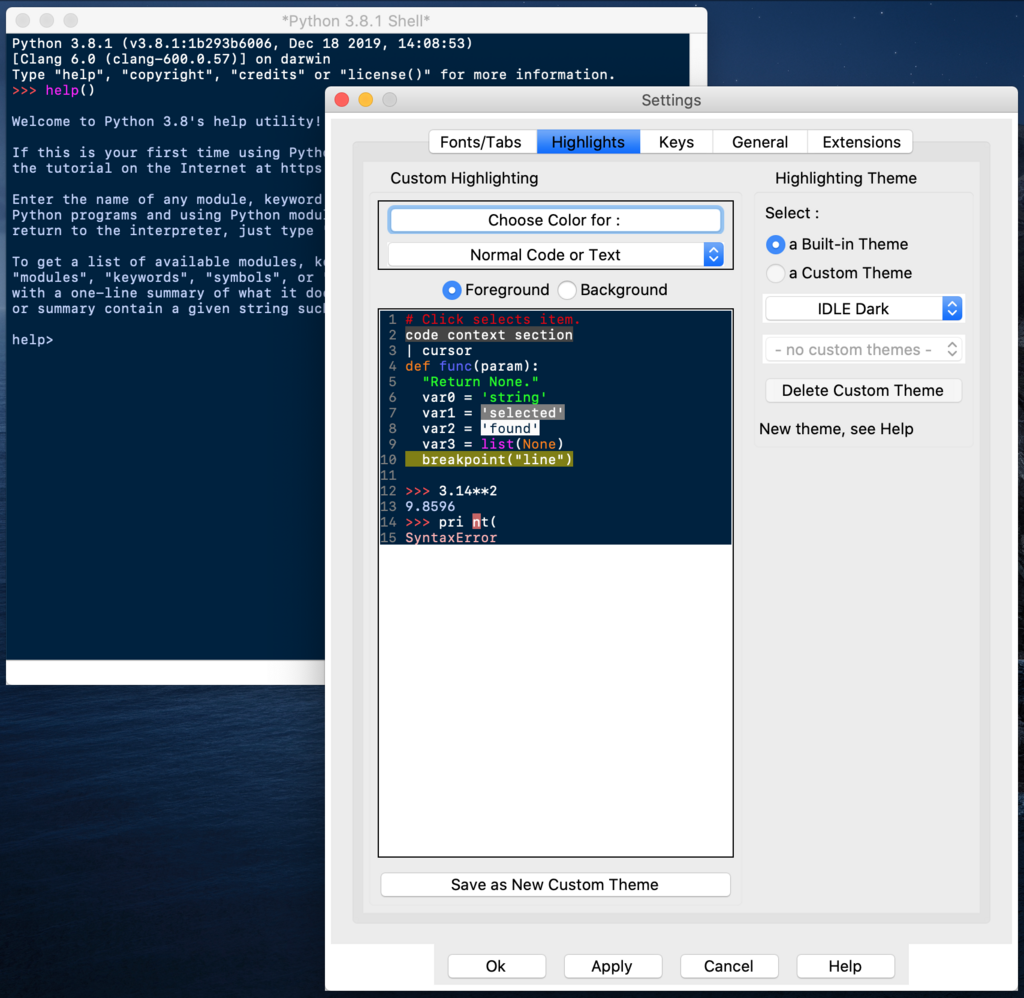
Let's write the traditional first program. In the IDLE window, type the following and press Enter. This tells the computer to display the text inside the parentheses.
print("Hello, World!")
The computer will immediately respond by printing Hello, World! back to you. You've just run your first Python program.
The Rules of the Road
Programming languages have rules, called syntax, just like human languages have grammar. Python's syntax is known for being clean and readable. One of its most distinctive features is how it uses indentation.
In many other languages, programmers use brackets or keywords to group code. Python uses whitespace. This forced consistency is a big reason why Python code is so easy to read.
Another key part of syntax is adding comments. Comments are notes for human readers that the computer completely ignores. In Python, you create a comment by starting a line with the hash symbol (#).
# This line is a comment. It won't affect the program.
print("This line will be executed.")
Good comments explain the why behind your code, not just the what.
Storing Information
Programs need to store and manage information. We do this using variables. Think of a variable as a labeled box where you can keep a piece of data. You give the box a name and put something inside it.
message = "Hello, Python learner!"
user_age = 25
pi_approx = 3.14
Here, message, user_age, and pi_approx are variable names. The data we store in them can be of different types. Python automatically figures out the data type based on the value you assign.
string
noun
A sequence of characters, like text. You create a string by wrapping text in single or double quotes.
integer
noun
A whole number, without any fractional part. Integers can be positive, negative, or zero.
float
noun
A number that has a decimal point. It's used for representing fractional numbers.
There's another fundamental type called a boolean, which can only be one of two values: True or False. We'll see how these become useful when we talk about making decisions in code.
Working with Data
Once you have data in variables, you can perform operations on it using operators. These are special symbols that represent computations, like addition or subtraction. A combination of values, variables, and operators is called an expression.
The most common are arithmetic operators:
| Operator | Description | Example |
|---|---|---|
+ | Addition | 5 + 3 |
- | Subtraction | 5 - 3 |
* | Multiplication | 5 * 3 |
/ | Division | 5 / 3 |
% | Modulo (remainder) | 5 % 3 |
** | Exponentiation | 5 ** 3 |
Let's try a few in action. You can combine variables and literal values in expressions.
a = 10
b = 3

# Python evaluates the expression on the right
# and assigns the result to the variable on the left.
sum_result = a + 5      # Result is 15
product = a * b       # Result is 30
remainder = a % b     # Result is 1
We can also use operators with strings. The + operator concatenates, or joins, strings together.
first_name = "Grace"
last_name = "Hopper"

full_name = first_name + " " + last_name
# full_name is now "Grace Hopper"
Comparison operators are used to compare two values. These expressions always evaluate to a boolean: True or False.
| Operator | Description | Example |
|---|---|---|
== | Equal to | a == b |
!= | Not equal to | a != b |
> | Greater than | a > b |
< | Less than | a < b |
>= | Greater than or equal to | a >= b |
<= | Less than or equal to | a <= b |
Notice the difference between
=(assignment) and==(comparison). A single equals sign assigns a value to a variable, while a double equals sign checks if two values are the same.
In Python, what is the primary purpose of a line of code that starts with a hash symbol (#)?
Which of the following best describes a variable in programming?