Introduction to Python Programming
Introduction to Python
What Is Python?
Python is a programming language known for its clear, readable syntax. It was created in the late 1980s by Guido van Rossum, who wanted a language that was easy to write and understand. Its design philosophy emphasizes code readability, which is why its syntax looks a lot like plain English. This makes it a fantastic language for beginners.

But don't let its simplicity fool you. Python is incredibly powerful and versatile. It's used by major companies like Google, Netflix, and NASA for a huge variety of tasks.
Python is used in web development, data analysis, artificial intelligence, scientific computing, and task automation. If you've ever used Spotify or watched a video on YouTube, you've interacted with systems that use Python.

Getting Set Up
To start writing Python, you need two things: the Python interpreter and a place to write your code. The interpreter is a program that reads your Python code and carries out its instructions. A code editor or Integrated Development Environment (IDE) is where you'll type your code.
First, let's install Python. The best way to get it is from the official website, python.org. The site will automatically detect your operating system and suggest the correct installer.
- Windows: Download the installer and run it. Make sure to check the box that says "Add Python to PATH" during installation. This will make it easier to run Python from the command line.
- macOS: Download the installer from the website and follow the installation steps.
- Linux: Most Linux distributions come with Python pre-installed. You can check by opening a terminal and typing
python3 --version. If it's not installed, you can usually install it through your distribution's package manager.

Next, you need a good place to write code. While you could use a simple text editor, an IDE makes life much easier. An IDE is a software application that provides comprehensive facilities to computer programmers for software development. It typically consists of a source code editor, build automation tools, and a debugger.
For beginners, Thonny is a great choice. It's designed specifically for learning and comes with Python built-in, so it's a one-stop shop. Other popular options include PyCharm and Visual Studio Code, which are more powerful but also more complex.

Your First Program
It's a long-standing tradition in programming to make your first program display the message "Hello, World!". This is a simple way to confirm that your setup is working correctly. Open your IDE, create a new file, and save it as hello.py.
Now, type the following line of code into your file:
print("Hello, World!")
This code uses the built-in print() function to display text on the screen. Anything inside the parentheses and quotation marks will be printed out as a string of characters.
Now, run the program. In most IDEs, there's a "Run" button (often a green triangle) that will execute your code. You should see the output "Hello, World!" appear in a console or terminal window.
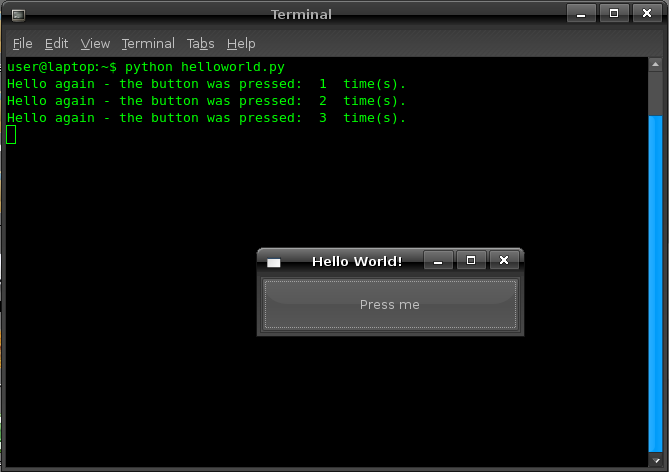
Congratulations! You've just written and run your first Python program. You're now ready to start exploring the fundamentals of the language.
What is the primary design philosophy behind the Python programming language?
What is the function used to display text on the screen in Python?