Introduction to Python Programming
Introduction to Python
What is Python?
Python is a programming language that’s become incredibly popular for its simplicity and power. It's considered a high-level, general-purpose language, which means you can use it to build almost anything, from web applications and data analysis tools to artificial intelligence and video games. Its design is clean and easy to read, making it a great choice for beginners.

The core philosophy of Python is centered on code readability. The idea is that code is read far more often than it's written, so making it clean and understandable is a top priority. This is often summarized in a collection of guiding principles known as the "Zen of Python," which includes aphorisms like "Beautiful is better than ugly" and "Simple is better than complex."
One of the most distinctive features of Python that enforces this philosophy is its use of indentation. Instead of using curly braces or keywords to group blocks of code like many other languages, Python uses whitespace. This forces programmers to write code that is visually organized and easy to follow.
In Python, the structure of your code is defined by how you indent it. This might feel different at first, but it quickly leads to cleaner, more consistent-looking programs.
Python also supports multiple ways of writing programs, known as programming paradigms. This flexibility allows you to choose the best approach for your project. The main paradigms it supports are:
- Procedural programming: Writing code as a series of steps or procedures. This is a straightforward, top-down approach.
- Object-oriented programming (OOP): Organizing code around objects, which bundle data and the functions that operate on that data. This is useful for creating complex, reusable applications.
- Functional programming: Treating computation as the evaluation of mathematical functions and avoiding changing state and mutable data.
Getting Started with Python
To start writing Python, you first need to install it on your computer. The official Python website is the best place to get the latest version. The installation process is straightforward and usually involves downloading an installer and clicking through a few screens. It’s important to make sure you check the box that says "Add Python to PATH" during installation on Windows, as this will make it easier to run Python from your command line.

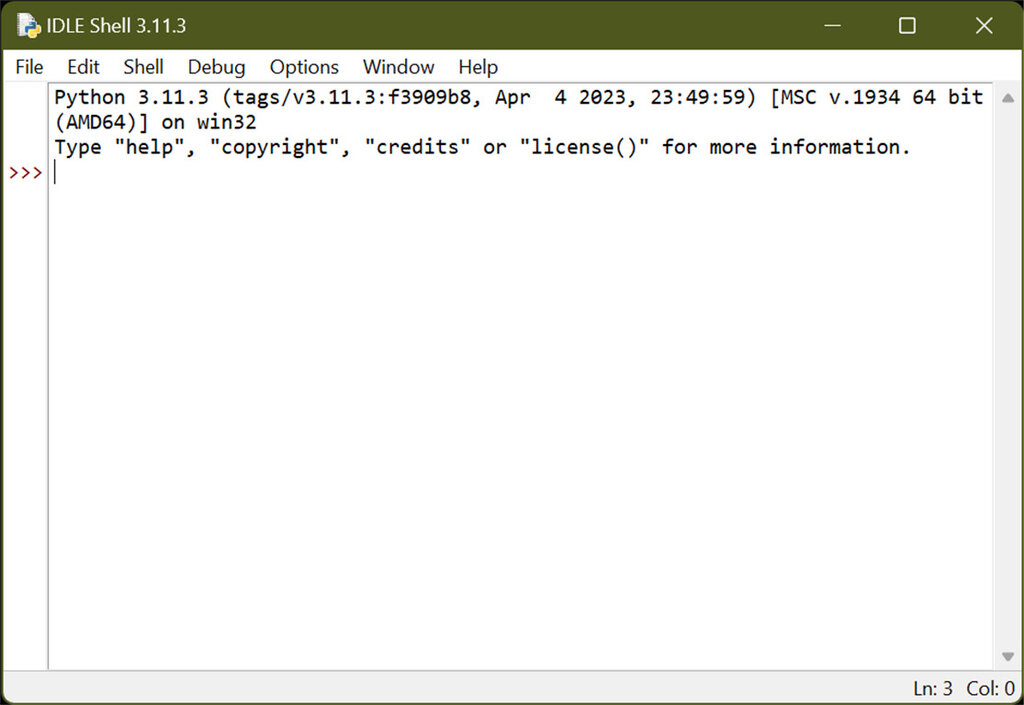
Once installed, you can write and run Python code in a few ways. You can use a simple text editor and run your code from the command line, or you can use an Integrated Development Environment (IDE). An IDE is software that provides everything you need in one place: a text editor, tools for running your code, and a debugger to help you find and fix errors. Python comes with a simple built-in IDE called IDLE, which is great for learning.
Your First Python Script
Let's write a classic first program: one that prints "Hello, World!" to the screen. It’s a simple tradition that marks the first step in learning any new language. In Python, this only takes one line of code.
print("Hello, World!")
To run this, you can open your computer's command line or terminal. First, save the code above in a file named hello.py. The .py extension is important, as it tells the computer this is a Python file. Then, navigate to the directory where you saved the file and type the following command:
python hello.py
When you press Enter, you should see the text Hello, World! printed on the next line. Congratulations, you've just run your first Python script!
Now, let's test your knowledge on these introductory concepts.
What is a central principle of Python's design philosophy?
How does Python define blocks of code (such as the body of a loop or function)?
You've taken the first step into a much larger world. With these basics in place, you're ready to start exploring what makes Python such a powerful and enjoyable language to work with.