Introduction to Mobile App Development
Introduction to Mobile App Development
The World in Your Pocket
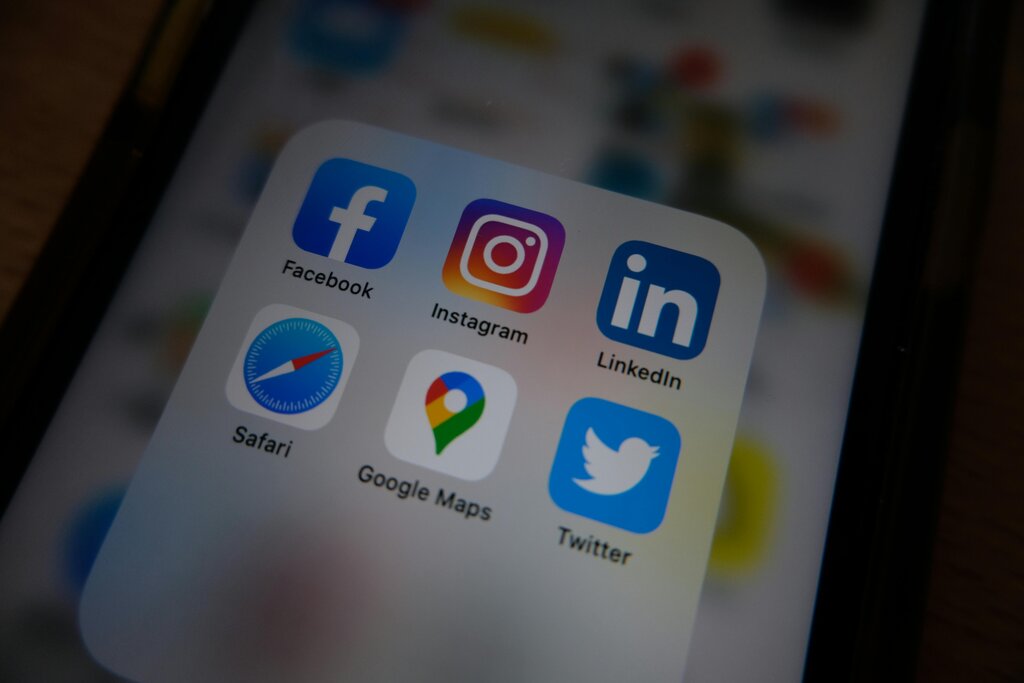
Smartphones have become central to our daily lives, and the apps on them are the reason why. From ordering food and navigating new cities to managing finances and connecting with friends, mobile applications have fundamentally changed how we interact with the world. This collection of apps on your phone is part of a massive digital world called the mobile ecosystem.
The ecosystem isn't just the apps you see. It includes the app stores where you download them (like Apple's App Store and Google's Play Store), the operating systems that run them (iOS and Android), and the developers who create them. Every time you tap an icon, you're plugging into this vast, interconnected network.
Three Flavors of Apps
While most apps look similar on the surface, they can be built in very different ways. There are three main types: native, web, and hybrid.
Native apps are built specifically for one operating system, like iOS or Android. They're written in the platform's preferred programming language (like Swift for iOS or Kotlin for Android). This allows them to run very fast and take full advantage of the phone's features, like the camera, GPS, and contact list.
Web apps, on the other hand, aren't really apps in the traditional sense. They're websites designed to look and feel like an app when you access them on your phone's browser. They don't need to be downloaded from an app store. While convenient, they are often slower and can't access all of the phone's hardware.
Hybrid apps are a mix of both. They are built using web technologies but are wrapped in a native shell. This means they can be downloaded from an app store and can access some device features, just like a native app. They offer a middle ground, allowing developers to write code once and deploy it on both iOS and Android, saving time and money.
| Feature | Native App | Web App | Hybrid App |
|---|---|---|---|
| Performance | Highest | Lowest | Medium |
| App Store? | Yes | No | Yes |
| Device Access | Full | Limited | Medium |
| Development Cost | High | Low | Medium |
How an App is Built
Regardless of the type, most modern apps share a similar basic structure. They are typically split into two main parts: the front-end and the back-end. Think of it like a restaurant. The front-end is the dining area where you sit, read the menu, and place your order. The back-end is the kitchen, where your order is received, cooked, and prepared for you.
To make this work, several key components come together:
- User Interface (UI) / User Experience (UX): This is the visual design and overall feel of the app—what you see and interact with. Good UX makes an app intuitive and enjoyable to use.
- Front-end: This is the part of the app that runs on your phone. It's all the code that creates the buttons, images, and text you interact with.
- Back-end: This is the server-side, the engine of the app. It handles tasks like storing user data, processing payments, and managing the app's logic.
- Application Programming Interface (API): The API is the messenger that allows the front-end and back-end to communicate. When you tap a button on the app, the front-end sends a request through the API to the back-end, which then sends a response back.
Let's review these core concepts.
Now, let's test your understanding of these foundational ideas.
Which of the following best describes the 'mobile ecosystem'?
In the restaurant analogy, what part of a mobile app corresponds to the 'kitchen'?
Understanding these basic building blocks is the first step in learning how mobile apps are created from an idea to a finished product on your phone.