Introduction to Java Programming
Introduction to Java
What is Java?
Java is a popular programming language, first released in 1995. Think of it as a versatile tool that can build almost anything digital, from mobile apps and video games to large-scale business applications and scientific tools. It's one of the most in-demand languages in the world for a few key reasons: it's designed to be reliable, secure, and flexible.
At its core, Java is an object-oriented programming (OOP) language. This is a way of organizing code that models the real world. Instead of writing long, continuous scripts, you create self-contained "objects" that have their own data and behaviors. This approach makes code easier to manage, reuse, and scale, which is especially important for complex projects.
Write Once, Run Anywhere
One of Java's most famous promises is "write once, run anywhere." This means a developer can write a program on a Mac and have it run on a Windows or Linux computer without changing the code. This was a revolutionary idea when Java was created, and it’s still a powerful feature today.
How does this work? The secret is the Java Virtual Machine, or JVM. When you write Java code, it isn't compiled directly into instructions for a specific computer. Instead, it's compiled into an intermediate format called bytecode. This bytecode is like a universal language that any JVM can understand.
The JVM acts as a translator. Each operating system (Windows, macOS, Linux) has its own version of the JVM. When you run a Java program, the JVM on that specific machine translates the universal bytecode into native machine code that the computer's processor can execute. This extra layer is what makes Java platform-independent.
Setting Up Your Workspace
To start writing Java, you need two key pieces of software: the Java Development Kit (JDK) and an Integrated Development Environment (IDE).
Think of the JDK as your toolbox and the IDE as your workshop. You need both to build things effectively.
The JDK provides all the essential tools for programming in Java. It includes the compiler (which turns your source code into bytecode) and the Java Runtime Environment (JRE), which contains the JVM needed to run the programs. You can download the latest version of the JDK directly from Oracle's website. The installation is straightforward, just follow the instructions for your operating system.
The IDE brings all these tools together into a single application that makes writing code much easier. A good IDE includes a smart code editor that highlights errors and suggests completions, a debugger to help you find and fix bugs, and tools to run and manage your projects. It streamlines the whole development process.
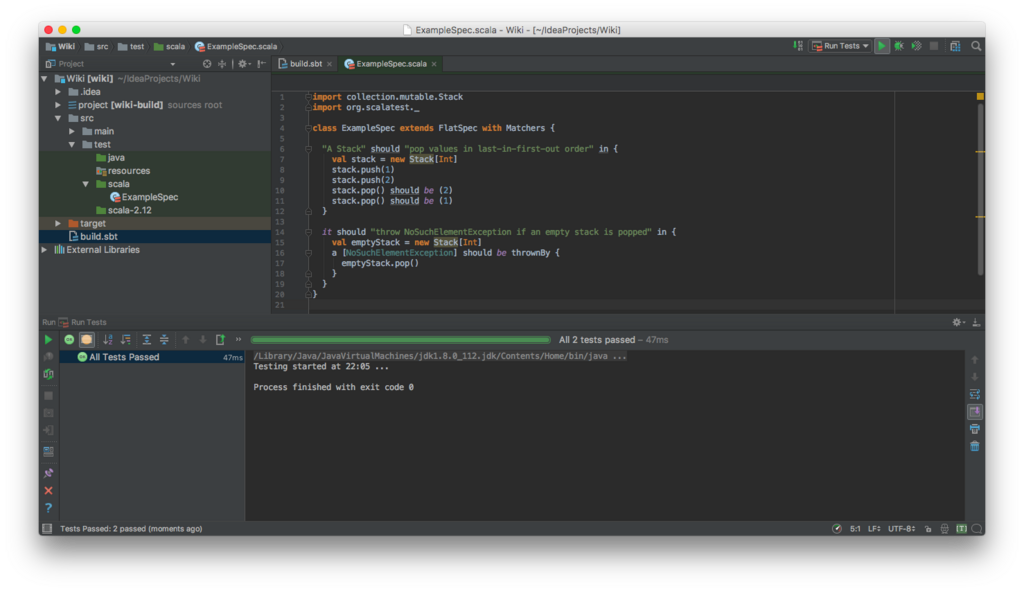
While you could write Java code in a simple text editor and compile it using command-line tools from the JDK, an IDE is the standard for professional development. Some of the most popular IDEs for Java are IntelliJ IDEA, Eclipse, and Visual Studio Code with Java extensions. For beginners, IntelliJ IDEA Community Edition or Eclipse are excellent free choices.
Once you have the JDK installed and an IDE set up, you are ready to write your first line of Java code.