How Computers Work
Computer Components
The Brain of the Operation
Every computer has a central processing unit, or CPU. Think of it as the computer's brain. It's a small, powerful chip that carries out the commands you give it, from opening a program to playing a video. It processes instructions, performs calculations, and manages the flow of information through the rest of the system.
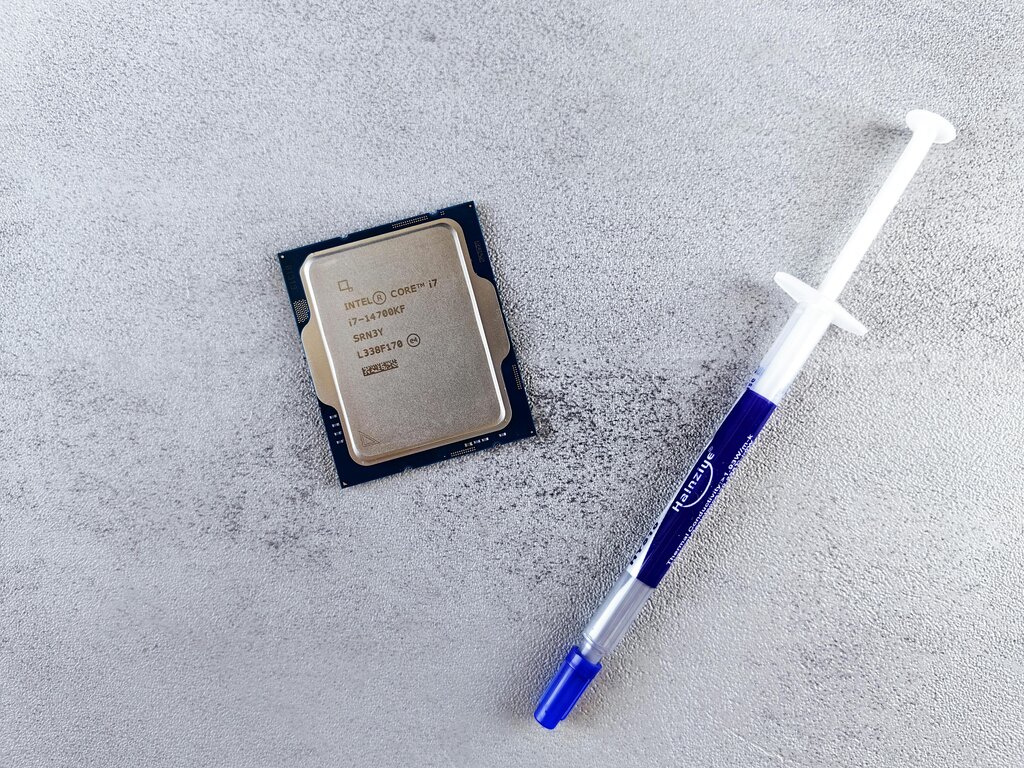
Whenever you click your mouse or type on your keyboard, the CPU is what interprets those actions and tells other components what to do. Its speed and efficiency are crucial for the overall performance of your computer. Just like a brain, it's the core component that makes everything else work together.
Memory and Storage
Computers have two main types of memory: short-term and long-term. This is a bit different from how we think about our own memory, but the analogy is helpful.
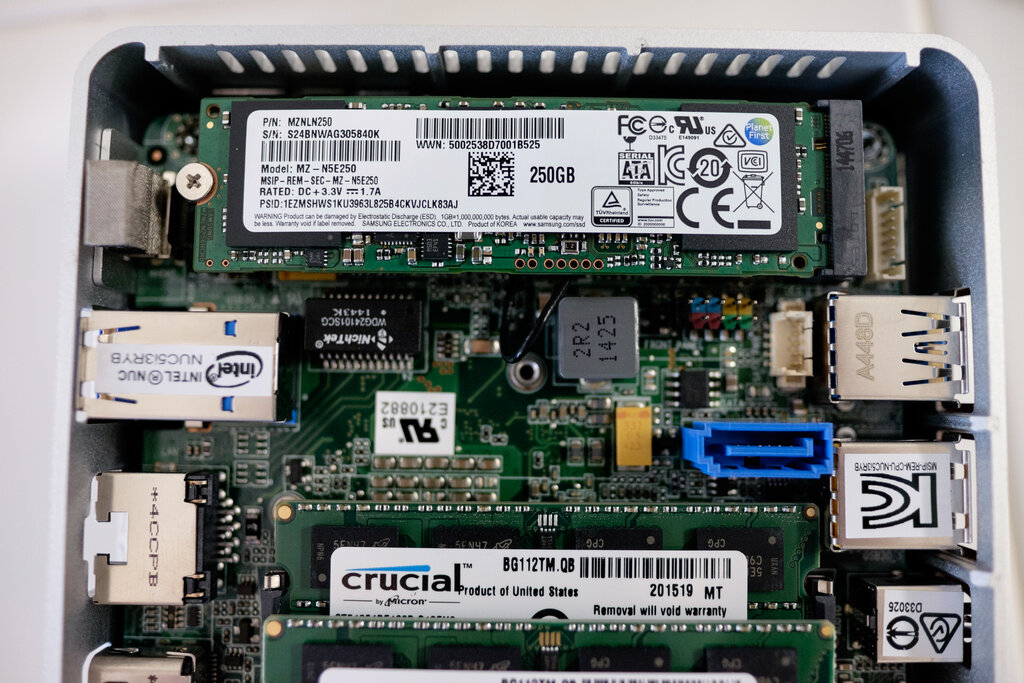
Short-term memory in a computer is called RAM, while long-term storage is handled by hard drives or solid-state drives.
RAM, or Random Access Memory, is the computer's workspace. When you open a file or run an application, it gets loaded into RAM for quick access by the CPU. It's incredibly fast, which is why it's used for active tasks. However, RAM is volatile, meaning it forgets everything as soon as the computer is turned off. It’s like a desk: you put out what you need to work on, and you clear it off when you’re done.

There's another, more permanent type of memory called ROM, or Read-Only Memory. This memory holds the essential instructions for starting up the computer. You can't change what's on it, and it doesn't get erased when the power is off. It’s the computer’s instruction manual, burned right into the hardware.
For saving your files, photos, and programs long-term, computers use storage devices. A Hard Disk Drive (HDD) is a traditional storage device that uses spinning magnetic disks to store data, like a tiny, high-tech record player. They offer a lot of storage for a lower cost.
A Solid-State Drive (SSD) is a newer type of storage that uses flash memory with no moving parts. This makes SSDs much faster, quieter, and more durable than HDDs. Most modern computers use SSDs because they can boot up and launch programs in just a few seconds.
Getting Information In and Out
To interact with a computer, you need ways to give it information and get information back. This is done through input and output devices.
Input devices send data to the computer. The most common examples are the keyboard and mouse. When you type or click, you're providing input that the CPU processes.
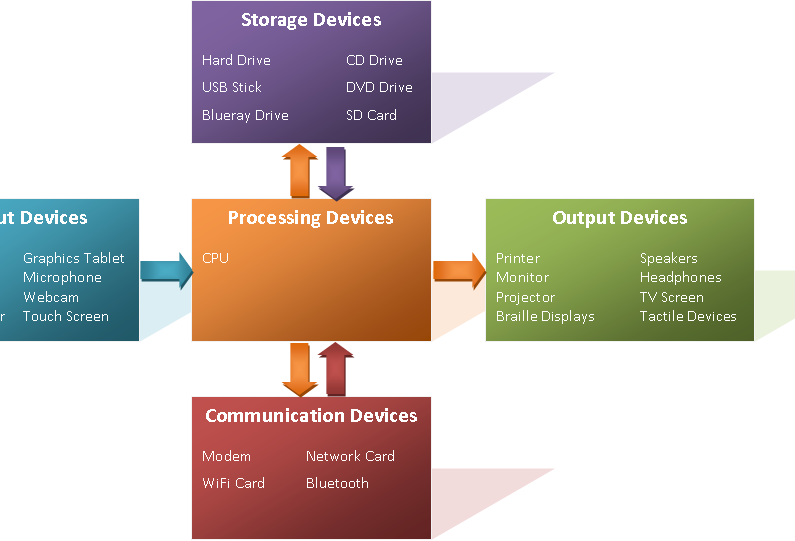
Output devices get data from the computer and present it to you. The monitor is the primary output device, displaying text, images, and videos. When you want a physical copy of something, you use another output device: the printer.
Together, these components—CPU, memory, storage, and input/output devices—form the basic hardware that makes a computer function.